
We may receive a commission on purchases made from links.
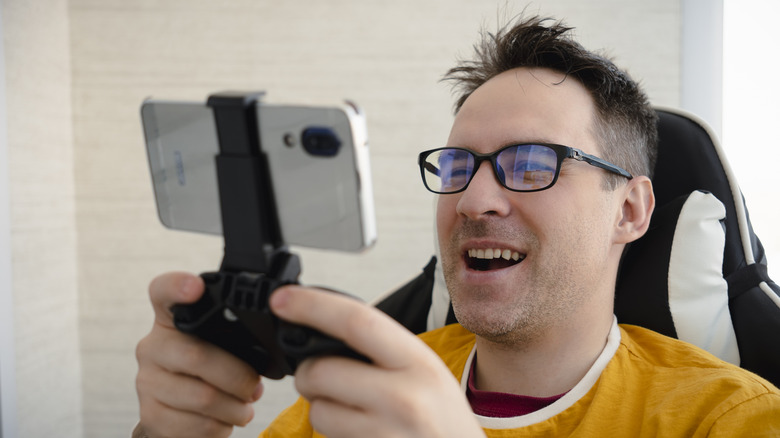
When looking for a gaming handheld, the Nintendo Switch 2, Steam Deck, and Asus ROG Ally X are the usual recommendations. However, they aren’t the cheapest options, with each one costing hundreds of dollars. If you don’t want to pay that much and then have to purchase games on top of that, you have another option: your smartphone. With a good mobile game controller and subscription service, you can turn it into a respectable portable gaming console.
Even the mid-range phones of today are capable of running games with impressive graphical detail since they have surprisingly powerful chips and a good amount of RAM. For instance, the Samsung Galaxy S25 FE is outfitted with a Snapdragon 8 Elite and 8GB of RAM, which makes it capable of running demanding titles like “Genshin Impact” and “Call of Duty: Mobile” at high settings. Now, since the major purchase is already out of the way, you don’t need to do a whole lot to start playing great mobile games on it comfortably.
Use a mobile game controller
All gaming handhelds have controllers that are responsive and feel good to use. Your phone, on the other hand, primarily relies on on-screen touch controls, and there are two major problems here that can make it feel like less of a portable gaming console. Firstly, it lacks the input feedback you get from pressing a button. The feedback helps because it sends a signal to your brain that you have triggered an action instead of solely relying on visual cues, which are not always reliable.
Secondly, your fingers can obscure parts of the screen, which can reduce visibility and increase errors. A mobile gaming controller can solve both of these problems while making the mobile gaming experience feel more intuitive. The Razer Kishi V3 Pro Gaming Controller for Android and iOS, which you can get for $149, is capable of not only making your mobile device look like a gaming handheld, but also feel like one as well.
It has all the buttons you’d expect from a full-sized controller, including face buttons, bumpers, triggers, and analog sticks. It also has haptic feedback, an ergonomic grip, and comes with three months of free Apple Arcade. When you’re not using it on your mobile, you can connect it to your computer via a USB-C cable and use it to play PC games.
Subscribe to a mobile game subscription service with great indie ports
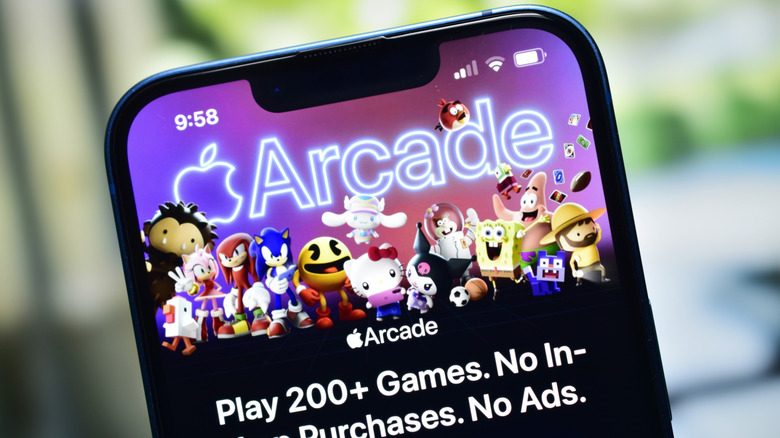
Having a mobile game controller doesn’t mean much if you don’t have great games to play on it with. While you can find some controller-friendly free-to-play games on the App Store and Google Play, subscribing to Apple Arcade for $6.99 a month or Google Play Pass for $4.99 a month can unlock options without ads or in-app purchases. Games that work great with a controller on these services include “Asphalt 8: Airborne,” “Dead Cells,” and “Oceanhorn 3.”
Netflix also has a great selection of games, meaning you might not even need to subscribe to Apple Arcade or Google Play Pass if you’re already a member. It’s a curated list of over 120 mobile games, and they’re available on all subscription tiers. On top of its self-published games like “Stranger Things 3: The Game” and “The Queen’s Gambit Chess,” you have ports of PC and console games like “Red Dead Redemption,” “Teenage Mutant Ninja Turtles: Shredder’s Revenge,” “Sonic Mania Plus,” and even “Dead Cells: Netflix Edition.”
Don’t forget about cloud gaming
One of the biggest benefits of cloud gaming is that you don’t need powerful hardware to play the latest games. Since the game is being streamed from a server instead of running directly on your phone’s hardware, you can stream AAA games, even on a low-end device. You just need access to a stable, high-speed internet connection (15 Mbps and above) and a phone that meets the minimum requirements.
One example is Nvidia GeForce Now, where you can play games like “Arc Raiders,” “Diablo IV,” and “Baldur’s Gate 3” on your phone. On Android, you need a phone with 1GB of RAM, Android 7.0 or later, and OpenGL ES 2.0 support. On iPhone, you need a device running iOS 15.4 or later. GeForce Now has a free, ad-supported tier where you can play more than 2,000 PC games for one hour at a time. There are also plans without ads that have more than 4,000 games and increase the session limits to six hours or more, starting at $9.99.
If you’re a fan of retro games, then AntStream provides an affordable way to play over 1,000 old games. On top of arcade games, it’s packed with hundreds of titles from consoles like Amiga, Atari 2600, NES, SNES, Game Boy, Sega Genesis, and PlayStation 1. New games are added each week, and you can play them on your phone for $3.99 a month or $39.99 annually.