
I should be on the beach, but instead I’m playing Resident Evil Requiem.
Here I am in Hawaii, sunny skies and steps from the ocean, and as soon as it gets dark, I’m thinking about making my way back to my hotel room so I can sit in the dark and play more of the Resident Evil that our reviewer Elie Gould praised for “wrapping all the best elements of previous Resident Evil games into one.”
So far, I agree, but mostly I’ve been marvelling at just how playable this shiny new 2026 game is on the Steam Deck. Four years on from the gaming handheld’s release, it’s becoming more and more common for new triple-A games to be a bit too demanding of the Deck’s modest hardware—even 30 fps can be out of reach.
Asus ROG Ally | 720p Lowest preset | No ray tracing (RT) | FSR Balanced upscaling
While Nick ran into a major issue running Requiem on the Windows-based ROG Ally, I’ve had zero problems running it on the Steam Deck at a very playable framerate. Initially, I let Requiem set the graphics options automatically, at which point it knocked everything to the lowest settings.
But with a bit of experimentation, I ended up with a balance of options that let me cap the framerate at a very stable 40 fps with a few nice improvements over the bottom-of-the-barrel preset:
- Hair Strands: On (from main menu)
- Screen space reflections: On
- AMD FSR 3.1.5 upscaling: Balanced
- Volumetric fog: Low
- Shadow quality: Normal
- Ambient occlusion: Low
As you can see from this video from YouTuber Santiago Santiago, who runs through all the game’s graphical settings on the Deck and tries a variety of tweaks, Requiem can run on the Deck at 40 fps even in Leon’s action sections, as long as you’re okay with some shimmering from AMD FSR 3 upscaling.

If you disable upscaling and instead use TXAA, you’re going to see some more dips into the 30s in scenes with a lot going on—but that’s also a stress test scenario. Much of the game has you playing as Grace in confined hallways with just one or two enemies around at a time, making 40 fps a pretty reasonable target for at least the first half of Requiem.
If you’re playing in the more confined first-person view, it’s definitely easier to maintain a consistent 40 fps with few dips; I saw the framerate fluctuate more when I switched to the more expansive third-person camera, particularly with the fast camera movement from over-the-shoulder aiming. I’d love to see the same 60 fps RE2 Remake could deliver on the Steam Deck, of course, but seven years after that game’s release hitting 40 with a few caveats still feels like a win.
Image 1 of 4

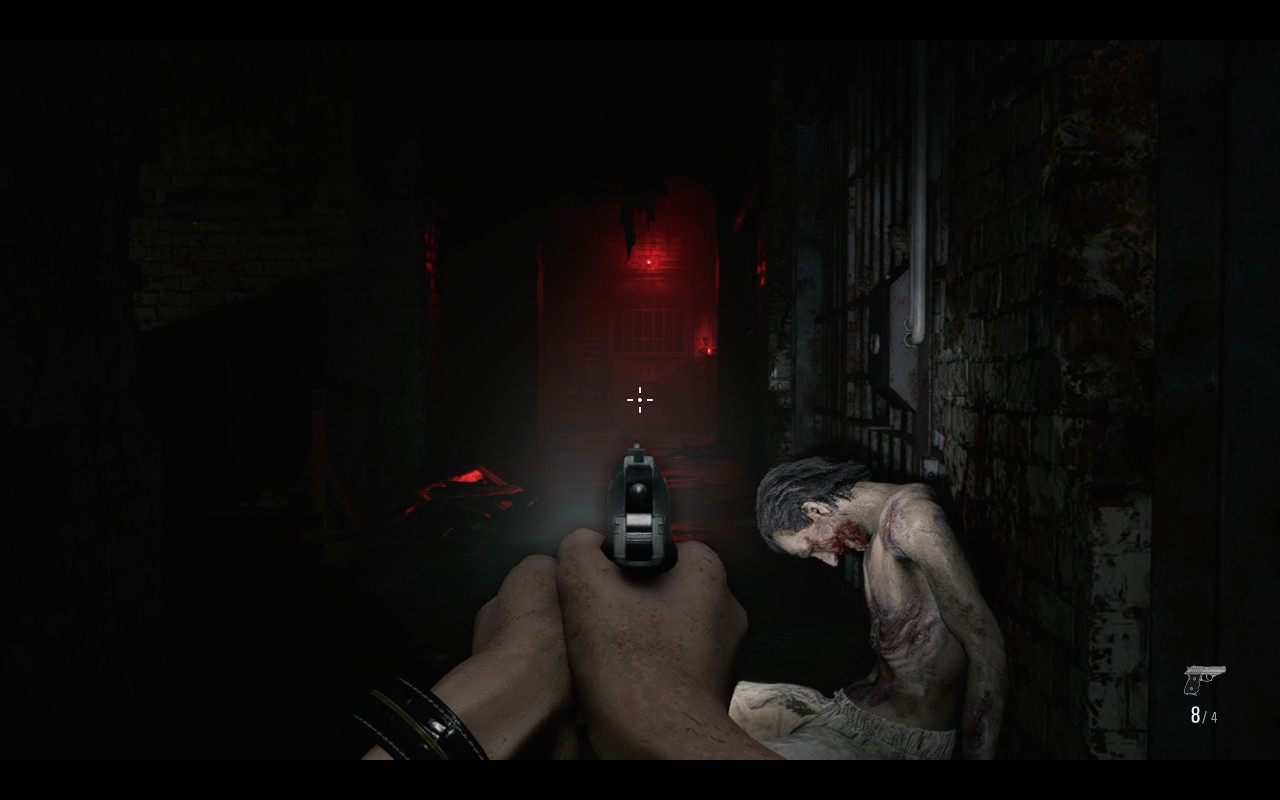


If you’re not used to Steam Deck tinkering, you may be wondering why 40, rather than bumping up some graphics settings and locking at the 30 fps that games have had on consoles for so many years. You certainly can do that, but I find that the lower frame times at 40 fps—exactly halfway between 30 fps’s 33.33 ms and 60 fps’s 16.66 ms—to feel noticeably better. Human perception is a bit too complicated to say that the math is the be-all end-all here, but it at least feels true that you can get a meaningful bump in responsiveness at a modest performance cost.
If I was at home, I’d definitely rather play Resident Evil Requiem on my OLED monitor with its inky blacks and a 120 fps framerate cap—but as distractions from the boundless beauty of the natural world go, turns out RE and the Steam Deck are still an eerily good match.