
Microsoft is expanding the lineup of hardware designed to access Windows 365, its service that lets you rent a Windows PC in the cloud.
Cloud streaming services are not just about games. In addition to Xbox Cloud Gaming, Microsoft has Windows 365, which carries the same idea for a different purpose: instead of playing games, you get a Windows PC in the cloud for work. In 2024, Microsoft announced Windows 365 Link, a thin client for accessing the service, and today, the company is expanding the lineup with two more devices from its partners.
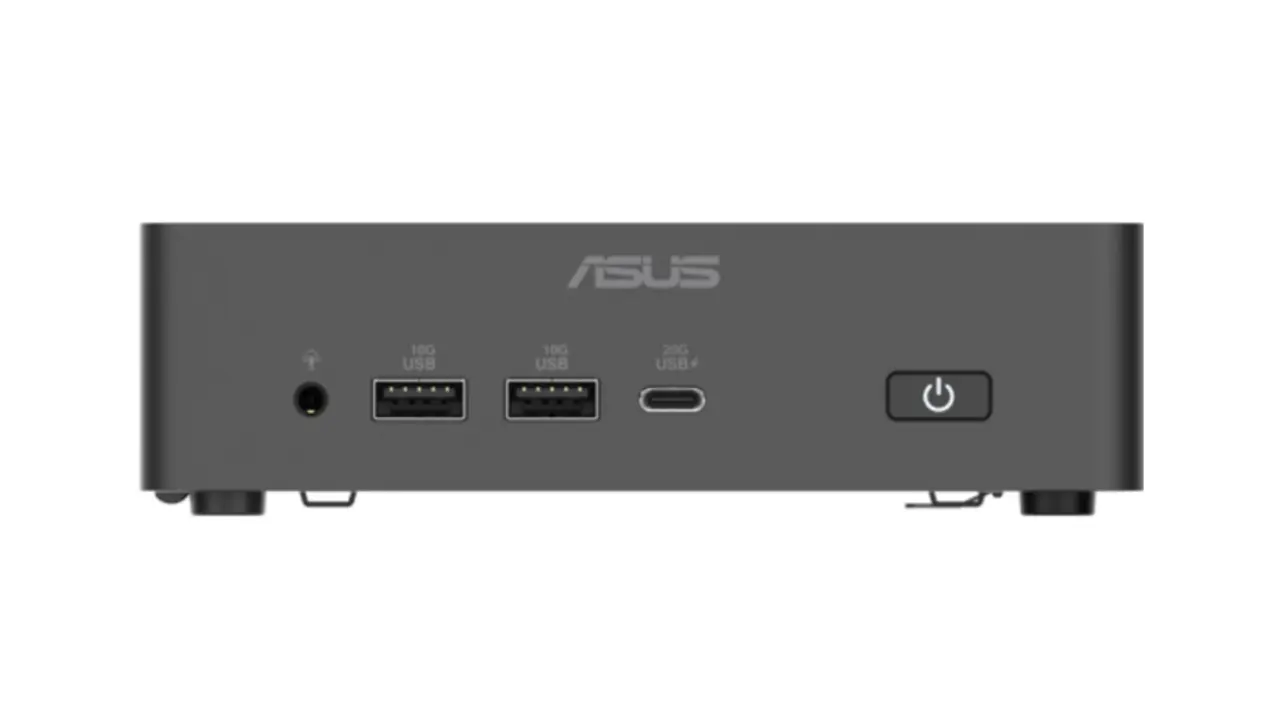
The ASUS NUC 16 for Windows 365 is a mini PC-like device with a tiny 0.7L footprint that can be mounted on the back of a monitor. It looks similar to the Windows 365 Link, and it carries the same purpose. You can use Windows 365 with up to three displays and connect USB peripherals via two front-mounted USB Type-A ports and one USB Type-C. There is also a headphone jack for audio.
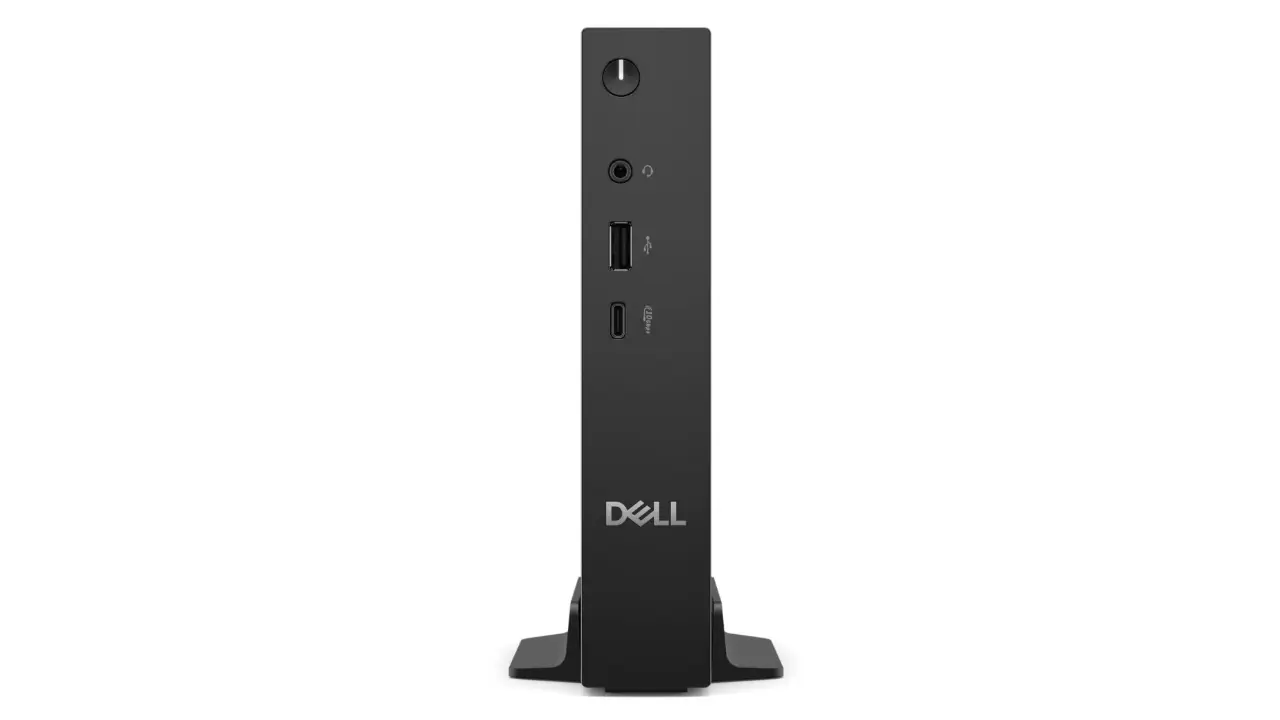
The second device comes from Dell. Dubbed Dell Pro Desktop for Windows 365, it is a small, desktop-like device with vertical orientation and what Microsoft says is “flexible mount options for a streamlined workspace.” It also has front-facing ports for peripherals, and it supports up to three displays.
Microsoft says both devices will be available for its commercial customers in the third quarter of the year. The one from ASUS is coming to the United States and Europe, while the option from Dell will be available in 58 countries worldwide.
Unfortunately, Windows 365 is still inaccessible to regular users, so those who want to rent a PC in the cloud should look elsewhere and consider third-party options. Country availability is also limited, as Microsoft needs to offer local infrastructure for the best and most responsive experience, but Microsoft is frequently updating the list of supported regions with more countries.
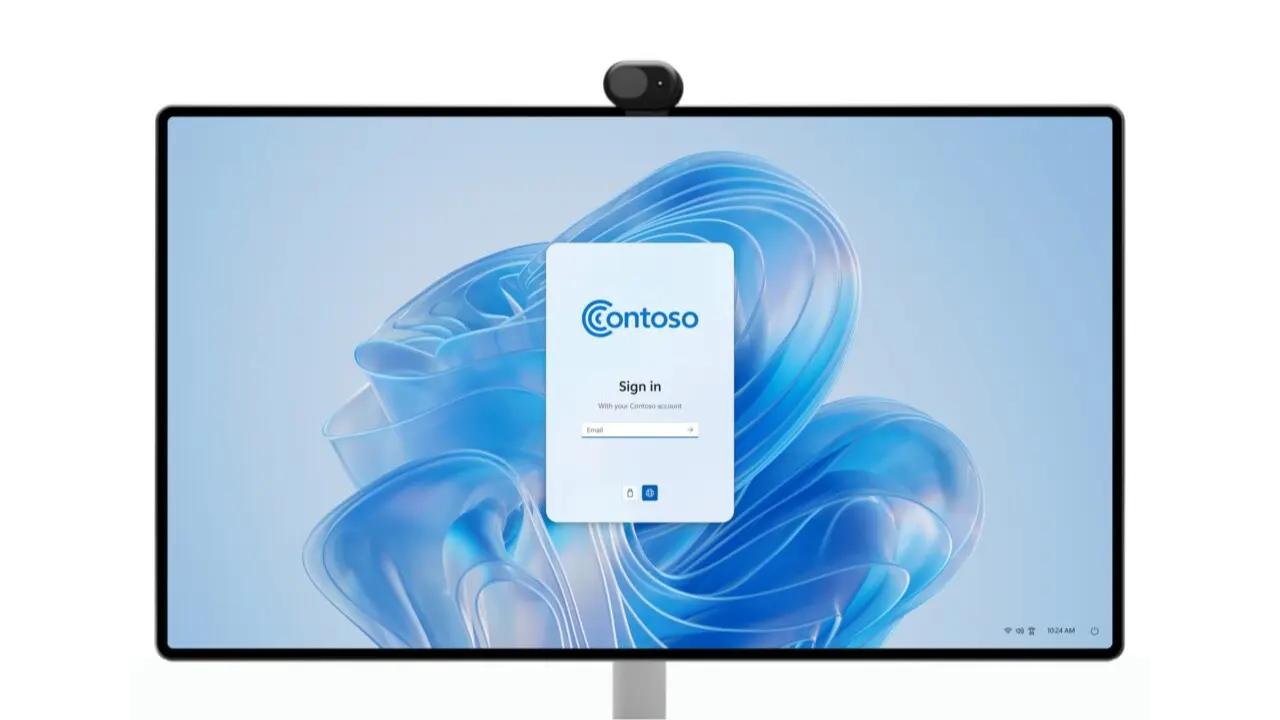
In addition to announcing new hardware, Microsoft revealed that in 2026, Windows Cloud PCs will receive two additional upgrades: the ability to connect Bluetooth peripherals during the onboarding experience and company branding on the login screen, including the logo, name, and a custom wallpaper. Right now, Windows 365 PCs use the standard wallpaper on the login screen—a custom version of Windows 11’s Bloom wallpaper. If you want to have it on your PC, download it here.
You can read more about the announcement in a blog post on the official Windows Blogs website.