
So, here’s the situation: You just picked up a popular co-op game and want to play through it with your best friend. Your friend does have a Nintendo Switch™ 2 system, but they also happen to live 400 miles away…and they’re not sure if they want to buy that game. What’s a friend to do?
Sharing the fun
GameShare* is an exclusive Nintendo Switch 2 feature that works with a growing list of compatible games. Basically, only one person needs to have the game—then that person can invite a friend (or friends) to play (the number of players depends on the game). You’ll be able to play locally (everyone is in the same room) or online (people can be spread about) depending on the game, so be sure to double-check its compatibility.
There are a couple of other things to keep in mind, so let’s go through them one by one.
How does it work?
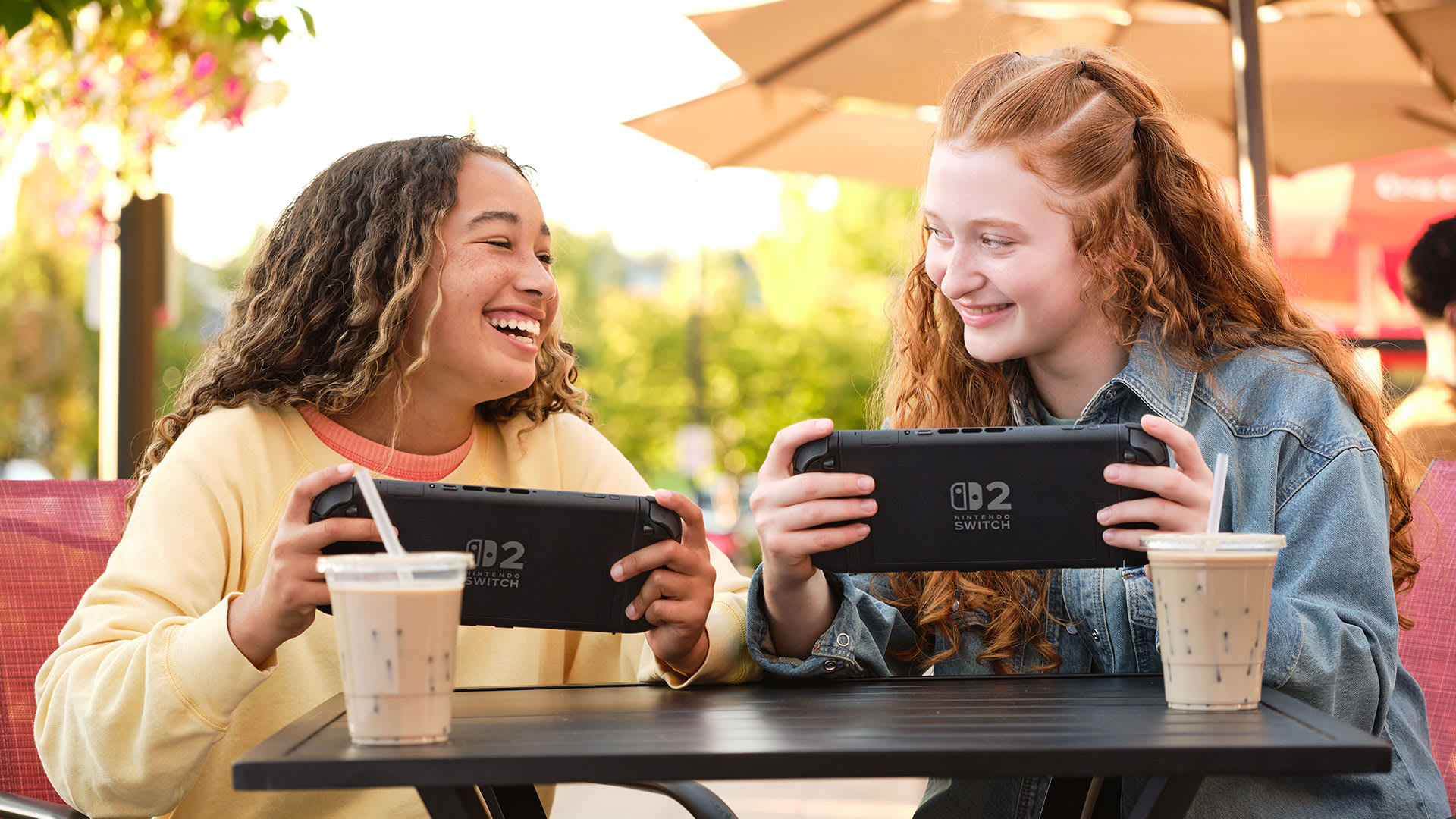
If you’re a long-time Nintendo fan, you may remember a feature called Download Play for the Nintendo DS™ or Nintendo 3DS™ systems. As the name implies, people could download software from a host system and you would need to wait for the download to finish. GameShare is different because games are actually streamed from the host system. Yep, GameShare is a way to start playing quickly!
Everyone can play as long as the session is active, but there aren’t any additional time restrictions or anything like that. So, if you all choose to play a story-driven co-op game, both of you can do weekly game sessions until you beat the entire game.
Local wireless play
OK, let’s dive a little deeper. We’ll need to explain some stuff, so let’s call the person who has the compatible game “Mr. Host.” Mr. Host needs to have a Nintendo Switch 2 system to share his game to his friends in the same room. However, depending on the game, Mr. Host’s friends might be able to receive the game on either Nintendo Switch 2 or the Nintendo Switch system. Yes, that means they might be able to play the latest Nintendo Switch 2 game on a system they bought in 2017.
Online play
Online play works a little differently because it interacts with a Nintendo Switch 2 feature called GameChat**. Because of this, each person who uses GameShare via GameChat needs to have a Nintendo Switch 2 system. Everyone also needs to have an active Nintendo Switch Online membership.
How do you start or join a session?
OK, so let’s get back to Mr. Host. Since he has the game, he will need to start GameShare from within the game (that option is typically found in the game’s main menu).
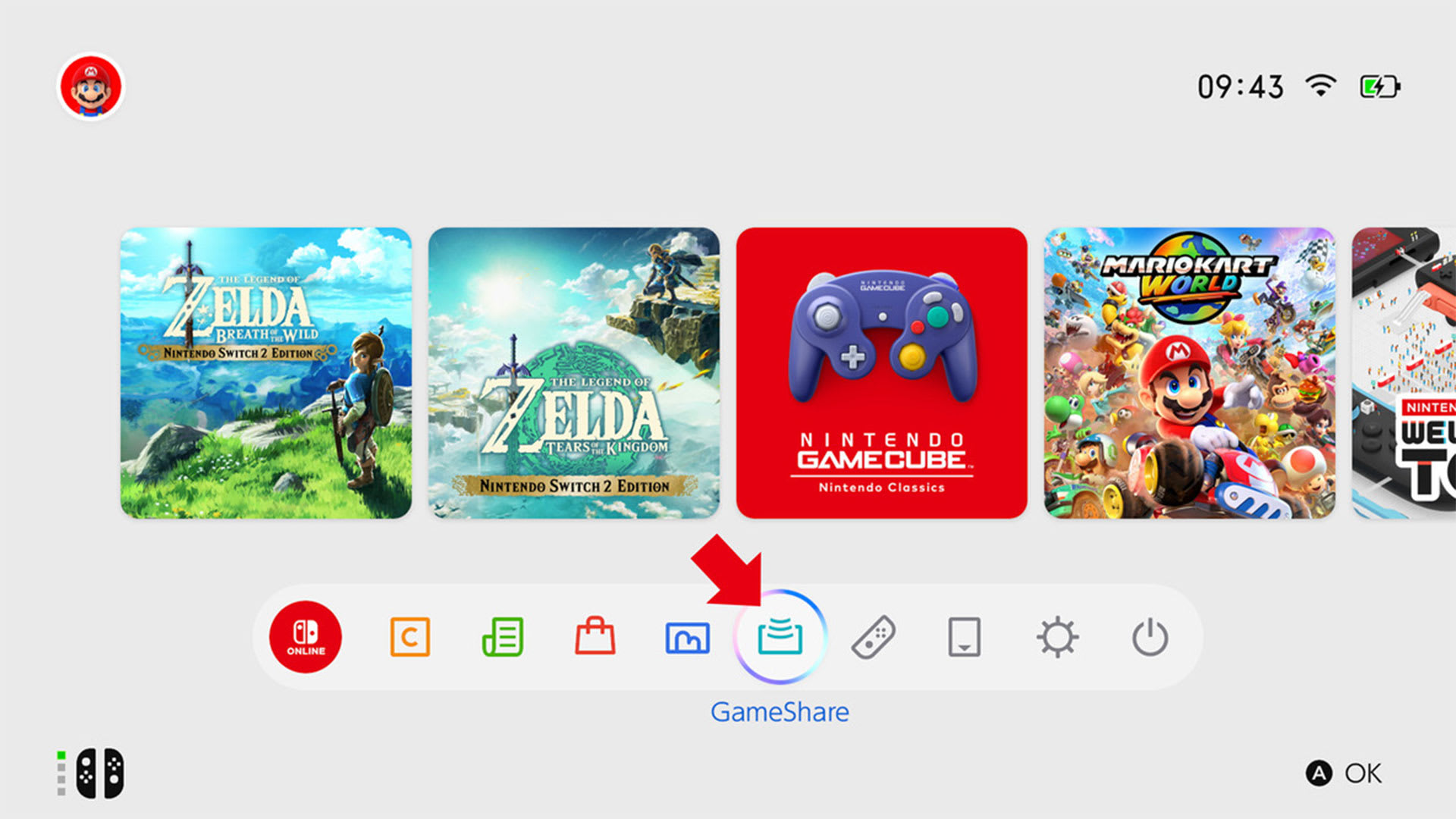
To join Mr. Host’s game, his friends will need to go to the HOME Menu on their system and select the icon that says GameShare. Now they just need to choose the option that fits their situation.
What about the games?
This would all be a little silly if you didn’t know which games use GameShare. Here’s a tip while browsing Nintendo eShop:
First, go to the Search/Browse tab, scroll to the bottom, and click on Filtered Search. Under Gameplay Style, turn on the two GameShare filters to see everything that uses the feature.
The list is still growing, but here are the games currently available that either use local or online GameShare. This list was gathered towards the end of January, so there may be more out there now!
*Nintendo Switch 2 system must initiate GameShare session. Users who receive software via GameShare can only play the software during the session in which it was shared. Shared game will not be playable after the session ends. Nintendo Switch 2 and GameChat required for each user engaging in GameShare via GameChat. Internet, Nintendo Switch Online membership (sold separately) and Nintendo Account required for online features, including GameChat. During the GameChat open-access period, GameChat can be used without a membership. Not available in all countries. Terms and GameChat requirements apply. support.nintendo.com.
**Internet, Nintendo Switch Online membership and Nintendo Account required for online features, including GameChat. Not available in all countries. Terms and GameChat requirements apply. support.nintendo.com. Until March 31, 2026, GameChat can be used without a Nintendo Switch Online membership. Afterwards, a Nintendo Switch Online membership will be required to use GameChat