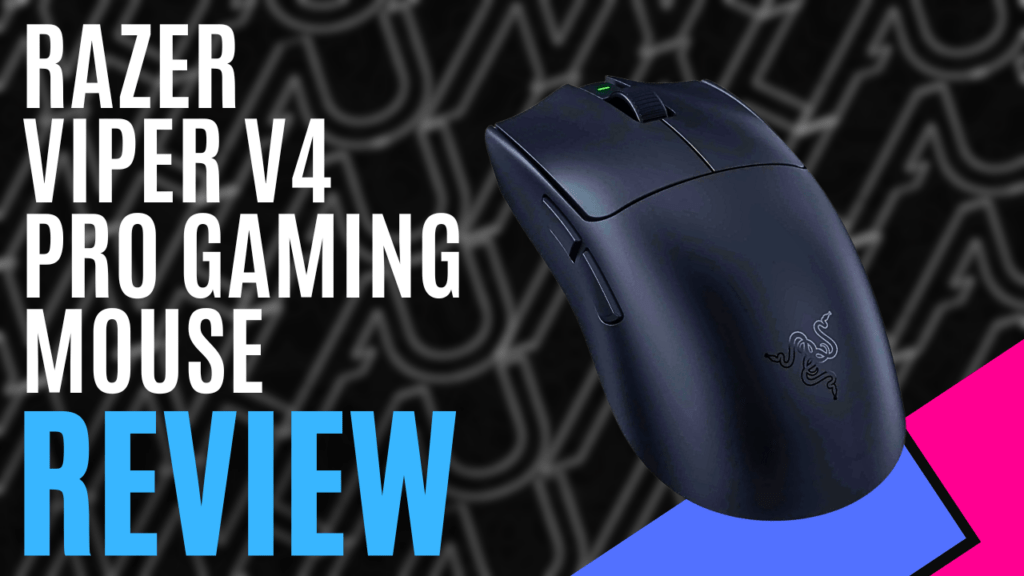
I must admit it: being born in the 80s, I have always been sceptical of wireless products, mainly because I believe I was too ignorant to educate myself when the first iterations were released, and have never explored it any further.
Razor’s new entry into the gaming mouse market is going to change that for me, I hope. We were lucky enough to be provided with a Razer Viper v4 Pro Gaming Mouse. It’s time to put my old wired Razer Bailisk away and see how my first attempt at a wireless mouse performs.
Opening the box, I am greeted with the mouse, the Hyperspeed wireless Gen-2 dongle, a USB Type-A to Type-C adapter, and mouse grip tape. A handy quick reference guide on the colours of the LEDs on the dongle, and the usual instruction booklet and stickers, my kids love to put on their desks.
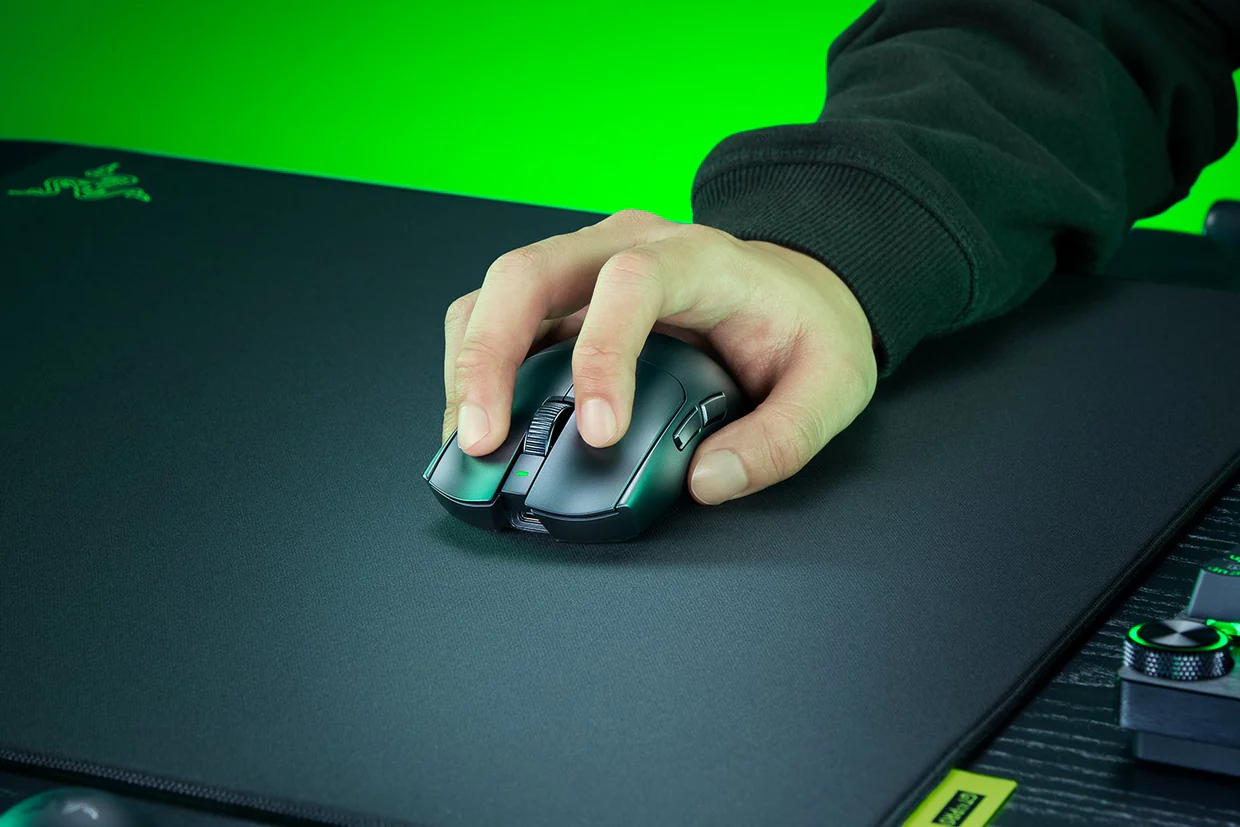
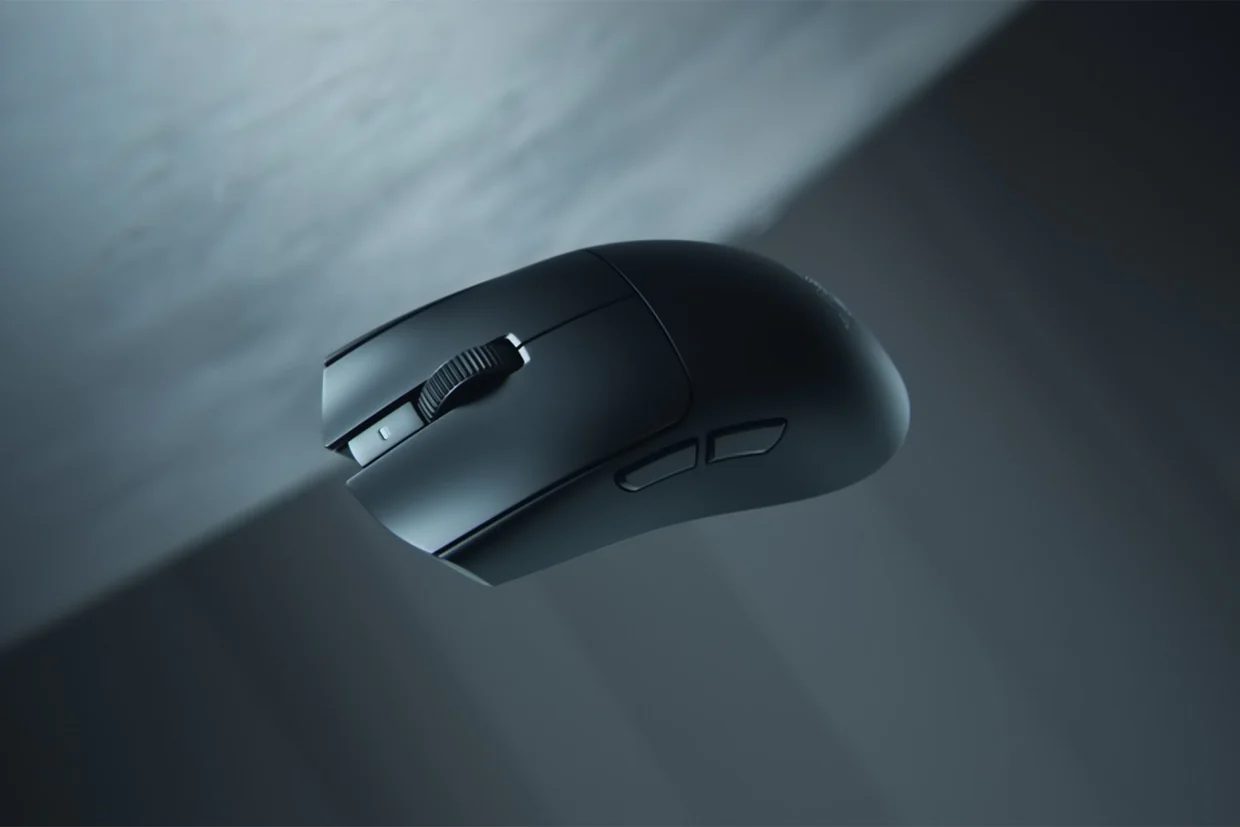
The Viper v4 pro is a right-handed symmetrical mouse that weighs a feathery 50 grams, which is 9% lighter than its predecessor, the Viper v3 Pro. You basically feel nothing, but what you do feel is very centred during use, not a big heavy sensor in the middle, but more spread out across the hand, making it quite effortless to move and reducing fatigue, as I was testing it on my laptop for work and also gaming at home, so I have a fair few hours of straight use.
The outside shape is the same as the Viper v3 Pro, with dimensions of 127cm x 6.3cm x 4cm high, and is composed of a matte material that gives it a smooth feel. The big number for me is the battery numbers, up to 180 hours at 1000Hz or 45 hours at 8000Hz, ensuring you won’t have to be charging the mouse constantly, which was also one of my worries and why I never went to a wireless mouse, but I am slowly being converted now, the longer I use it.
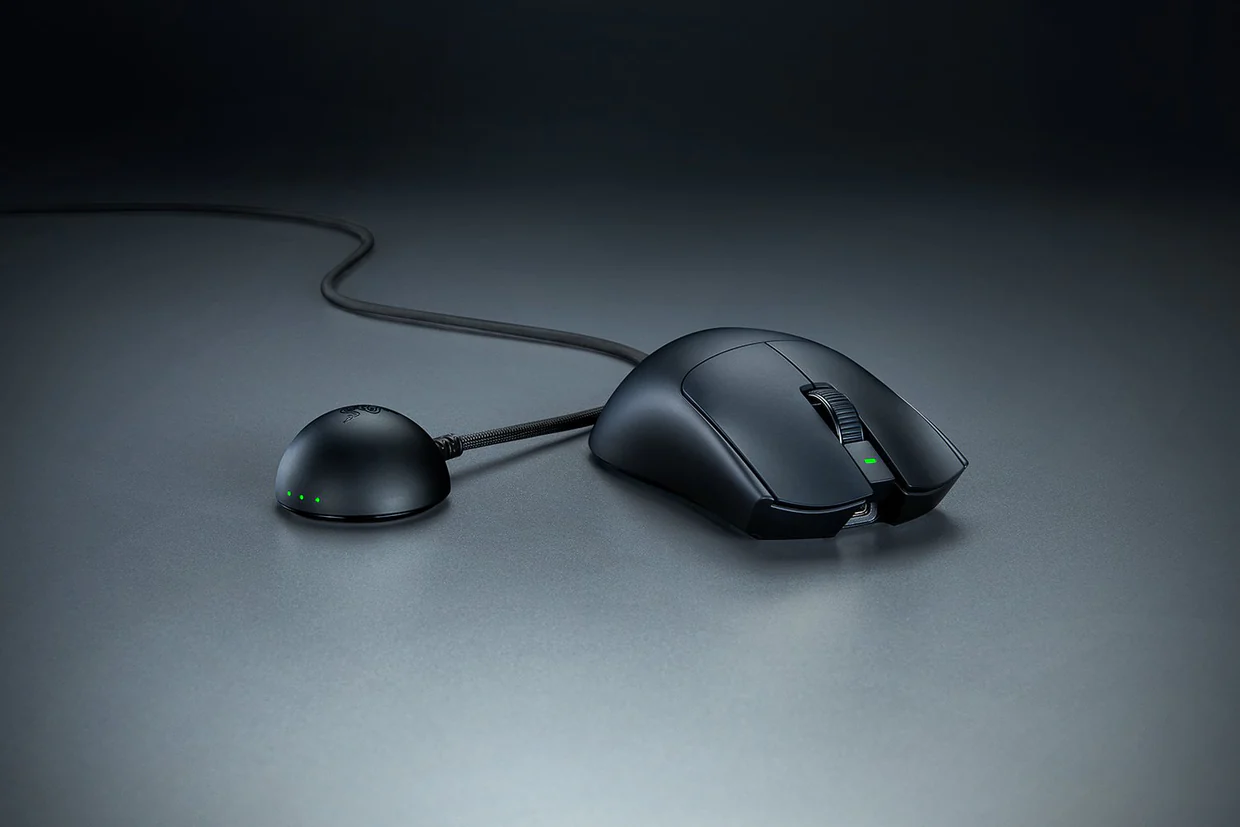
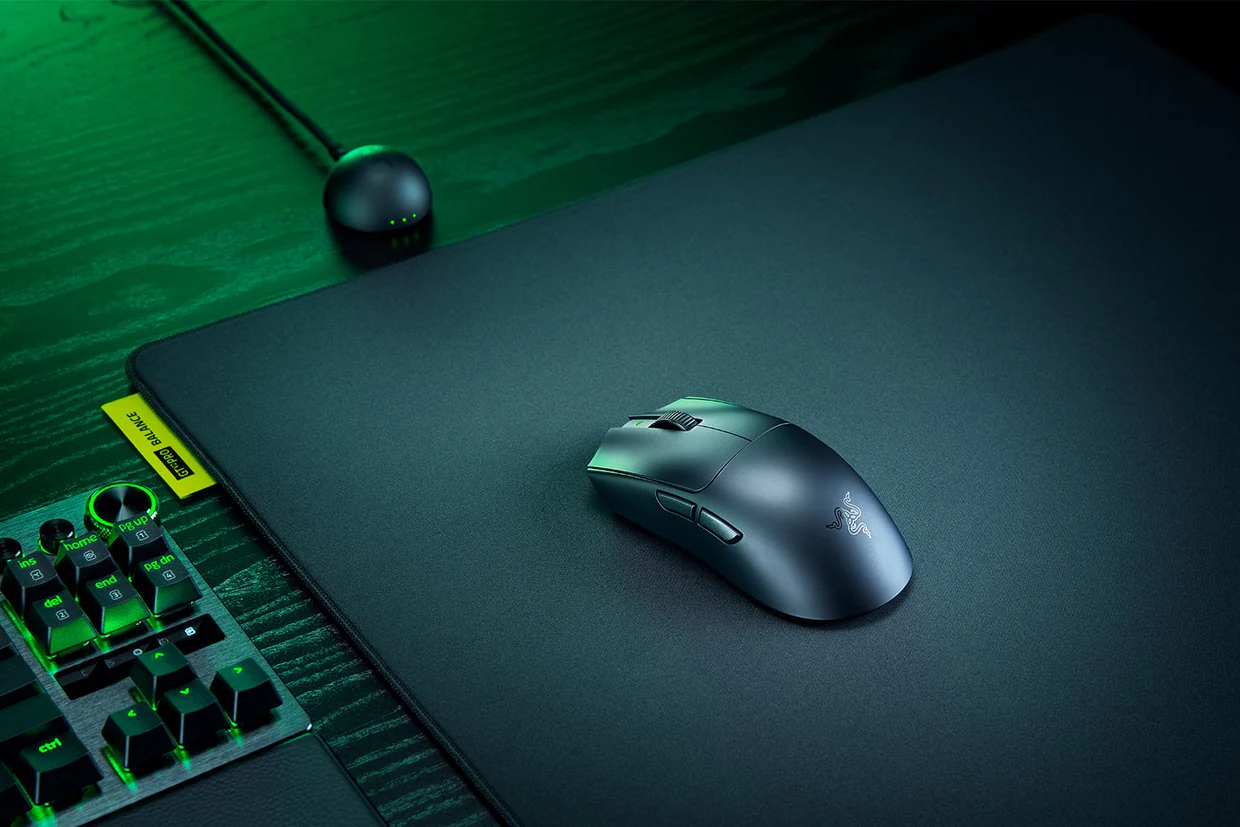
The Hyperspeed wireless Gen-2 dongle follows the sleek design of the mouse and fits nicely on my desk, not looking out of place with its curves. It’s not just there to look good either. Razer claims that “Gen-2 represents the most substantial overhaul to our wireless hardware in more than 10 years”. New weighted Hemispherical design, ensuring weight is distributed evenly along the dongle, ensuring it doesn’t tip over when gaming gets over enthusiastic, I mean, we have all been there some nights!
Its taller antenna improves wireless signal strength, providing a clearer path and ensuring a clean, consistent connection. Finally, real-time LED indicators let you visually see signal and battery strength at a quick glance, thanks to the three forward-facing LEDs. If you are worried about latency, don’t be: the Viper v4 Pro delivers a groundbreaking .204ms response for near-instant precision, which is 4x faster than its competitor’s equivalent product.
The Viper v4 Pro introduces Razer’s new Focus Pro 50K sensor, and it has some staggering numbers. Sensitivity at 50,000 DPI, max speed 930 IPS, and max acceleration of 90G are numbers we haven’t seen in a gaming mouse. With 99.8% resolution accuracy, they have really set the gaming mouse world alight. The sensor incorporates smart technology, including Frame sync to ensure ultra responsiveness and power efficiency, smart tracking to keep your lift-off distance consistent on any surface, and mouse rotation to keep the sensor angle horizontal for straight swipes.
The Viper v4 Pro also has optical switch buttons that far surpass the old mechanical buttons. The Gen-4 switches have also been upgraded with a 100-million-click lifecycle for pro-grade durability and a 12% light actuation for cleaner, faster, and more responsive control. This optical system also prevents misclicking in pressure situations. Optical sensors help with longevity using light to activate the click instead of a mechanical switch, and with a 2-year warranty, you can game with confidence.
The optical scroll wheel hasn’t been forgotten either; once again, no more mechanical moving parts; the optical encoder delivers nearly four times the durability of a traditional mechanical scroll wheel and helps to ensure it remains consistent with no wear and tear. The optical scroll ensures you don’t have any unintended scrolls or phantom reverse scrolls like a lot of mechanical gaming mice do these days.
The Razer Synapse Web interface ties this package all together. Through a streamlined browser-based platform, you can make changes on the fly, easily changing DPI sensitivity, polling rates, and key mapping all in real time. Great if you are using the mouse for competitive gaming.
Razer HyperPolling technology also ensures you have the power when you need it, automatically adjusting the polling rate to 8000Hz during gameplay for maximum performance, then dropping to 1000Hz when you are out of game, ensuring you get the best use out of the battery.
Very smart technology in this small package. You can manually change the DPI with the power button underneath the mouse, but this can be quite cumbersome and not really ideal if you are in the middle of gaming. Having the web interface open is the ideal option for on-the-fly changes.
There really is nothing I can fault with the Razer Viper v4 Pro; you get the renowned reliability and solid build of Razer products, with the cutting-edge technology, as they know their customer base and continually try to exceed their expectations. You aren’t getting a flashy neon light or pretty logo mouse; you are getting a high-performance gaming product in a minimalist, ergonomic shell.
The Razer Vipers v4 Pro Gaming Mouse is just so nice to use; it really does feel like an extension of your hand, you hardly notice the weight, and the shape is perfect. Paired together with the new Gigantus v2 Pro Gaming Pad, you have a package that cannot be beaten.
Not only does it look good, but the technology inside is top-notch: the new Focus Pro 50k optical sensor Gen-3 and the Hyperspeed Wireless Gen-Dongle. You’re not just getting a dressed-up model from last year; you are getting cutting-edge technology that keeps Razer at the top of the eSports and home gaming standings for some time to come.

The Good
- Weight and shape
- Dongle size and aesthetic
- Ability to use Synaspe web interface and not install software
- Smart battery management
The Bad
- I didn’t go wireless sooner
- Gaming mouse, don’t expect all the lights and fancy buttons
9
___
10