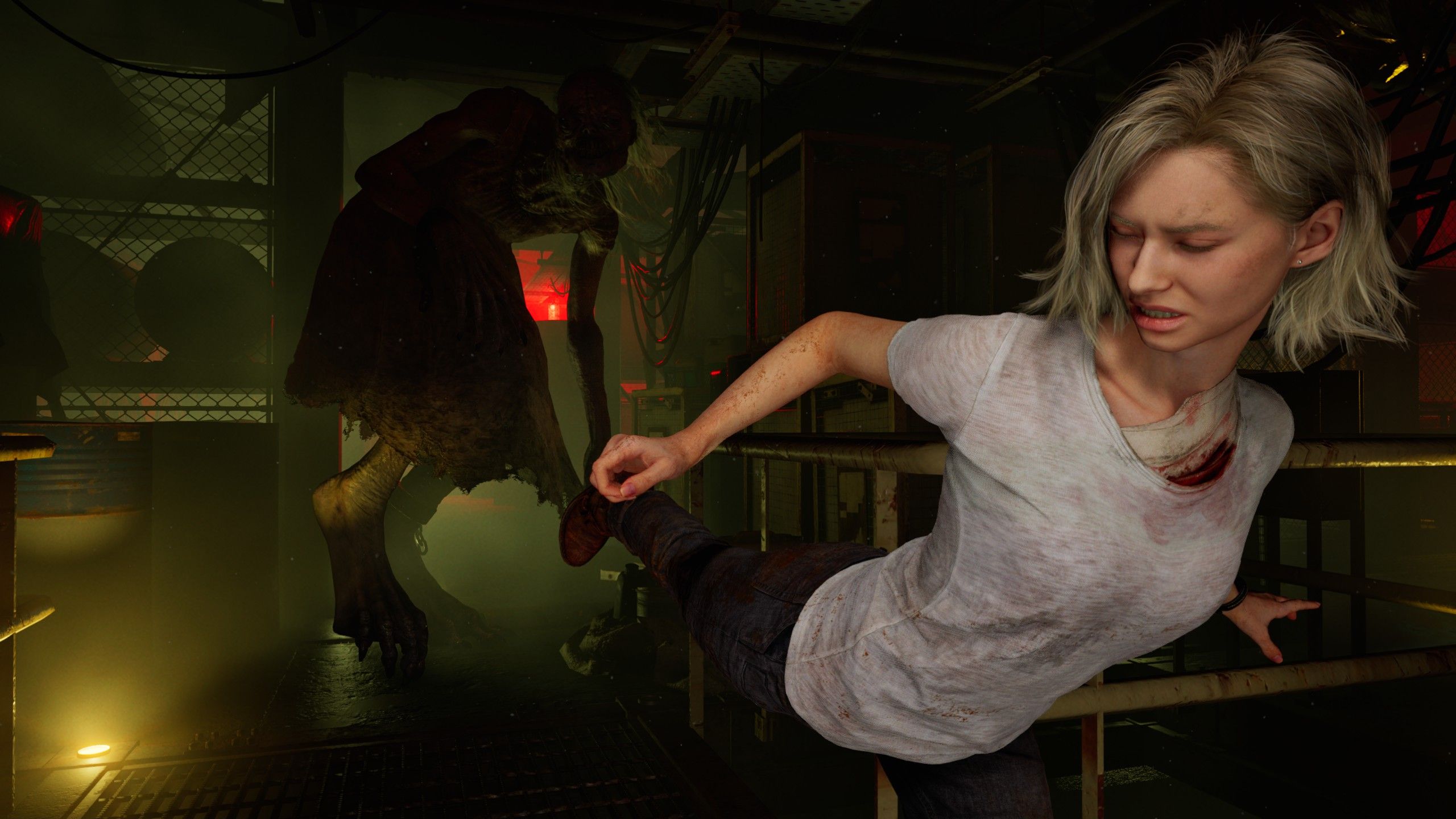
Resident Evil Requiem patch adds photo mode, and apparently ‘Character expressions in some cutscenes have been adjusted to better convey emotion’
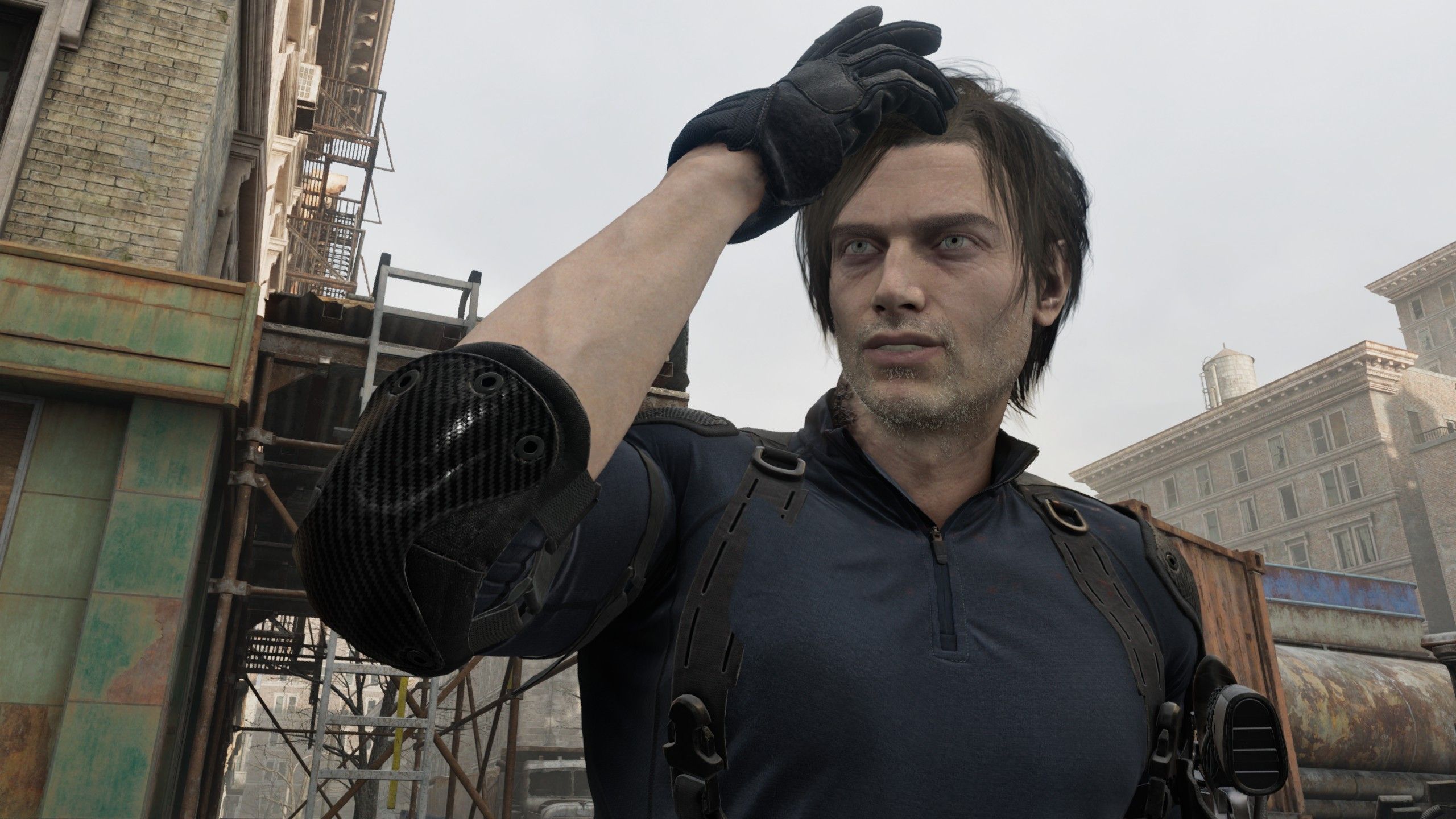
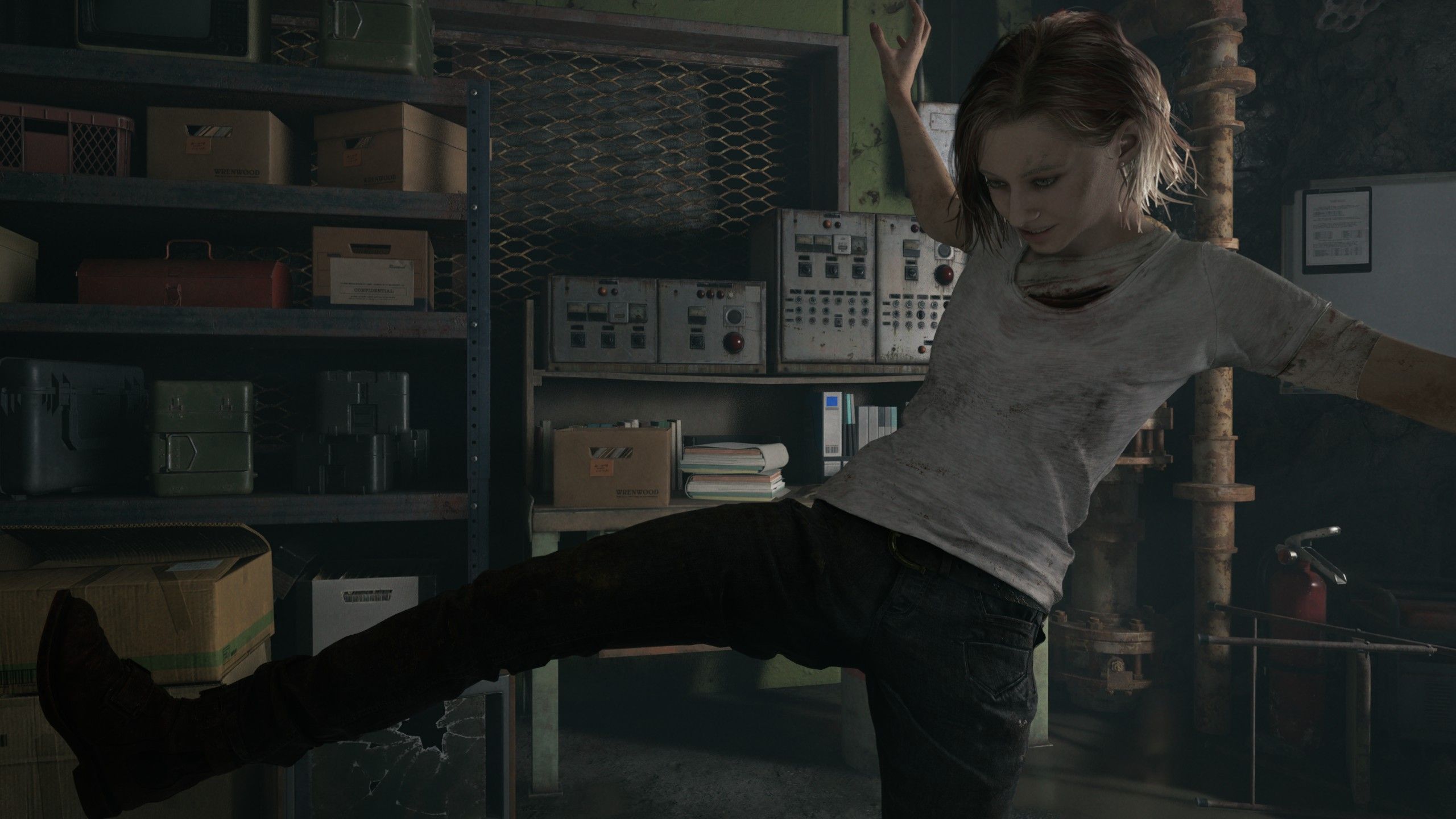
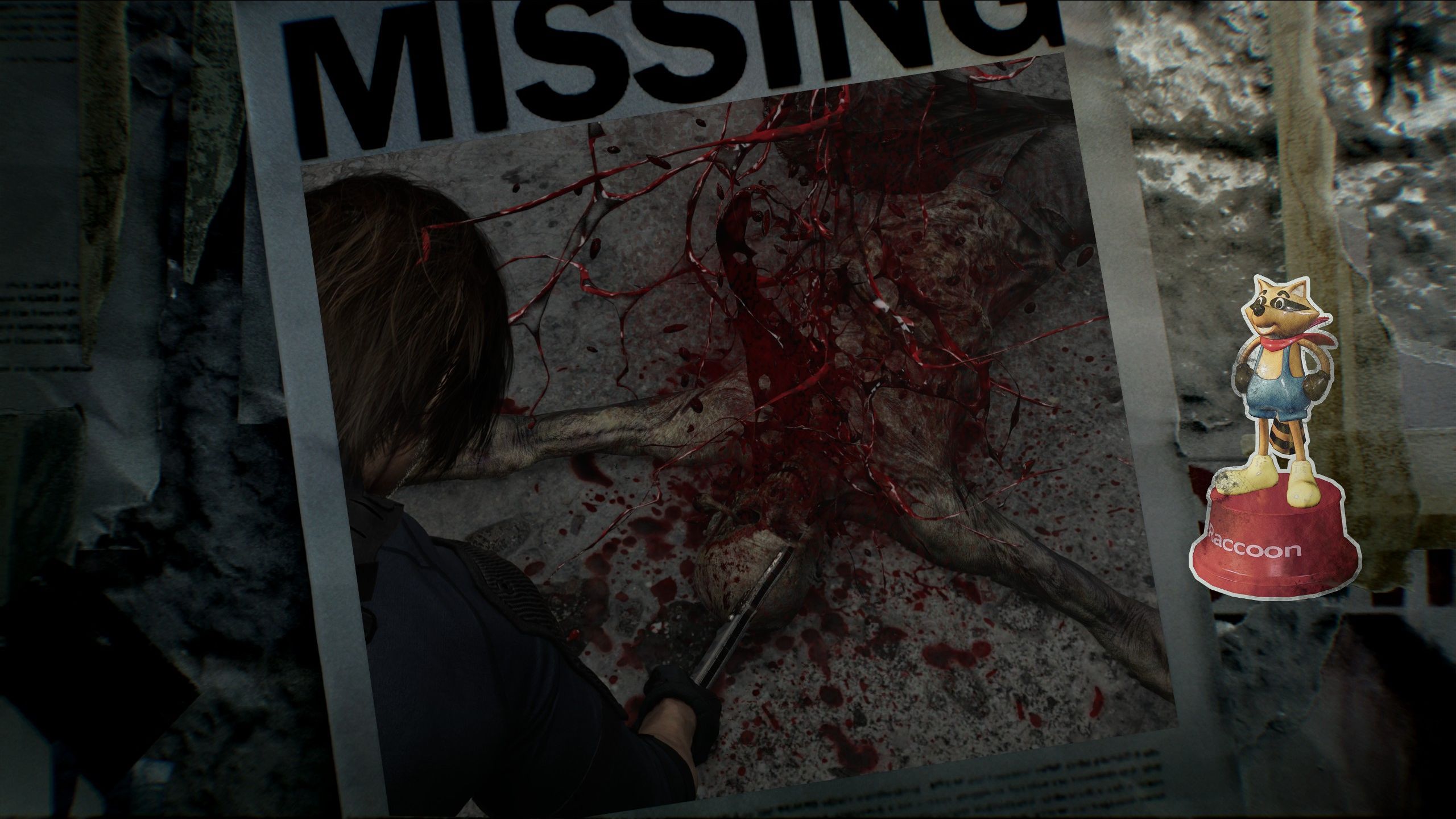
Mass Effect Legendary Edition’s photo mode was a constant temptation, pulling me away from dramatic moments to check how they’d look with vignetting turned off and maybe a filter. So I’m kind of glad I finished Resident Evil Requiem before its photo mode was patched in. Firing it up today, I lost a chunk of my morning to checking out all of Leon and Grace’s poses and stickers and how they look kicking like a maniac.
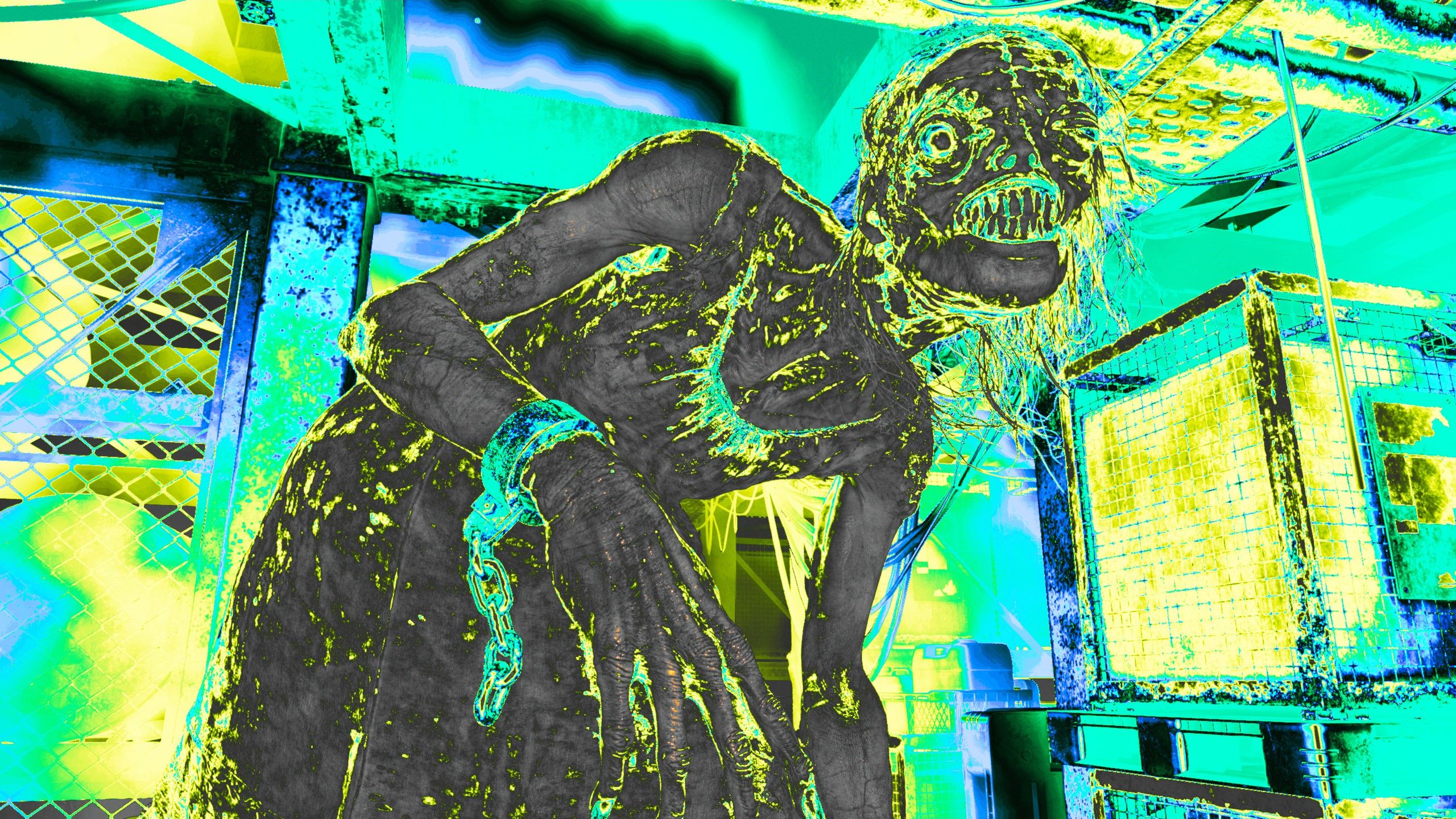
While the amount you can move the camera away from the characters is limited—maybe something for modders to fix—this is a decent time-killing photo mode. It could do with a way of changing light sources though, like the one in No Man’s Sky that lets you move the sun wherever you click, because otherwise you’re just cranking the brightness up and hoping details in the background become visible before the foreground gets washed out.
Photo mode was added as part of a patch that also fixes some bugs, though the patch notes are incredibly vague. “Fixed a bug that caused progress to be impossible under certain conditions.” OK, that’s good, I guess. “Fixed a bug that caused the game to crash in some circumstances.” I would love to know more? “Character expressions in some cutscenes have been adjusted to better convey emotion.” I hadn’t noticed a lack of expressiveness, but maybe I was too busy being freaked out myself to check if Grace looked properly afraid.
Article continues below
Now, of course, I can give Grace a cheery smile in every photo, as well as make her look like she’s skanking in the direction of danger. And I can make Leon look like he’s adjusting his hair every five minutes, which just makes sense.
To bring up the photo mode press Escape and then R, or select it from the pause menu. If you’re in the middle of a canned animation you won’t be able to move the camera, but you’ll still be able to apply filters and tweak the lighting.
Image 1 of 5
(Image credit: Capcom)
(Image credit: Capcom)
(Image credit: Capcom)
(Image credit: Capcom)
(Image credit: Capcom)
Keep up to date with the most important stories and the best deals, as picked by the PC Gamer team.