

Microsoft told Windows Latest it pulled Windows 11 KB5079391 after the optional update caused installation issues on some PCs, and added that it is internally investigating the root cause. This means the update may not begin rolling out again until Microsoft figures out what went wrong, and in the worst-case scenario, it may never get released.
Nine days ago, Microsoft promised to make Windows 11 a better operating system and improve Windows Update. While work is underway internally, recent updates are causing more trouble, and the time couldn’t be any worse. First, a Windows update broke Microsoft account sign-in for inbox apps, and now Windows 11 KB5079391 is failing to install.
KB5079391 is an optional update that was briefly offered on March 26, and I installed it on my PC as soon as it showed up for download. I did not run into installation errors at that point, but Windows Latest has learned that March 2026’s optional update would not install on some PCs and gets stuck in an error loop.
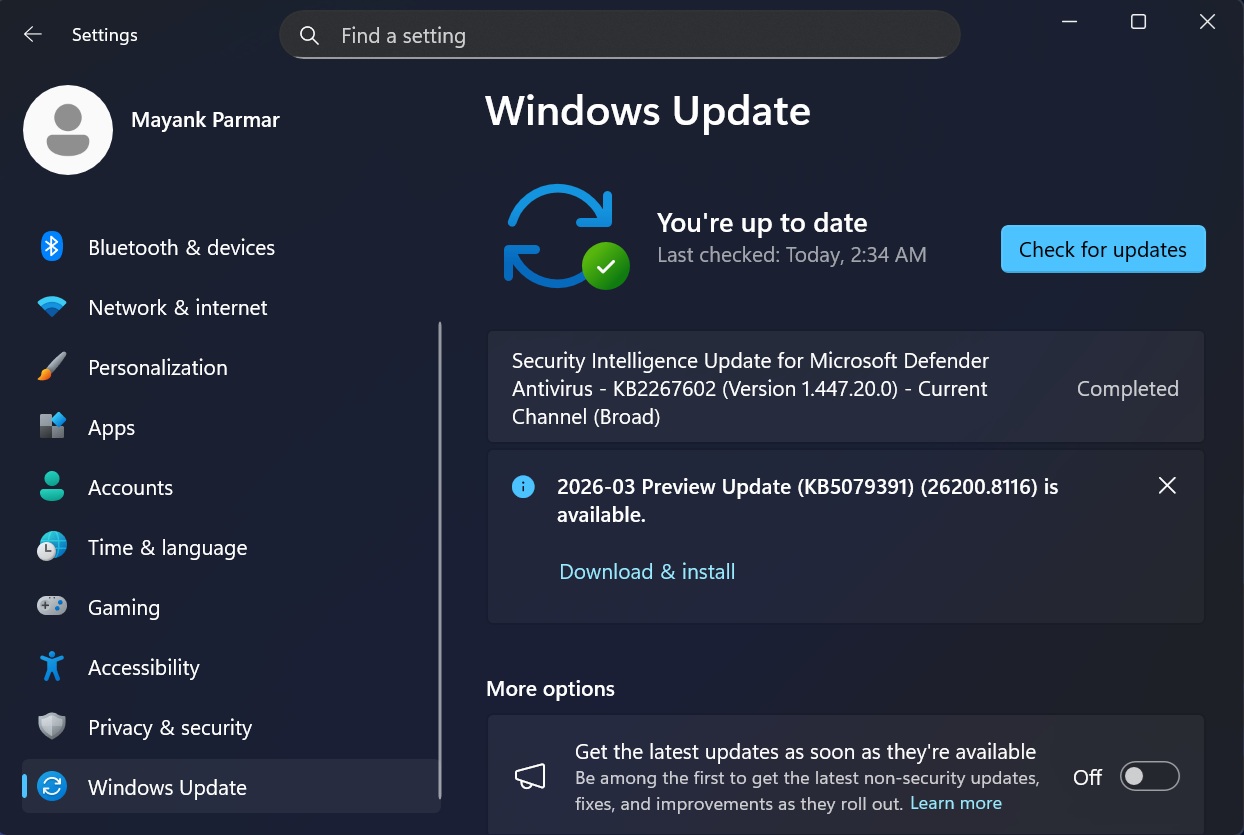
It’s unclear what went wrong, as Microsoft won’t share the details, but the bug was discovered at the last minute, and if you were affected, you’d see error 0x80073712 on the Windows Update page. This error means assembly files, which are required by the update, are missing in the WinSxS folder.
“Rollout of this update is temporarily paused due to installation error 0x80073712,” Microsoft noted. Some devices might encounter the following error while installing this update: “Some update files are missing or have problems. We’ll try to download the update again later. Error code: (0x80073712).”
As of March 28, 2026, it is still not possible to download Windows 11 KB5079391. In fact, the update was only offered for about an hour or two when it began rolling out on March 26.
“To prevent additional impact while the issue is investigated, Microsoft has temporarily limited the availability of this update. As a result, the update might temporarily not be offered through Windows Update,” Microsoft said in a statement.
Microsoft rarely pulls Windows updates, so the move is a bit unusual and suggests that the problem was widespread.
Microsoft wants to make Windows updates less frustrating in 2026
Microsoft has confirmed it’s trying to make Windows updates less annoying. This is part of the company’s efforts to improve Windows, and it’s putting together a great team that can actually revive the operating system.
Microsoft’s plans include an updated Start menu that feels faster by dropping React in favor of WinUI, a faster File Explorer with reduced load time, a movable and resizable taskbar, and overall faster performance.
However, that’s not all.
One change that caught my attention was Windows Update, which will now allow you to pause updates for as long as you require. Right now, you can pause updates for up to five weeks, but that will change soon, as a new toggle will let you pause updates for months or longer.
“Receiving updates should be predictable and easy to plan around, so we’re giving you more control,” Microsoft noted in the original announcement.
“This includes the ability to skip updates during device setup to get to the desktop faster, restart or shut down without installing updates, and pause updates for longer when needed.”
The idea sounds great on paper, but until that rolls out, you will need to deal with messy Windows updates. What about you? Have you run into issues after recent updates? Let me know in the comments below.