

I have been gaming (not to be confused with gambling ☠️) for quite some time now. In that time, I have seen my fair share of gaming-centric platforms, storefronts, and applications, ranging from the genuinely useful to the elaborate solutions to problems that nobody really had.
Opera is a name that never fully disappeared from my mind because it has been consistent in delivering a browsing experience that many people prefer. I used it for a while, mostly for the free built-in VPN, before eventually moving to Firefox when I felt it was time for a change.
However, they also have a gaming-focused browser called Opera GX, which has been available on Windows and macOS for some time now. Earlier this year, we got word that a Linux port was in the works, and it did eventually arrive.
Curious about what took them so long, I asked Maciej Kocemba, Product Director at Opera GX, and he had this to add:
Bringing Opera GX to Linux has been a priority for us for some time now, especially since we’ve seen such public support among the community. One group even launched an online petition that collected several hundred signatures, which was pretty cool to see.
With gaming on Linux growing so fast right now, this is the perfect moment for us to bring a browser designed for gamers to a platform that values customization and control as much as we do. We’re so happy to finally make it available to this community of users, and we’re eager to see how they’ll take advantage of the GX features they’ve been waiting for.
That got me hyped enough to see for myself what a gaming browser actually feels like and whether there was anything a regular browser couldn’t already do.
✋
Non-FOSS Warning! The application mentioned here is not open source. It has been covered because it’s available for Linux.
A Gamer’s Browser?
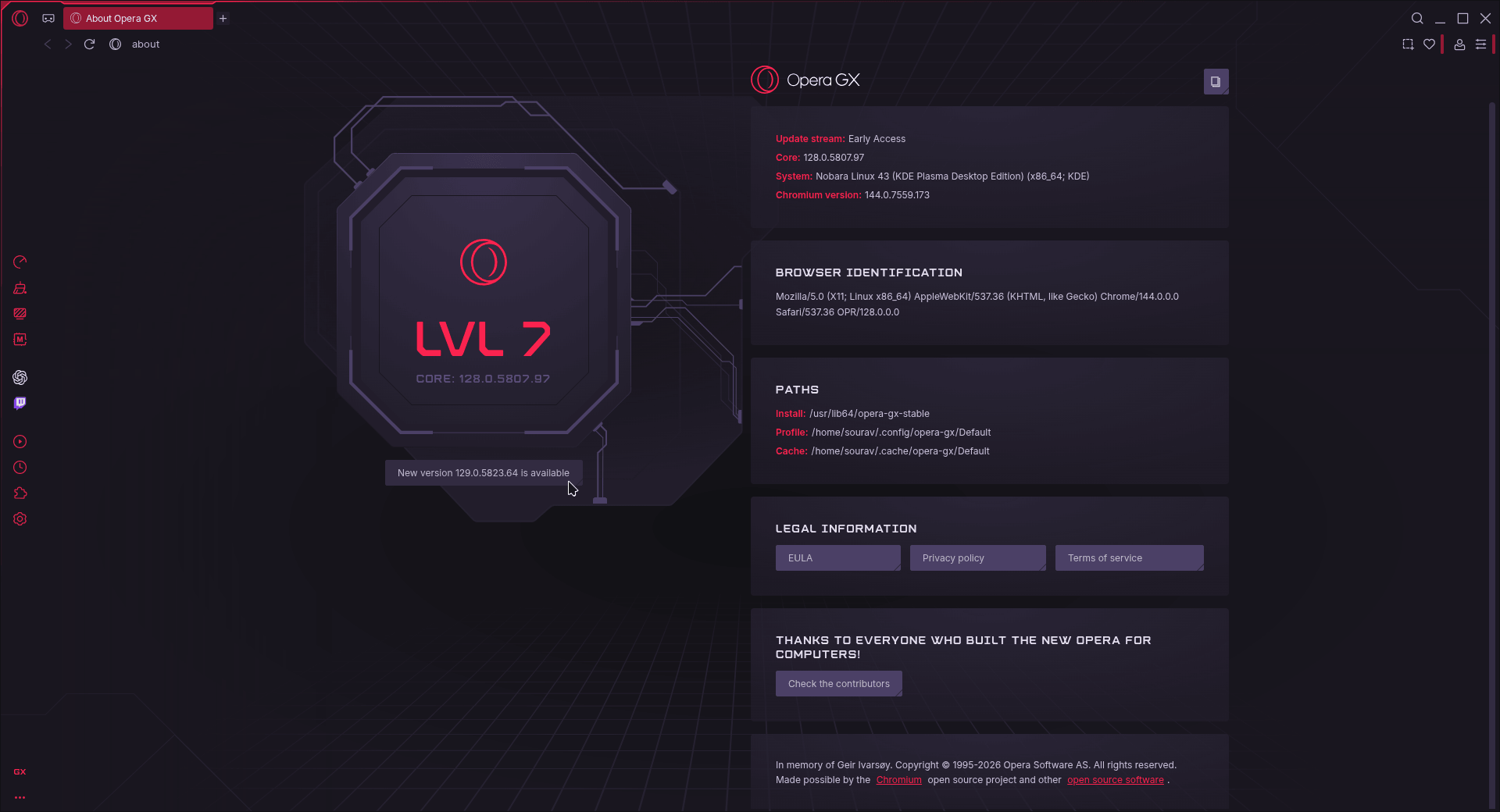
I took Opera GX for a run on a Nobara Linux 43 setup, using an Early Access version to test it across various scenarios ranging from general browsing to playing YouTube content to running internet speed tests.
On first launch, the browser asked me if I wanted to send telemetry; I declined and moved on to the initial setup. It asked me to pick a theme, and I went with the default GX Classic since it felt more Opera than the rest.
It then asked whether I wanted background music that reacts to my browsing, sound effects for in-browser actions, and keyboard sounds as I typed. I left all of these at their defaults since, honestly, they went right over my head (don’t call me a boomer pls).
Opera GX on Linux new user onboarding.
I could also enable a bunch of sidebar integrations for Telegram, X, Instagram, and so on, but I left those turned off. Opera GX even asked me to import data from another web browser, but it failed to detect Vivaldi, which was already installed.
The next step involved me manually turning on the ad blocker (and later the block trackers option), but the other two features, GX Control and GX Cleaner, were toggled on by default.
Opera GX on Linux new user onboarding continued.
I also had to disable Opera AI from the hamburger menu, as I didn’t need it. What did catch my eye, though, were the many pre-installed sponsored speed dials I had to clear out.
And, to little surprise, the default search engine was set to Google, but that is changeable from the Settings menu.
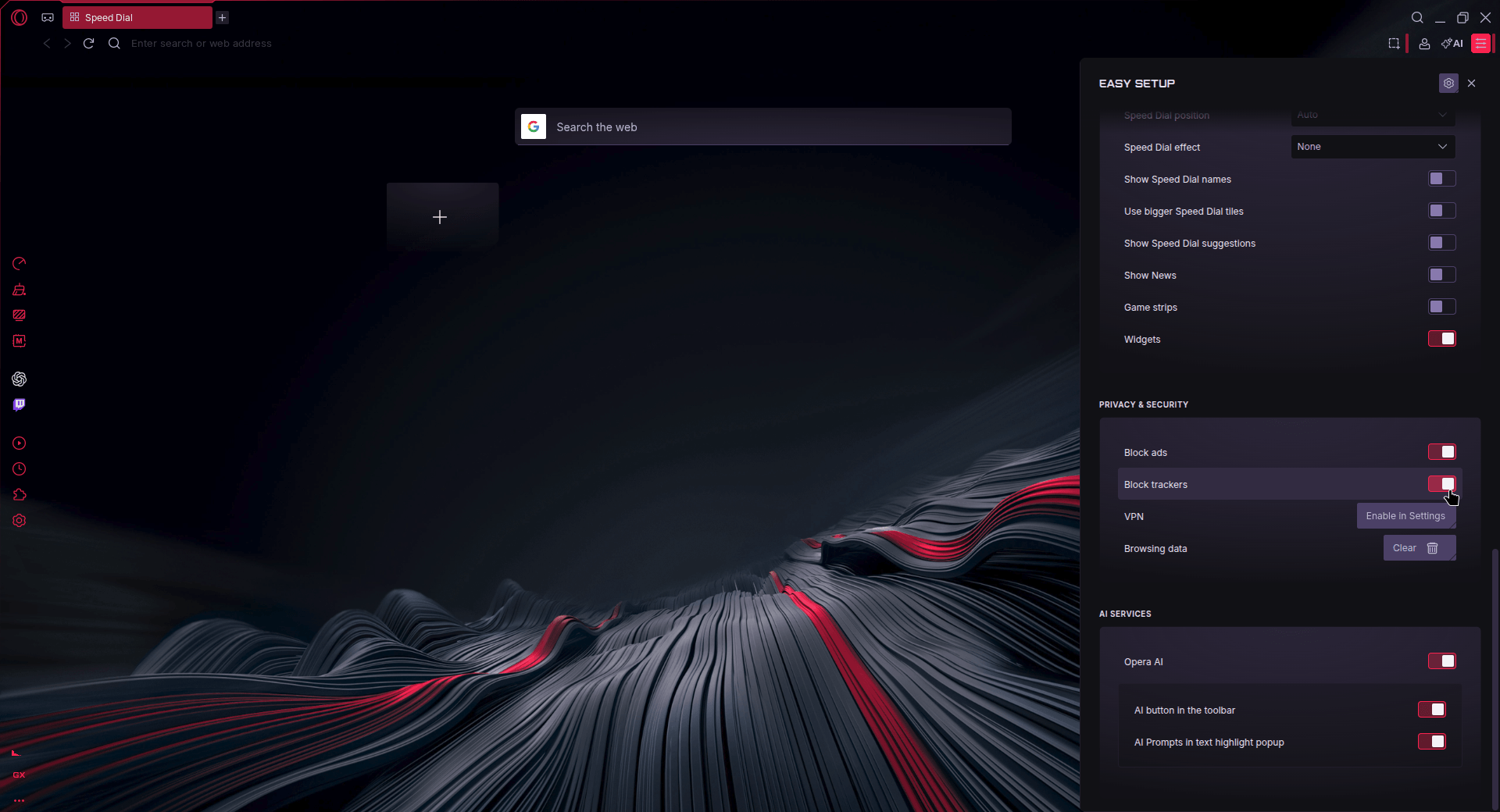
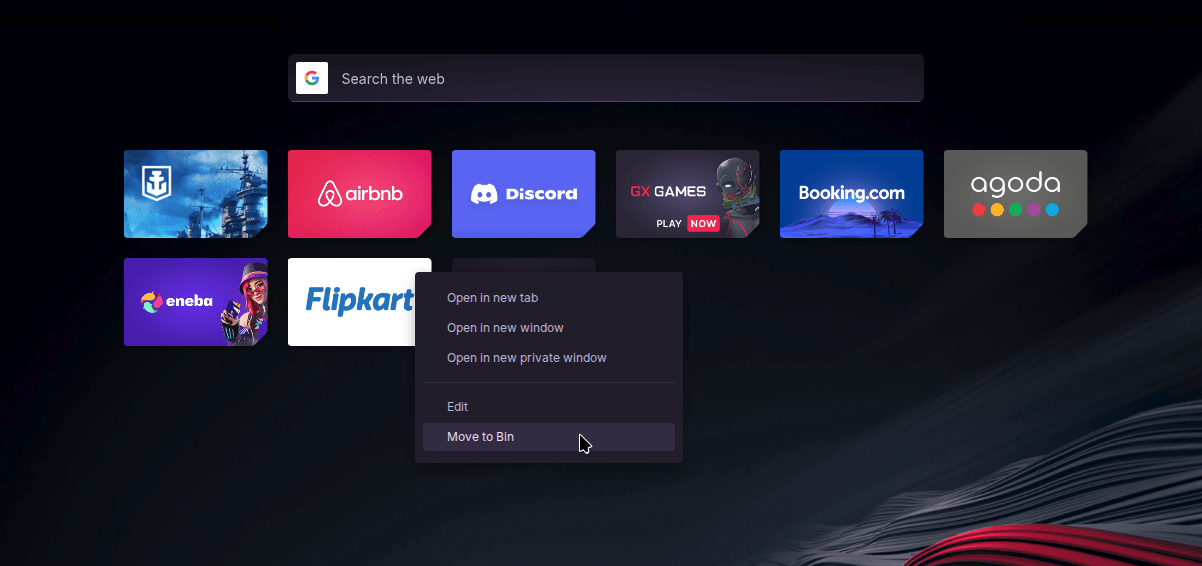
On the left are the toggles to configure the ad blocker and Opera AI. On the right are the sponsored speed dials.
Interestingly, while the ad blocker does work, it fails to show data on how many ads and trackers were blocked when I clicked on the widget for it in the top bar (the shield-looking icon).
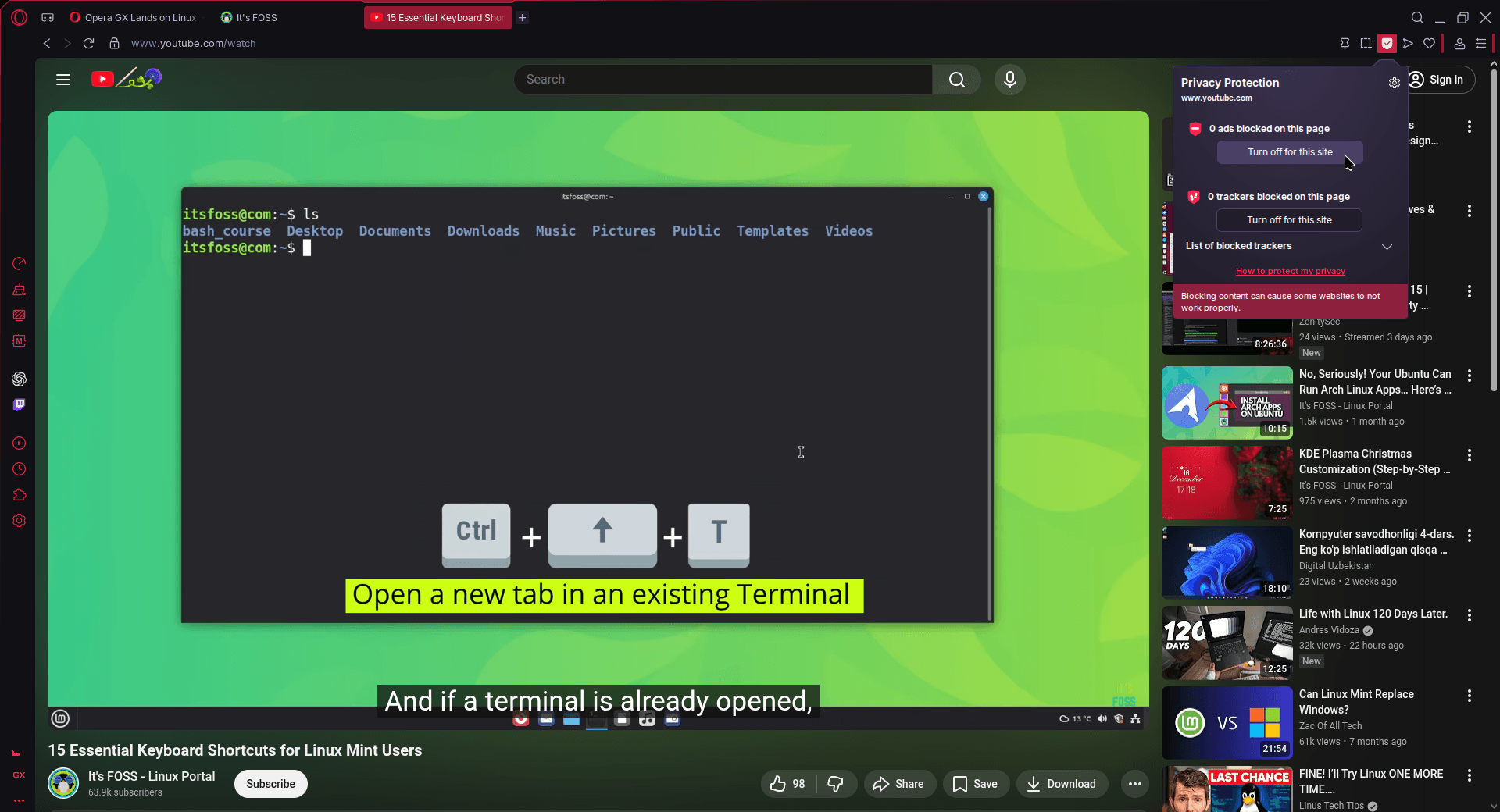
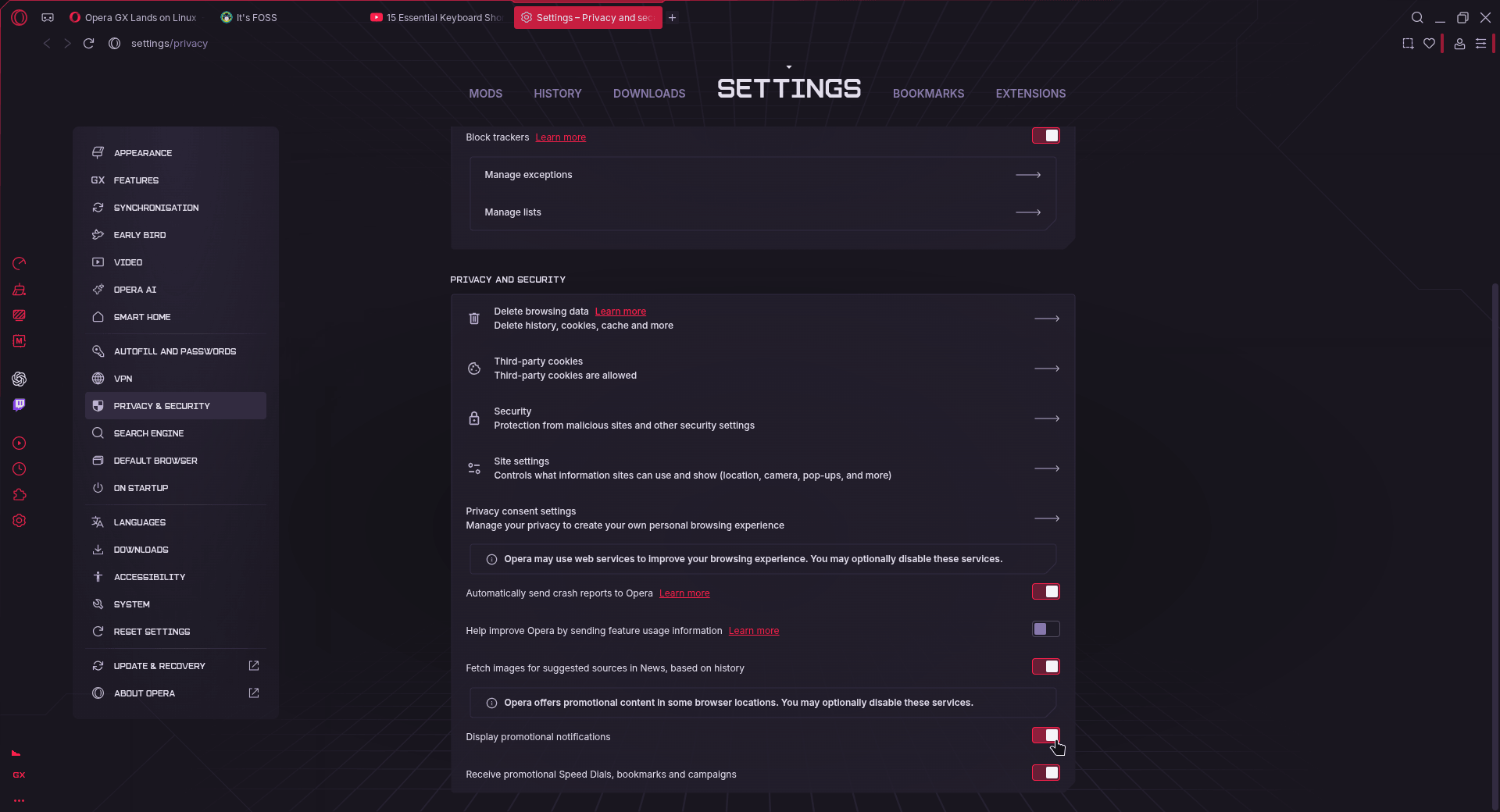
Left: The ad blocker widget. Right: The Privacy and Security settings.
I headed into the Privacy and Security section of the settings and found quite a few things enabled by default: automatic sending of crash reports, fetching images for suggested news sources, displaying promotional notifications, and receiving promotional speed dials, bookmarks, and campaigns.
Not great for anyone who takes their privacy seriously and just doesn’t want to be bombarded with spammy notifications and speed dial suggestions.
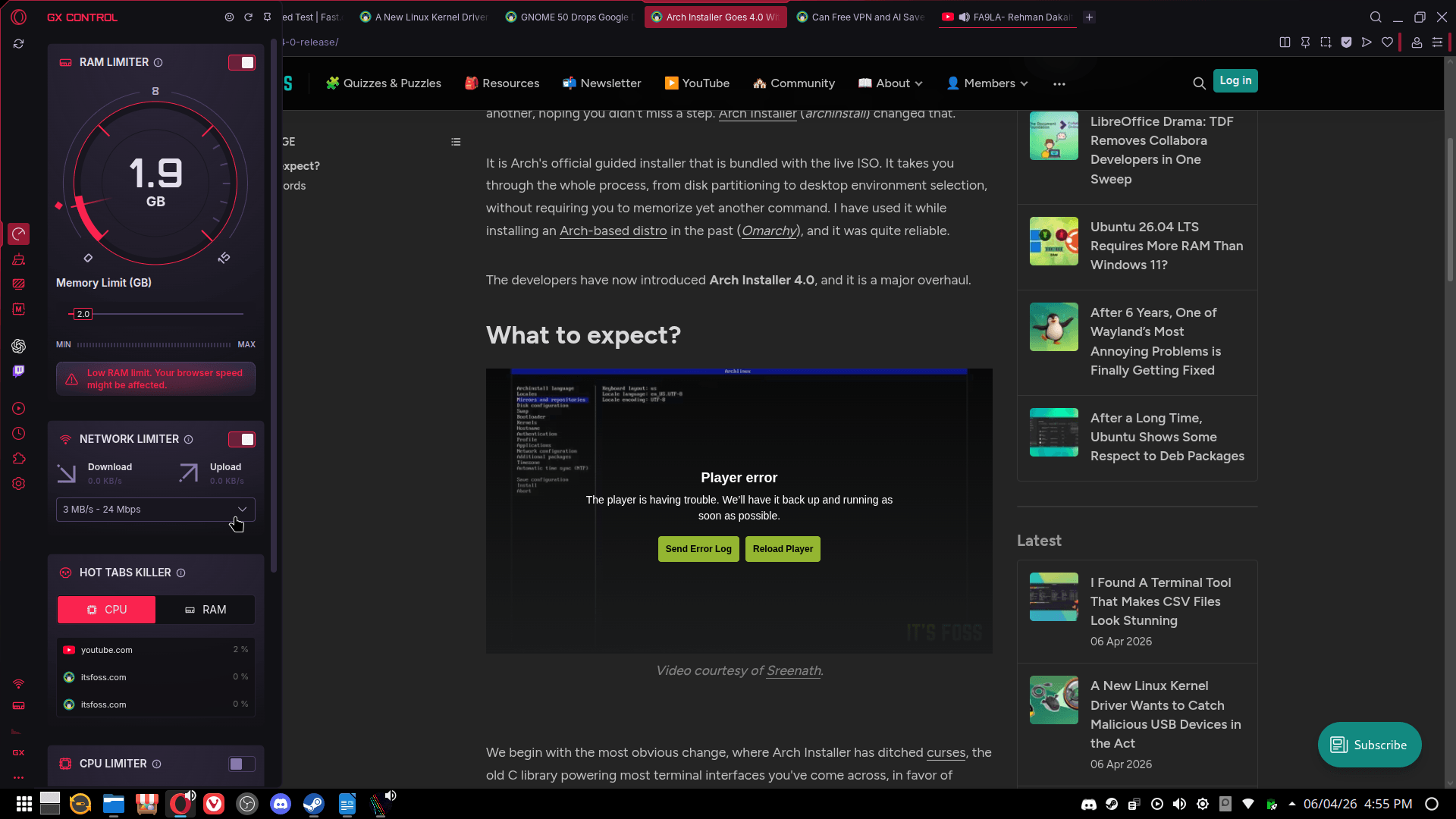
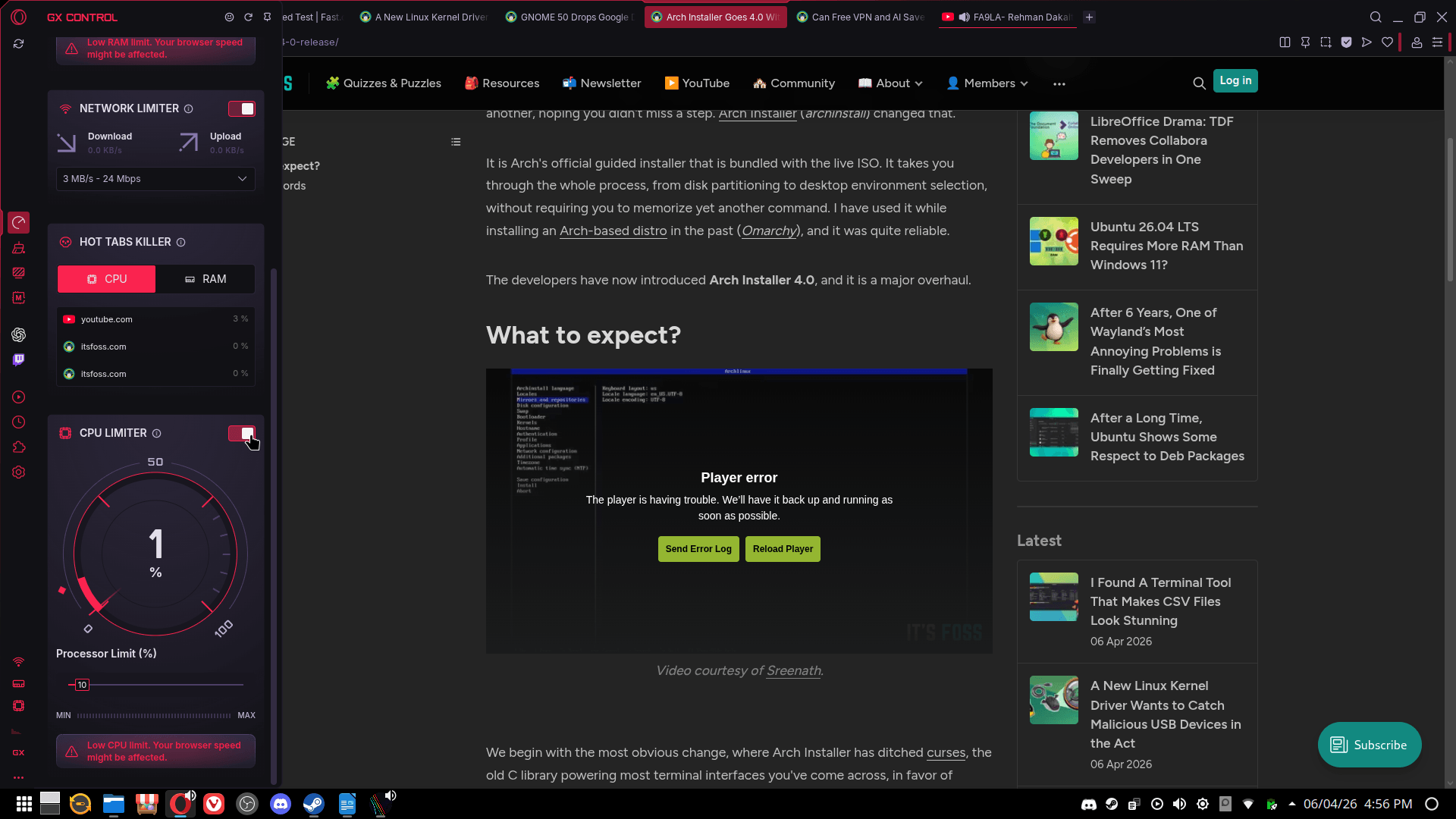
A demo of GX Control on Linux.
I then fired up Arc Raiders and tried my hand at GX Control. It is Opera GX’s built-in resource management panel that lets you cap how much RAM, CPU, and network bandwidth the browser can use with individual toggles and sliders for each limiter. It worked as advertised and even threw up warnings when I set the limits too low.
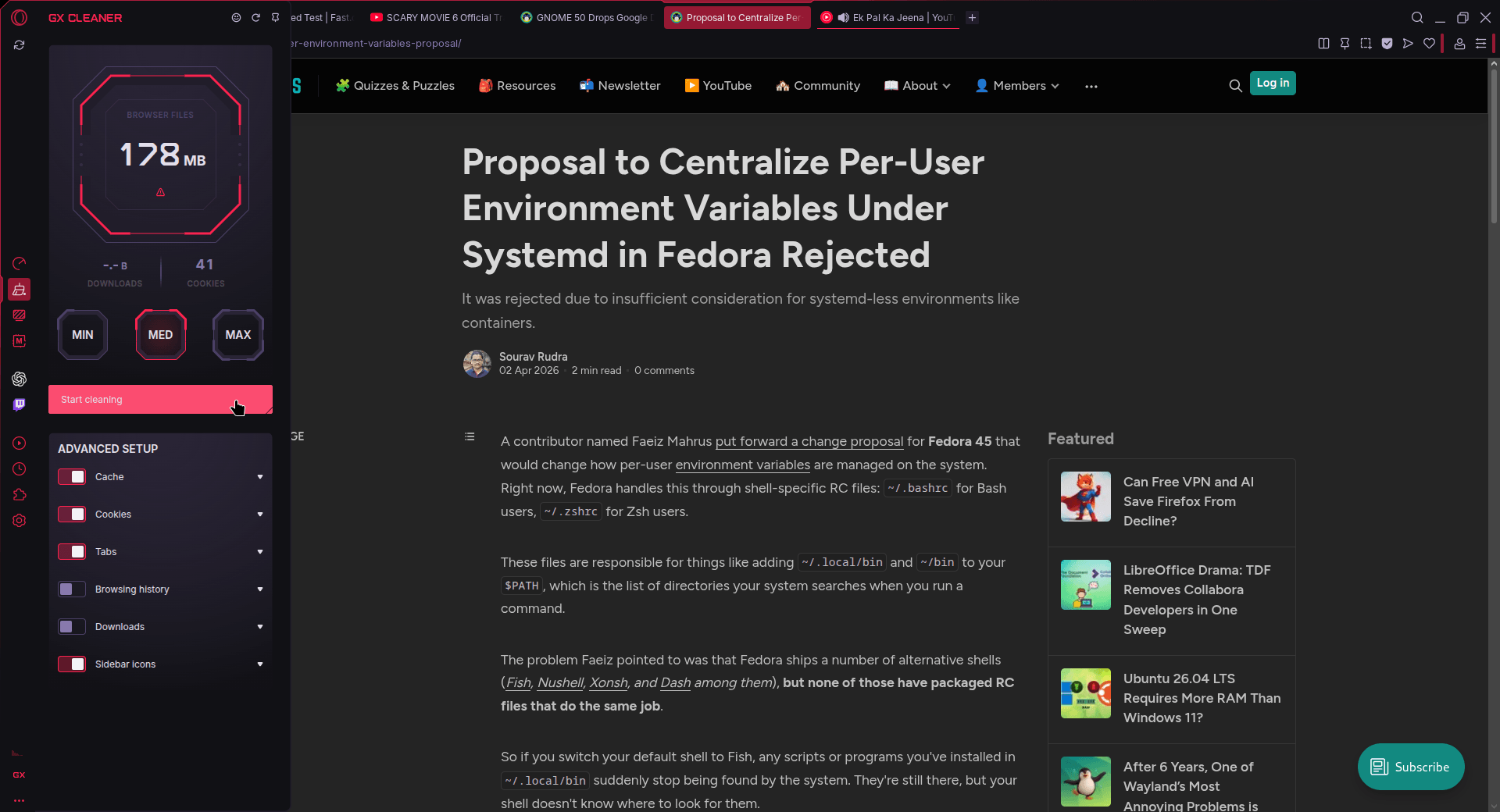
Similarly, GX Cleaner is the browser’s built-in browser cleanup tool that clears out cache, cookies, history, tabs, downloads, and more. It has handy presets, MIN, MED, and MAX, that control how deep the sweep goes, ranging from a light clear of recent temporary files all the way to a full wipe of just about everything. It worked as expected during my use.
A few things that I skipped testing were the stuff most browsers have like bookmarks and extensions, the latter of which Opera GX supports from the Opera catalog.
Then there are the other GX-specific bits, account sync for carrying your data across devices, and the sidebar webapps for Twitch and ChatGPT, which let you keep a stream or an AI assistant open without leaving your current tab.
GX Mods is also there, giving you access to over 10,000 community-made themes, sounds, shaders, and UI tweaks, though you will need an Opera account to get into it.
Wasted?
Depends. For someone like me who tends to close any unnecessary apps running in the background before launching a game, I don’t see much use for a gaming browser. For casual browsing tasks, the occasional Alt+Tab to a regular browser does just fine, and the Steam overlay’s built-in browser is handy too (albeit very barebones).
That said, if you are the kind of person who RGBs everything in sight and already has a riced-out Linux setup, Opera GX could be a decent addition to the collection.
Just go through the default settings before you do anything else. A lot of what’s enabled out of the box won’t sit well with most Linux users.
You can grab the DEB and RPM binaries for Opera GX from the official website.