
Since I bought my first MacBook Air in 2015, I’ve been using Apple computers for over 10 years. Apple laptops have always been my primary work devices, and I’ve always used the MacBook Air series. The reason I choose Apple laptops is simple. Their performance in terms of design, portability, battery life, screen quality, and system stability all satisfy me.
However, in recent years, Windows ultra – thin laptops have also developed rapidly. Many domestic brands have produced quite good products. Among them, there are many laptops with outstanding overall qualities.
Recently, a large number of Intel Core Ultra 5 models have been shipped. The excellent performance and power consumption of this chip left a deep impression on me. Facing the temptation of national subsidies and first – launch discounts, as well as concerns about future PC price increases, I placed an order for a Windows ultra – thin laptop.
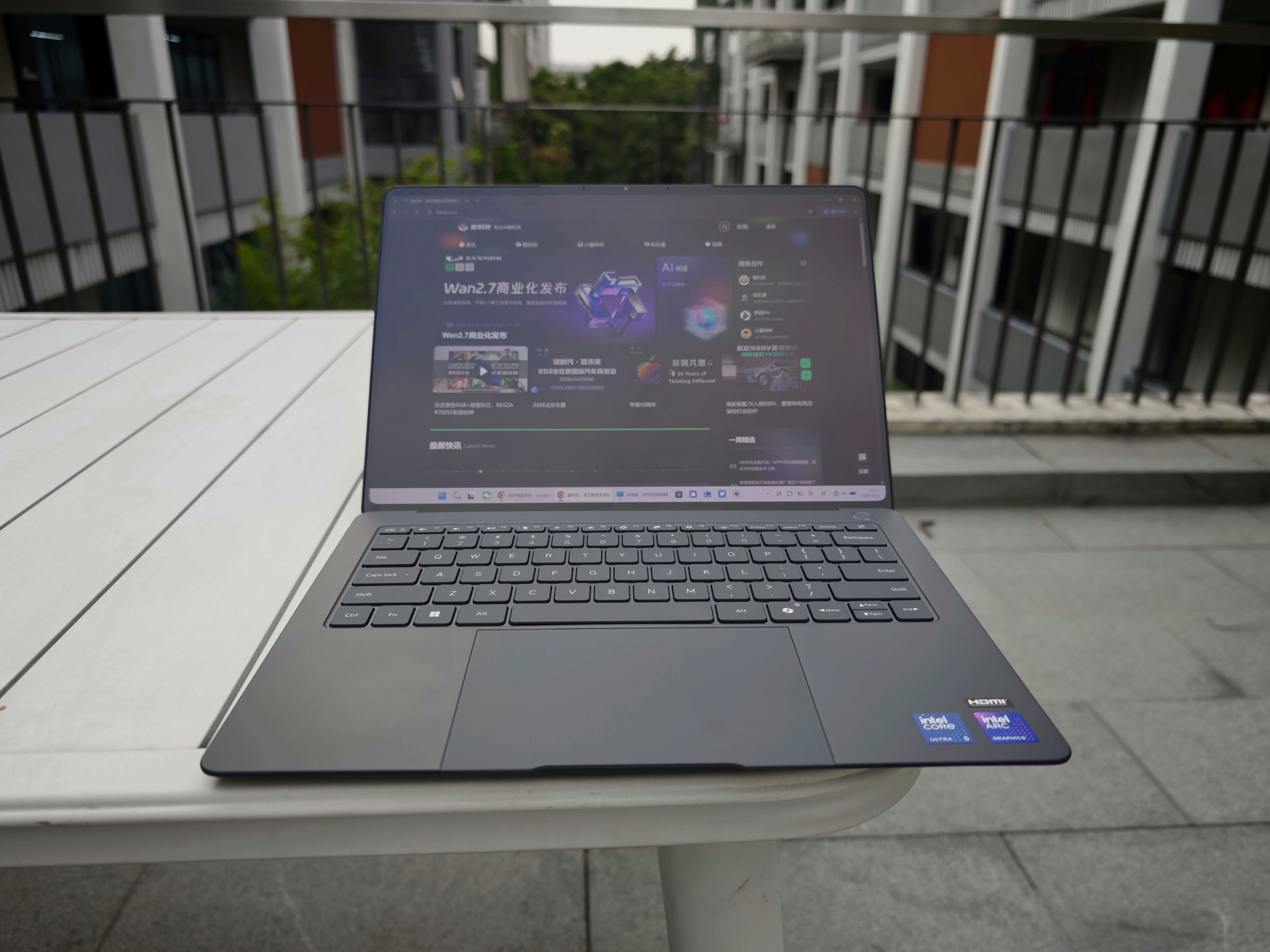
(Image source: Leitech)
Now, I’ve been using a Windows laptop for work instead of my MacBook Air for over a week. It’s time to share my experience.
First experience of non – Mac work: Windows 11 is a letdown
First of all, although my primary computer has always been a MacBook, I also have a desktop Windows 10 computer at home. However, I use the desktop computer for work less frequently. Most of the time, I use it for occasional overtime work after work on weekdays and on weekends. It’s the first time for me to use a Windows laptop for work continuously for several days.
After using a Windows laptop for a week, my most profound feeling is that the Windows 11 system is a letdown, which directly drags down the overall work experience. Next, let’s list the specific problems one by one.
Problem 1: Unstable network
For a computer, connecting to the network is the most basic function. However, when using a Windows laptop, this problem repeatedly troubled me.
First, I’ve encountered one or two situations where the computer couldn’t connect to the network for no reason. The Wi – Fi showed a normal connection, and the router and modem were working properly, but I just couldn’t access the Internet. Neither browsers nor apps like WeChat could connect to the network. The solution is also very “Windows”: just restart the computer.
(Image source: Leitech)
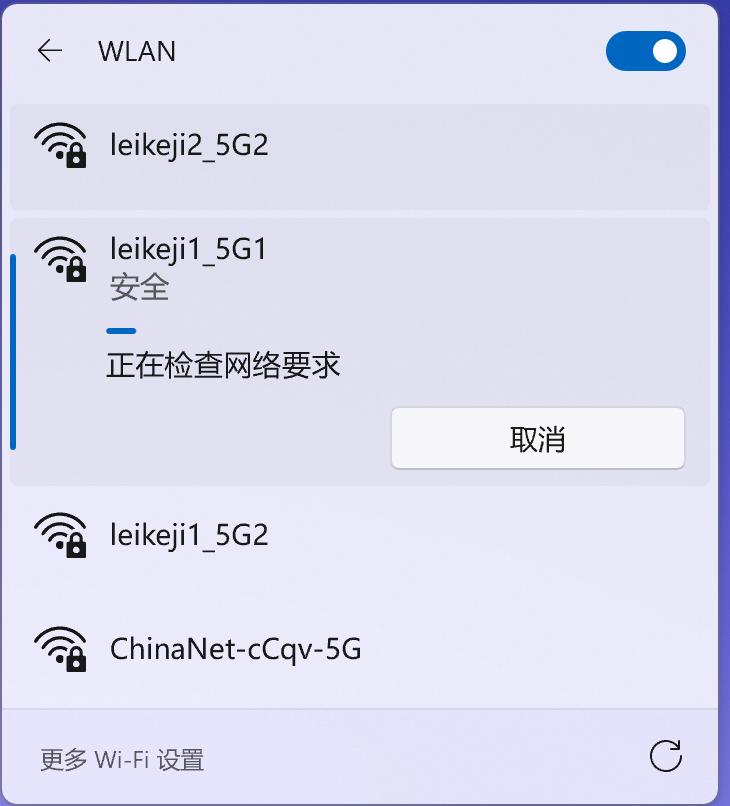
Secondly, I also encountered some troubles when connecting to Wi – Fi. Even when the password was correct, it took a very long time to connect. I couldn’t establish a successful handshake for a long time. I had to disconnect and reconnect several times before finally getting connected.

(Image source: Leitech)
The worst experience was the extremely unstable network of the Microsoft Store. In order to make this Windows laptop have the three – finger swipe and drag function like my MacBook, I planned to download a third – party software.
However, the software’s official website didn’t provide a direct download service. Instead, it gave a link to its page in the Microsoft Store. Then, this started my painful software download experience.
(Image source: Leitech)
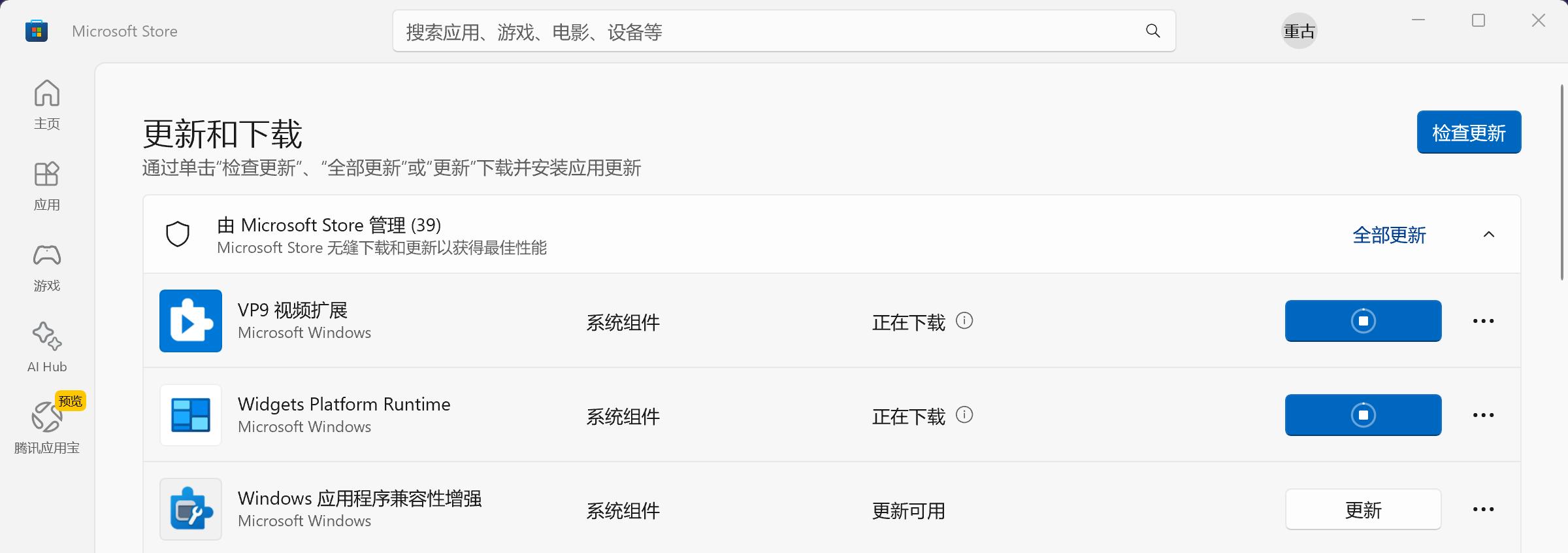
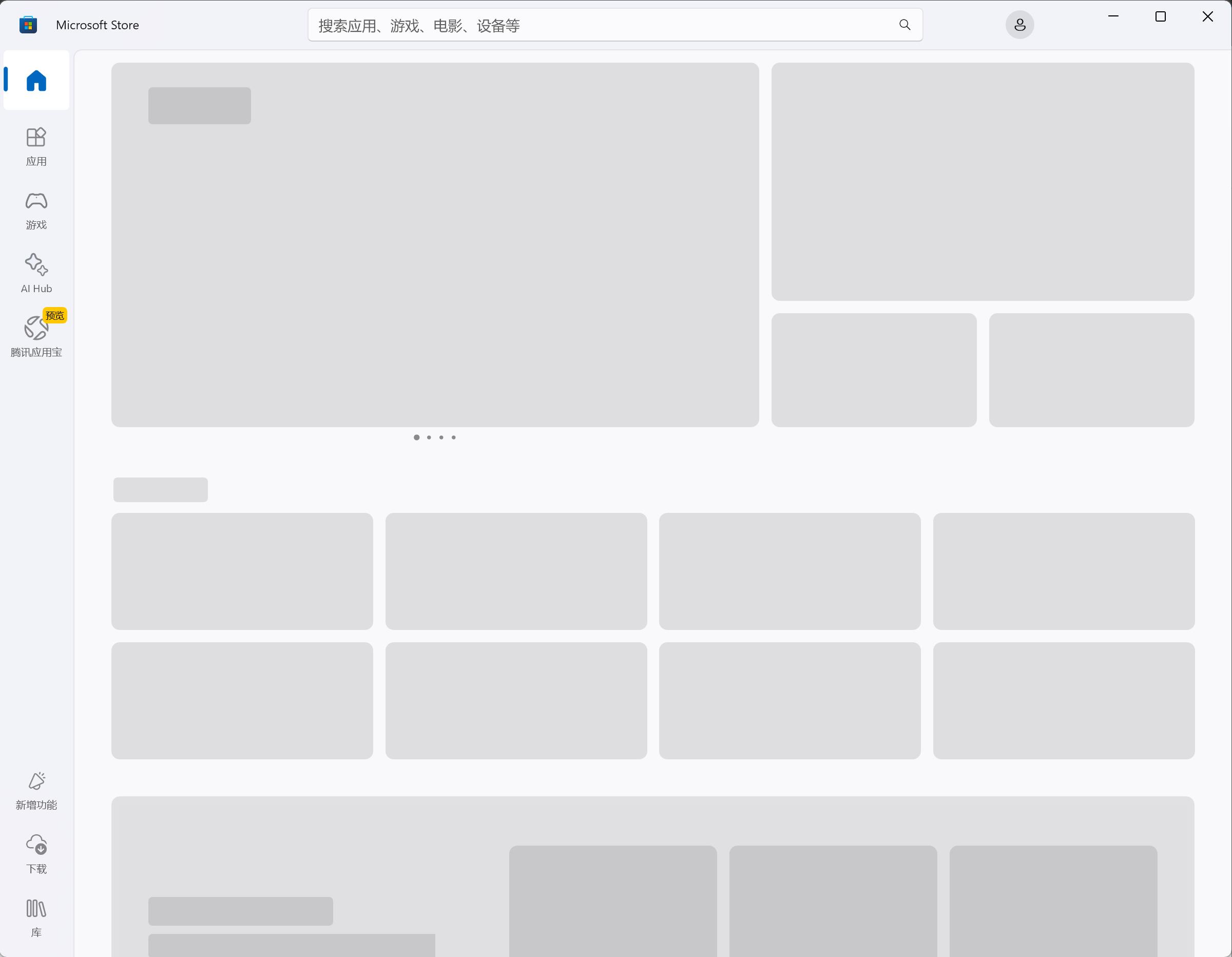
Specifically, the Microsoft Store often couldn’t be accessed normally. Even if I was lucky enough to enter the software download page, there was a high probability that the download progress would stop, and the progress bar would just keep spinning.
(Image source: Leitech)
At first, I thought it was because Microsoft had fewer servers in China. But when I searched for relevant problems online, I found that users around the world, including those in Japan, the United States, and Europe, were complaining about the problem of being unable to access the Microsoft Store smoothly.
Problem 2: No WeChat notification preview
Actually, I noticed this problem before. The Windows version of WeChat is not connected to the Windows system’s notification mechanism. So, when there is a new message, only the icon will flash, and there will be no pop – up window or content preview. Frankly speaking, I didn’t think it was a problem at first, but the longer I used it, the more I felt it was necessary.
In daily work, my main job is content creation. The most efficient time is often when I’m in a state of flow. At this time, I don’t want to be disturbed. However, during work, I still need to pay attention to the message notifications in various work groups. The function of message preview allows you to quickly understand the general content of a message without any operation in a very short time and quickly judge whether it is important, so as to decide whether to click in immediately or deal with it later.
After switching from a MacBook to a Windows laptop, I lost this right to decide. Every flashing WeChat icon is like a blind box to me, and it’s hard for me to ignore it without distraction.

(Image source: Leitech)
Of course, this problem shouldn’t be blamed on the Windows system. It’s because WeChat hasn’t kept up in time. In contrast, Feishu on the Windows platform has a message preview function, and the experience in the work scenario is much better.
Problem 3: Power consumption management needs improvement
The Windows laptop I’m using has a battery capacity of 72Wh, while the M1 – version MacBook Air I used before only had a battery capacity of 49.9Wh. Theoretically, the battery life of the Windows laptop should be much better. However, the actual situation is not like this.
First of all, the power consumption management of the MacBook Air is very good. After closing the lid and entering the sleep state, its power consumption becomes very low. According to my personal experience on business trips, even though the battery health of this Apple laptop is only a little over 80%, its battery life in the scenario of working offline can still be close to 5 hours.
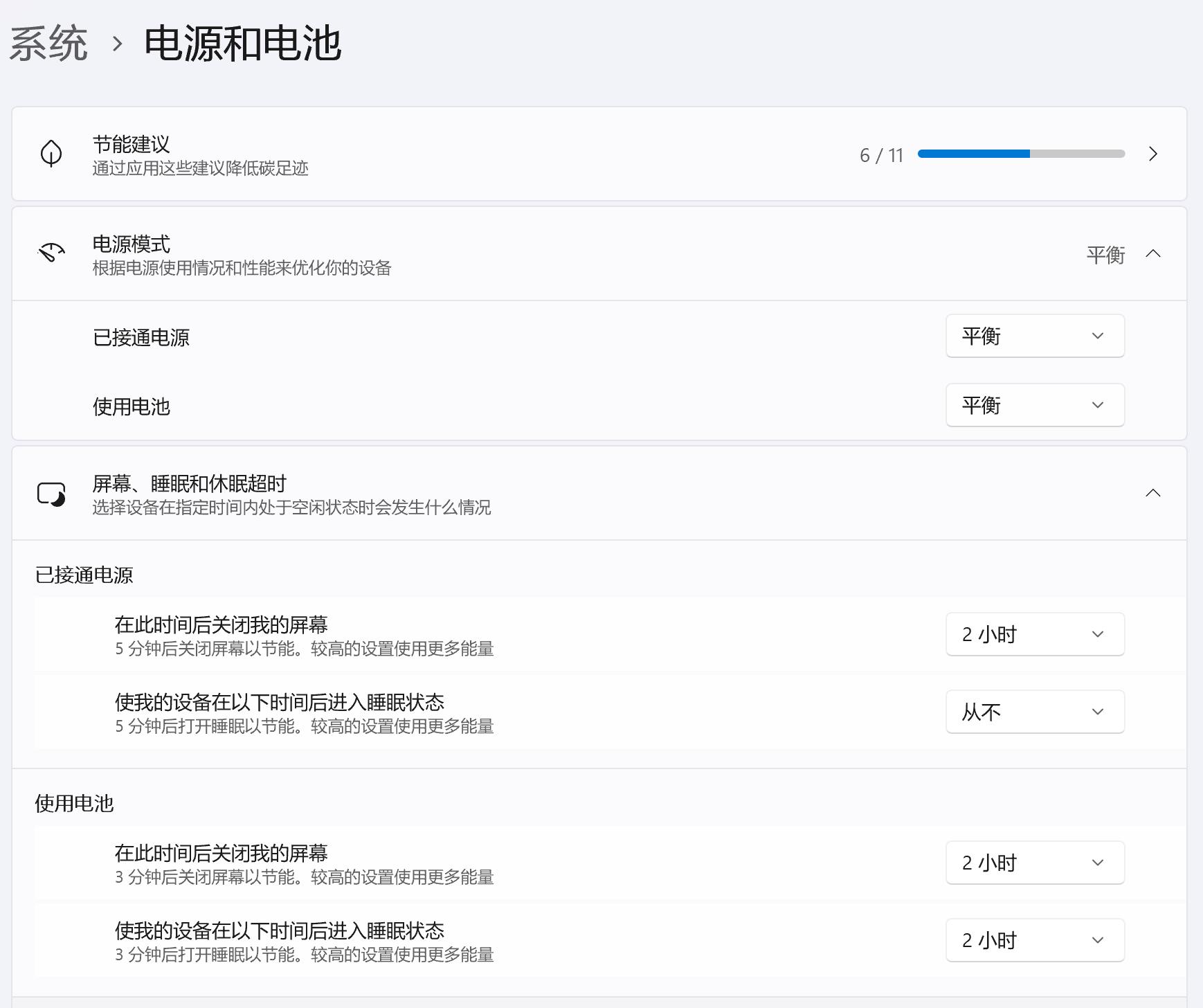
The performance of the Windows laptop in this aspect is obviously not good. There is a probability that it won’t enter the sleep state successfully after closing the lid, and the power consumption is very fast. Moreover, there is a very strange bug in the Windows laptop in my opinion. That is, in the sleep state with the lid closed, if you touch the mouse, the system will automatically wake up. And this bug is not new. Windows laptops have always had this problem.
(Image source: Leitech)
In terms of actual battery life, in an indoor work scenario (screen brightness at 80%, connected to Wi – Fi, WeChat open, and Chrome with seven or eight static tabs open), it consumes about 15% of the battery in one hour and about 33% in two hours. This battery life performance is okay. It can basically last for six hours from full charge to depletion.
It should be noted that during this week of using the Windows laptop for work, I didn’t encounter many serious bugs. However, the above problems still affected my daily use. Moreover, when I searched for problems related to Windows 11 online, I saw a lot of feedback and complaints from users. Many bugs seem very strange to us.
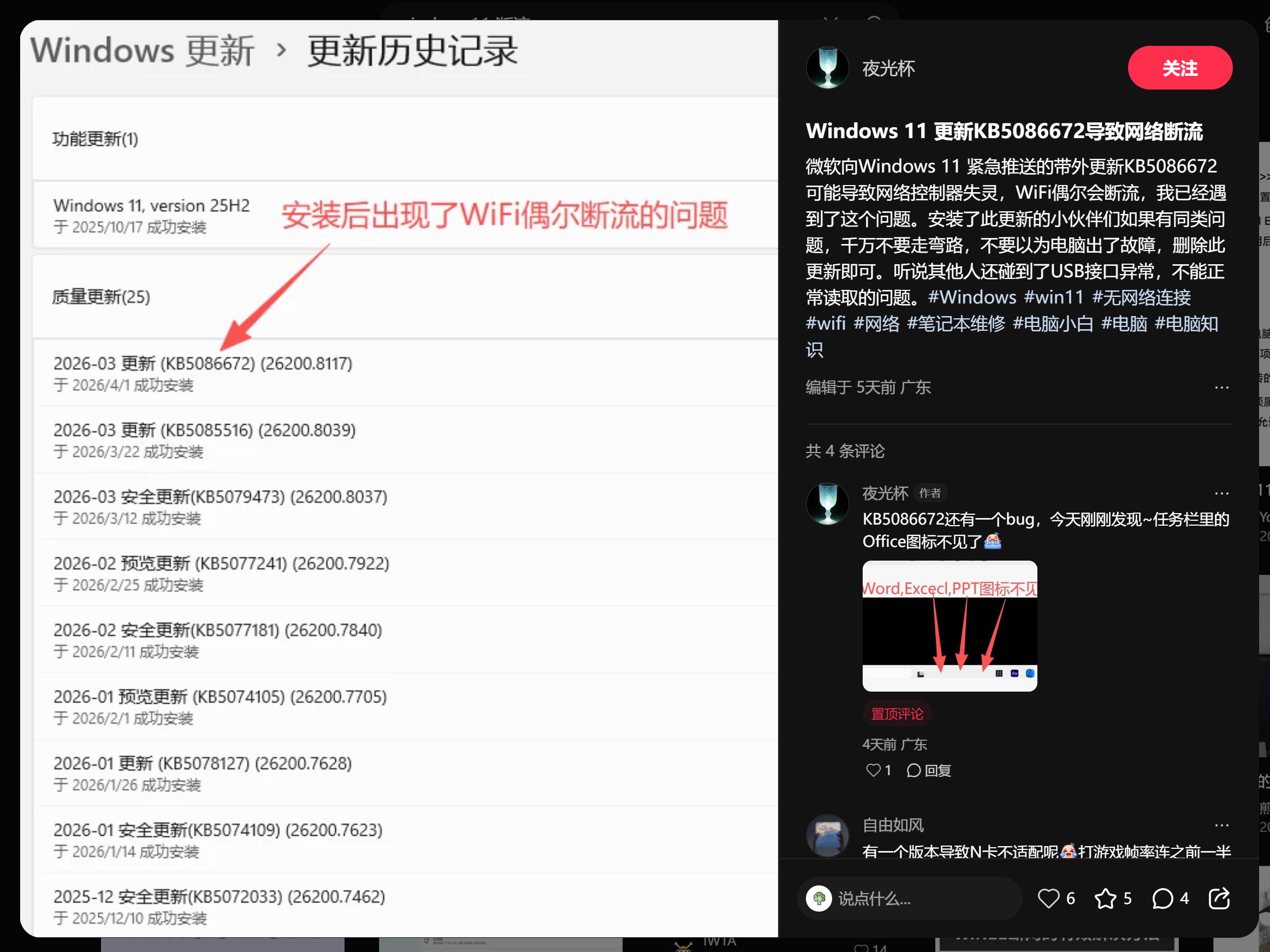
For example, Microsoft released a routine security update on January 13th, which caused some Windows 11 computers to restart automatically when executing the shutdown or sleep command. Some users’ computers had problems with the touchpad not working after upgrading to Windows 11 24h2. The emergency update KB5086672 pushed by Microsoft to Windows 11 caused some users’ network controllers to malfunction and Wi – Fi to disconnect.
(Image source: Xiaohongshu)
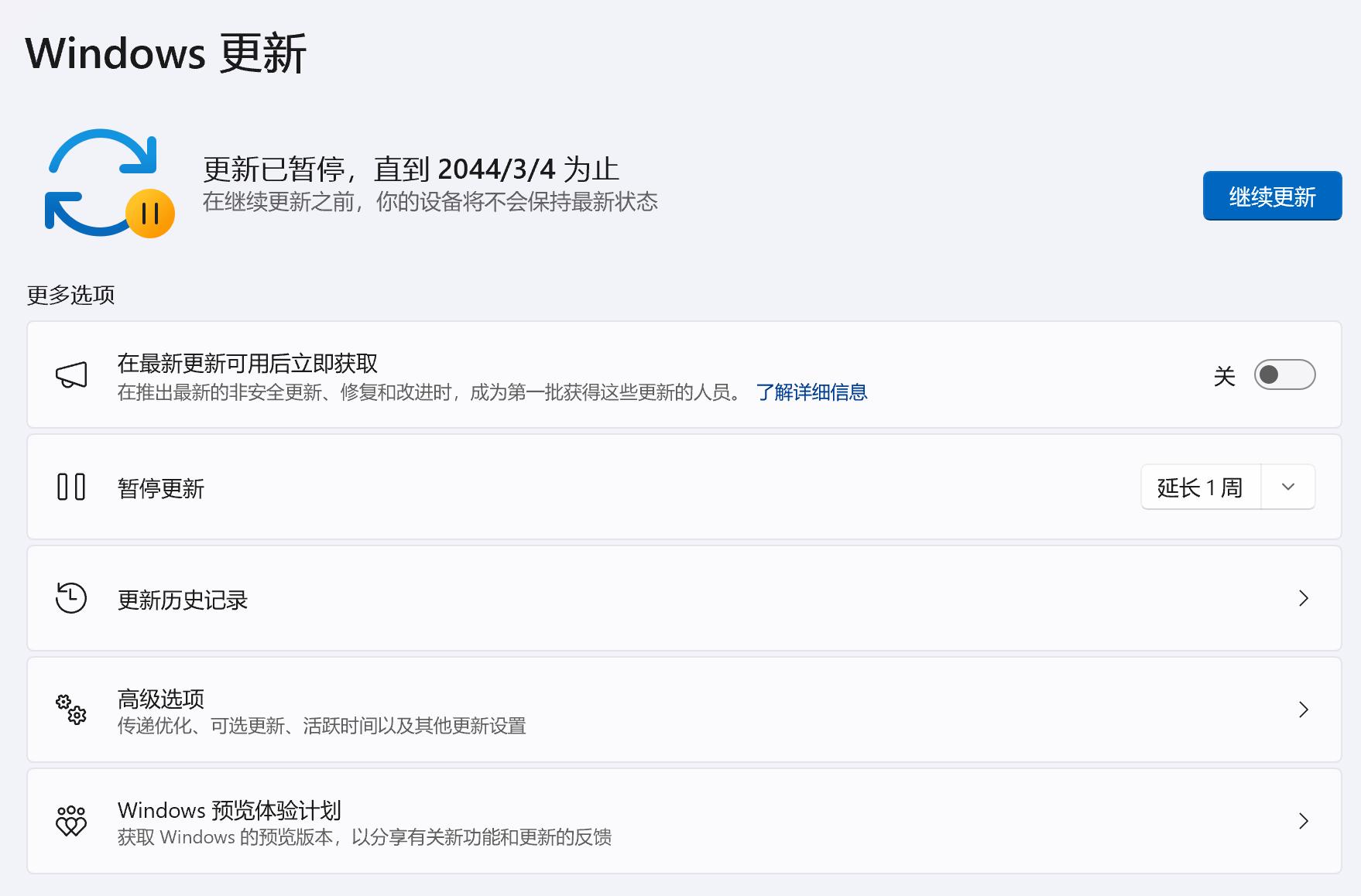
Many users are annoyed by the endless bugs in Windows 11 and directly use special methods to disable Windows updates. This is a solution that is not really a solution.
(Image source: Leitech)
Windows laptops are stronger in comprehensiveness
According to the latest data from Statcounter, currently in the PC market, Windows occupies more than 70% of the market share, while macOS only has 16%. The fact that most people choose Windows as their desktop operating system largely shows that it has irreplaceable advantages. In my personal experience, although Windows has various problems, its comprehensiveness is obviously much stronger than that of macOS.
First of all, in terms of compatibility, Windows 11 can still install and run software from more than a decade ago normally, and the installation freedom is very high. After I upgraded my MacBook Air to macOS 15, many old – fashioned software couldn’t be used anymore. Moreover, Mac often has some restrictions on third – party software that bypasses the Mac App Store. For example, you need to open permissions in the settings and sometimes enter the administrator password for verification.
Secondly, in the gaming scenario, Windows still beats Apple. Although as a work laptop, the scenario of playing games is not very common. And in the past, limited by performance and heat dissipation, it was very strange to use a Windows laptop to play large – scale games.
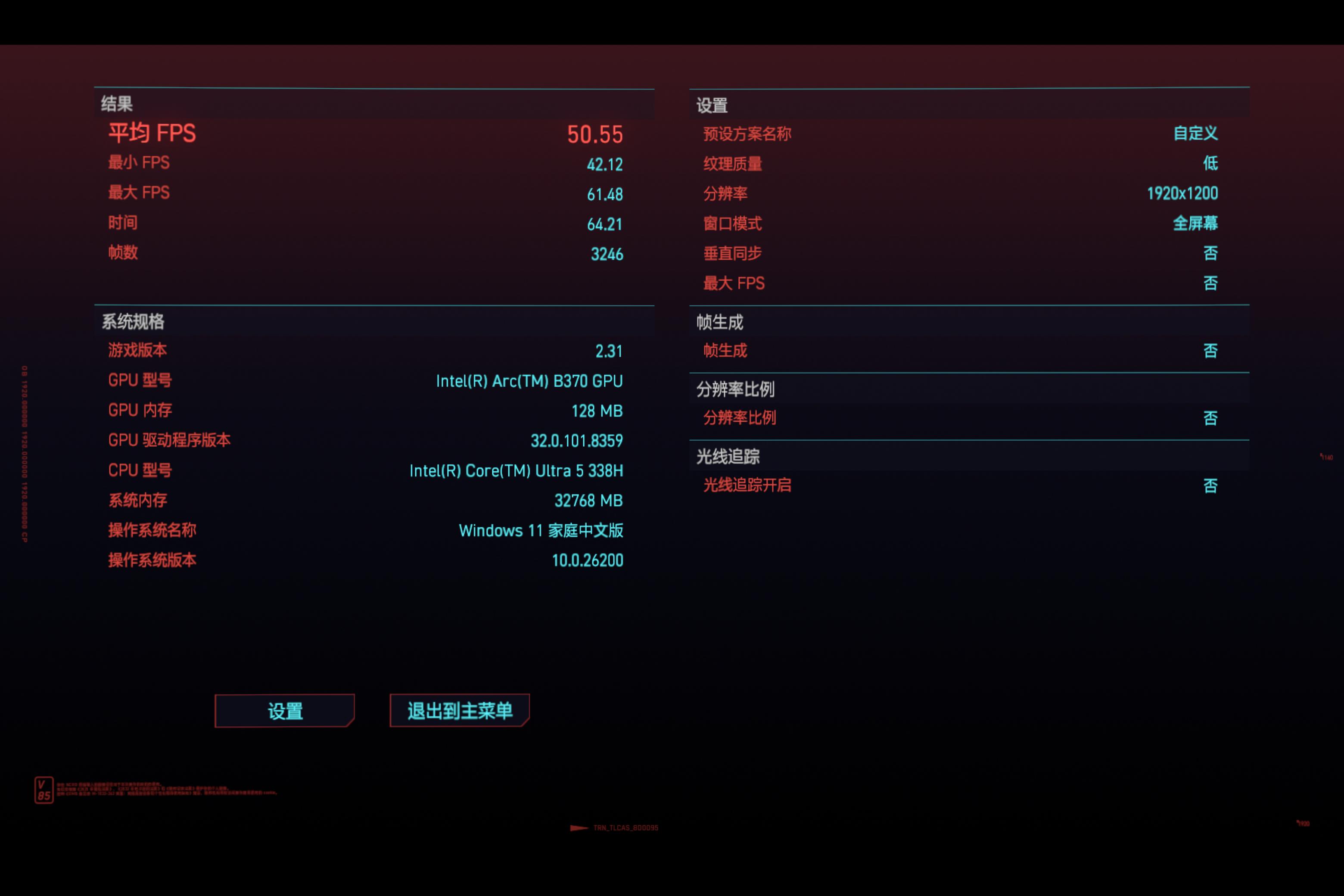
However, the third – generation Intel Core Ultra has greatly improved performance and power consumption thanks to advanced process technology. Take the laptop with the 338H chip I bought. Although it is an ultra – thin laptop, it can already run some 3A games smoothly. For example, in Cyberpunk 2077, at a low – quality 1200P resolution, the average frame rate can reach about 50 frames. In the past, this performance was unimaginable.
(Image source: Leitech)
Actually, the gaming performance of Apple’s M – series chips is not weak. Take the M4 as an example. Its GPU performance is close to that of the mobile RTX4060 graphics card. However, due to the low market share, not many game developers are willing to develop games specifically for Mac. So, the gaming performance of the M4 often only exists on paper and doesn’t help much in the real – world gaming scenario.
It’s worth mentioning that most domestic PC manufacturers have adapted corresponding software services for their computer products. For example, Xiaomi Computer Manager has a built – in app store, and the overall experience is much better than the official Microsoft Store. It also enables interconnection between the computer and the mobile phone. Not only can files be transferred between different devices, but you can also control the mobile phone on the computer. Huawei laptops have a built – in mobile app engine in the system, which can directly run mobile apps on the computer with the help of the touch screen.

(Image source: Leitech)
It can be said that domestic brands are filling the gaps for Microsoft on the one hand, providing corresponding alternative solutions. On the other hand, they are offering more localized functions and integrating their own ecosystems, which improves the overall experience.
Windows 11 needs a comprehensive innovation
As an Apple user for many years, I often complain about various bugs in iOS and macOS. iOS26 has been criticized by countless people. However, the number and severity of bugs in Windows 11 have reached an unimaginable level. Without exaggeration, every update of the Windows 11 system is like a gamble for users. It may solve one existing bug, but