
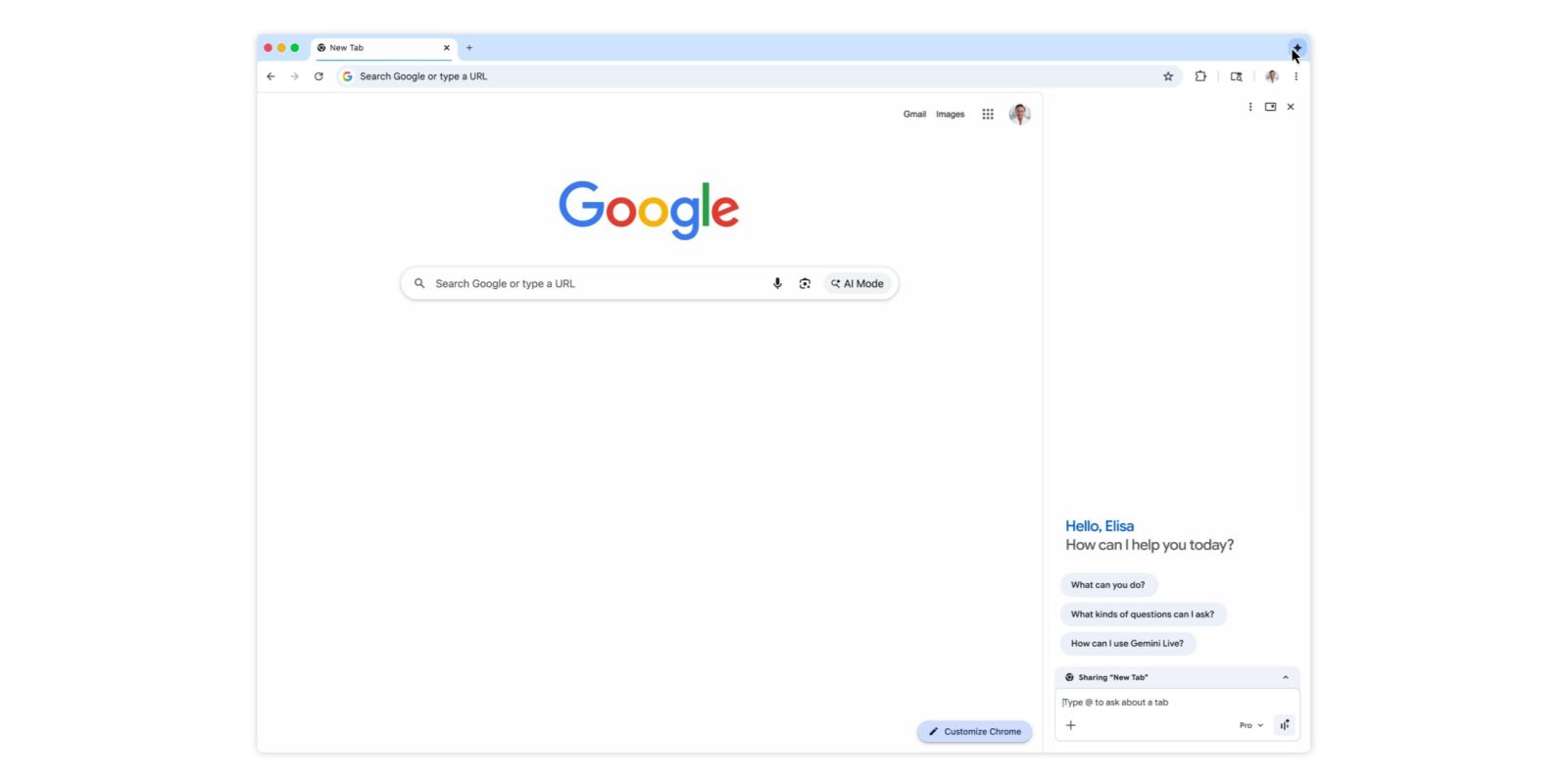
After the US launch last year and big update this January, Gemini in Chrome is now coming to Canada, India, and New Zealand, as well as adding support for over 50 languages.
Gemini in Chrome can be launched from the top-right corner of the browser, keyboard shortcuts, Mac menu bar, or Windows system tray. It’s available as a floating window or side panel docked to your current tab.
Prompts can use the context of open tabs (up to 10), while Gemini in Chrome can tap into Calendar, Docs, Drive, Maps, Search, YouTube, and other Google apps. One particularly powerful integration lets you compose and send with Gmail right from the side panel.
Meanwhile, Nano Banana 2 lets you edit images without needing to upload files or open a new tab.
On the security front, Gemini in Chrome will ask for confirmation before sending an email, adding an event to your calendar, or performing other sensitive actions.
Gemini in Chrome now supports the following languages: Afrikaans, Amharic, Bulgarian, Bengali, Catalan, Czech, Danish, German, English (UK), English (US), Greek, Spanish, Spanish (Latin America), Estonian, Basque, Finnish, Filipino, French, Galician, Gujarati, Hindi, Croatian, Hungarian, Indonesian, Icelandic, Italian, Japanese, Kannada, Korean, Lithuanian, Latvian, Malayalam, Marathi, Malay, Dutch, Norwegian, Polish, Portuguese (Brazil), Portuguese (Portugal), Romanian, Russian, Slovak, Slovenian, Serbian, Swedish, Swahili, Tamil, Telugu, Thai, Turkish, Ukrainian, Vietnamese, Chinese (Simplified), and Chinese (Traditional).
In addition to Chromebook Plus, Mac, and Windows, this expansion brings Gemini in Chrome to the iOS browser.


FTC: We use income earning auto affiliate links. More.