
By late January 2026, Windows president, Pavan Davuluri, publicly admitted Windows 11 had gone off track and pledged to fix the operating system this year. Back then, it might’ve sounded like a well-orchestrated corporate narrative, but the Windows chief has now stepped forward, with his core engineering mindset, to lay out a detailed strategy of the new features, fixes, and improvements coming to Windows in April and later this year.
In the latest blog for Windows Insiders, Davuluri also explains why these changes are happening in the first place. Microsoft has been listening to user complaints for months about performance issues, intrusive AI, forced updates, and a cluttered experience. What follows is a structured response to those exact concerns, with immediate changes rolling out in Insider builds this month and in April, and a broader plan planned through 2026 to “raise the bar on Windows 11 quality”.
From customizable taskbar to reducing Copilot’s footprint and fixing long-standing frustrations with File Explorer and Windows Update, this is the biggest thing that has ever happened to Windows 11.
In all honesty, to say “Microsoft listened” would be an understatement, because the following list of features and improvements coming to Windows in 2026 covers almost EVERYTHING that users have been wishing for, and we can’t wait to see how it’ll pan out.
Windows 11 in April will fix the taskbar, Copilot, File Explorer, and a lot more
Microsoft isn’t easing into this. The first wave of changes rolling out to Windows Insiders this month and in April goes straight after the most visible frustrations in Windows 11. Some of these are fixes users have been asking for since the beginning of Windows 11, and in some cases, since Windows 7.
Windows 11 taskbar finally gets repositioning support
Let’s start with the one that should’ve never been removed. Windows 11 is finally getting the ability to move the taskbar to the top and sides of the screen. This has been one of the most requested features in the Feedback Hub.
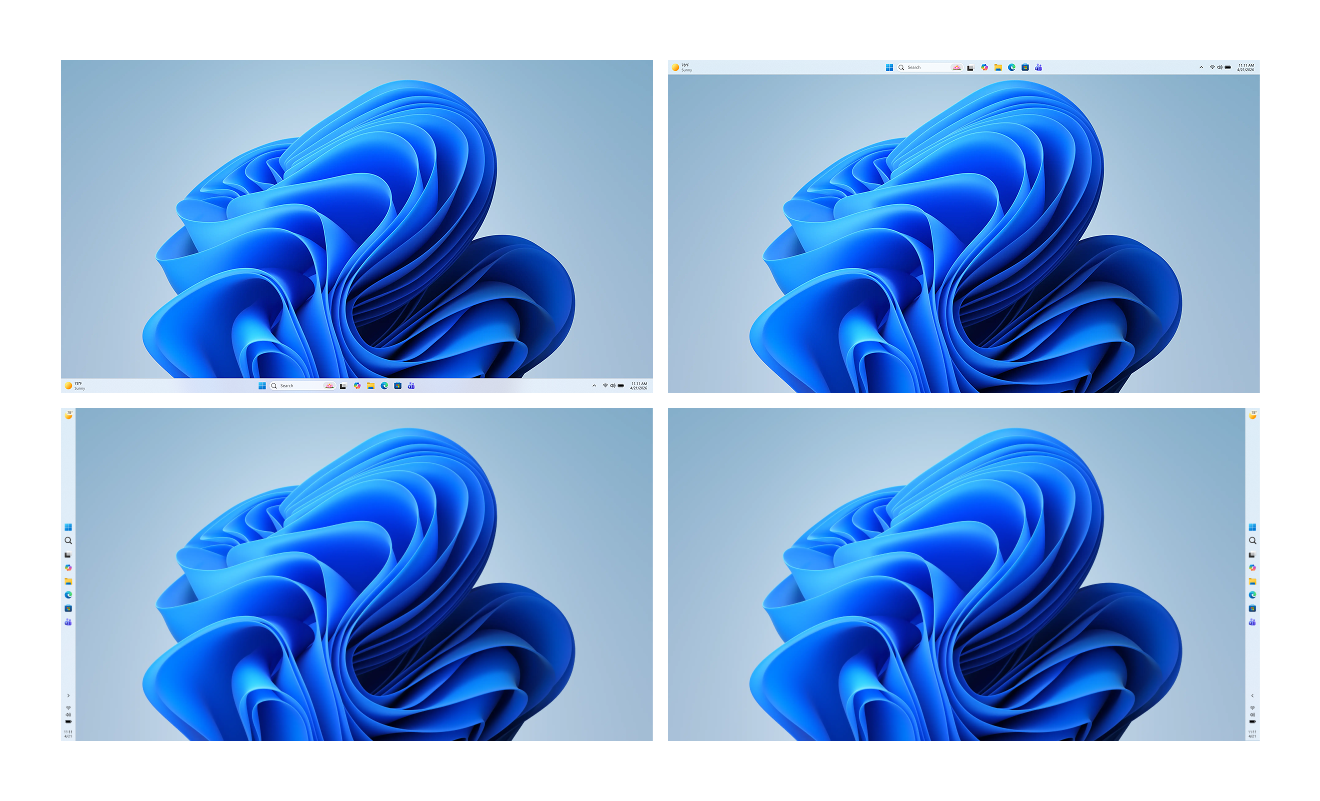
The irony is obvious. This was something users already had in Windows 10, Windows 8, and even Windows 7. Removing it broke workflows for power users, especially those running vertical monitors or multi-display setups.
Now, Microsoft is bringing it back with proper customization support, making it easier to adapt Windows to different work environments again. Right-clicking the taskbar will show options to reposition it, like left, top, right, and bottom, just below the usual options of Task Manager and Taskbar settings.
Microsoft is reducing Copilot clutter across Windows apps
If there’s one thing Windows 11 has been criticized for over the past year, it’s how aggressively Copilot was pushed into everything.
That changes now.
Microsoft is pulling back on unnecessary Copilot integrations across core apps like Snipping Tool, Photos, Widgets, and Notepad. Instead of placing AI buttons everywhere, the company is shifting toward a more intentional approach and only keeping Copilot where it adds value.
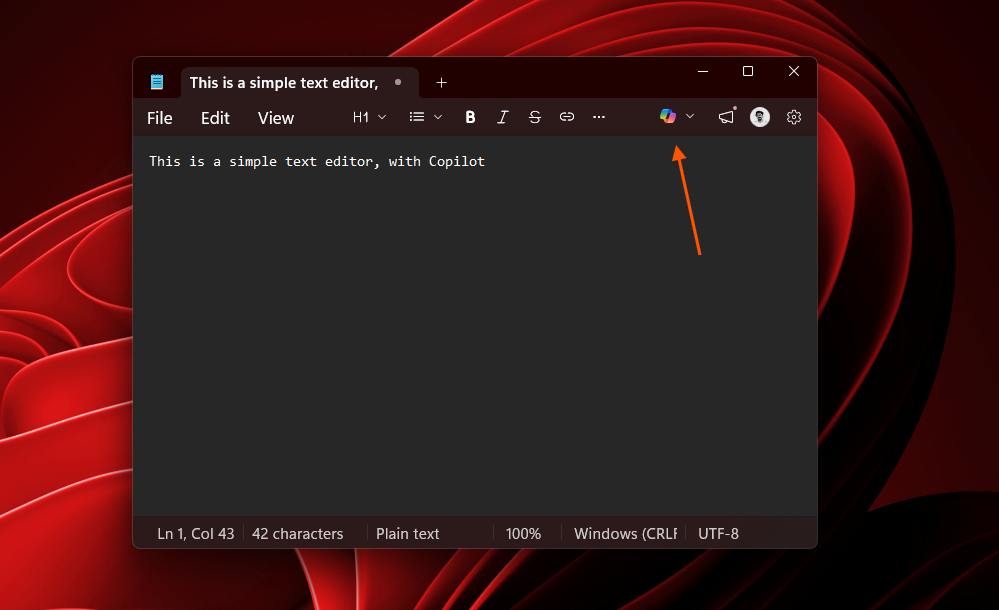
“You will see us be more intentional about how and where Copilot integrates across Windows”
This is a clear course correction. Users haven’t rejected AI, in general, and the usage statistics of ChatGPT and Cluade show it. But they rejected how AI was forced into basic workflows in Windows. Now, Microsoft is finally acknowledging that not every app needs a Copilot button sitting in the UI.
Windows Update finally becomes less disruptive
Windows Update has been one of the most frustrating parts of the OS for years, and Microsoft is finally addressing it head-on.
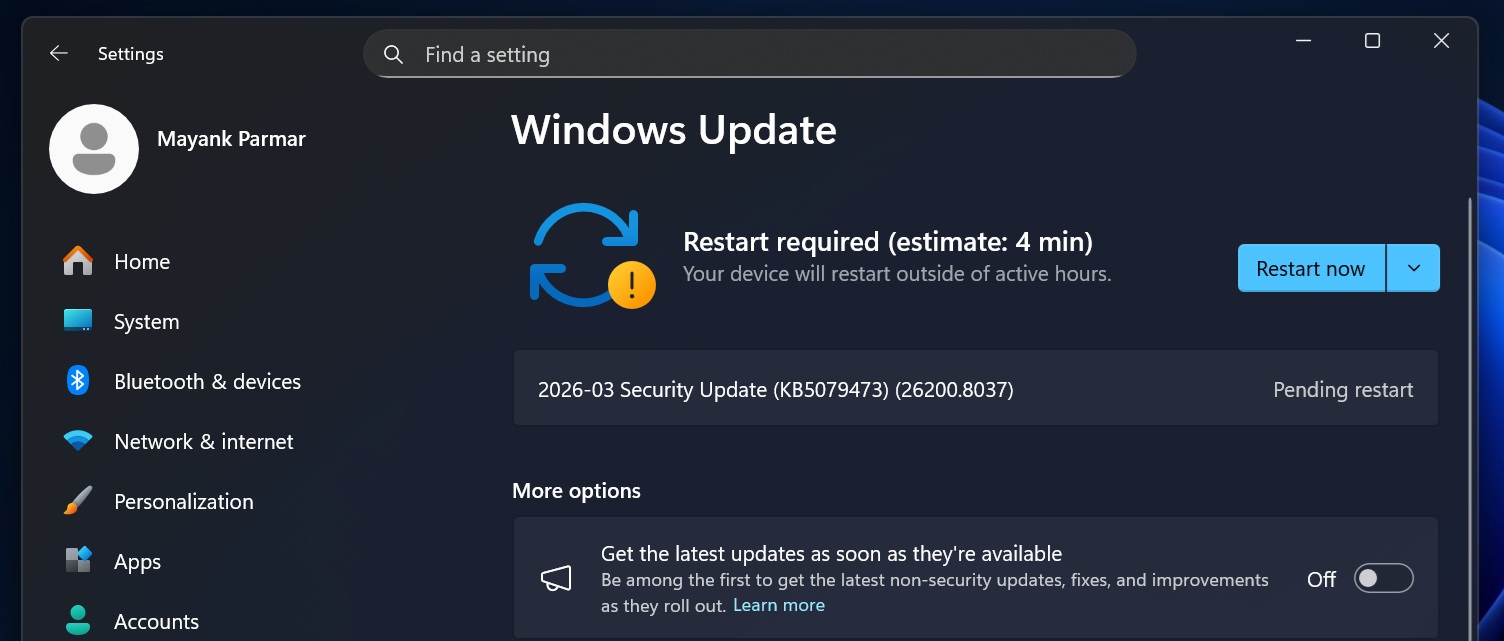
With the upcoming changes, users will be able to skip updates during setup (OOBE), restart or shut down without being forced into updates, and pause updates for longer periods. On top of that, Microsoft is working toward fewer restarts and clearer update behavior.
The feeling that Windows PC always tries to update itself at the worst possible moment has been a long-standing meme that will soon be obsolete.
File Explorer performance improvements finally arrive
File Explorer is one of the most used parts of Windows, and ironically, one of the most criticized in Windows 11.
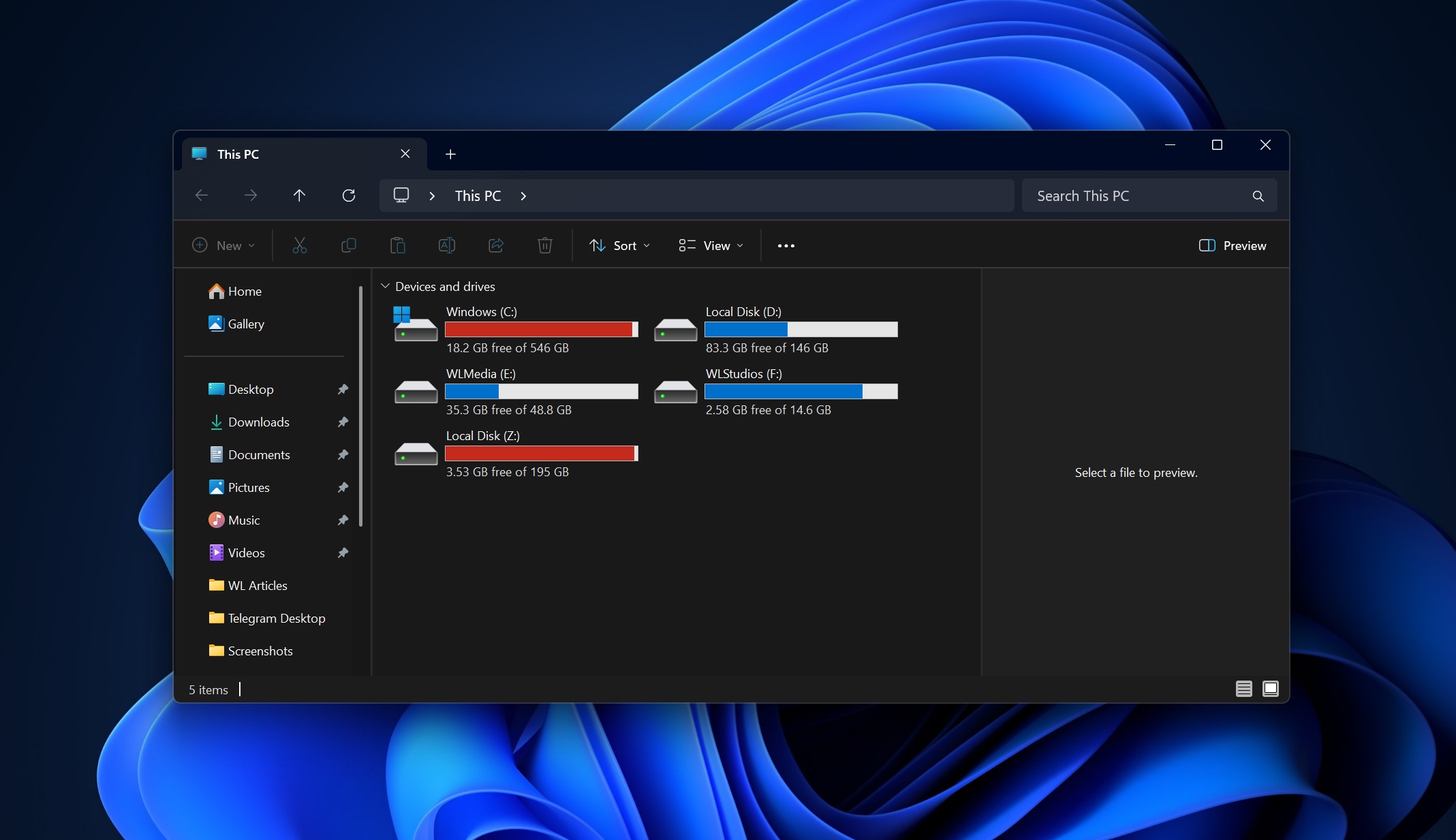
Fortunately, Microsoft is improving File Explorer with faster launch times, reducing UI flicker, and making navigation smoother overall. Anyone who has used Windows 10 beforehand knows how inconsistent File Explorer has felt in Windows 11.
Microsoft wants to make everyday file operations feel reliable again. And based on what the company is promising, this is just the first round, and greater improvements are coming later.
Widgets and feeds to become less intrusive
Honestly, Widgets in Windows 11 never felt like they were useful when compared to the ones in Windows 7.
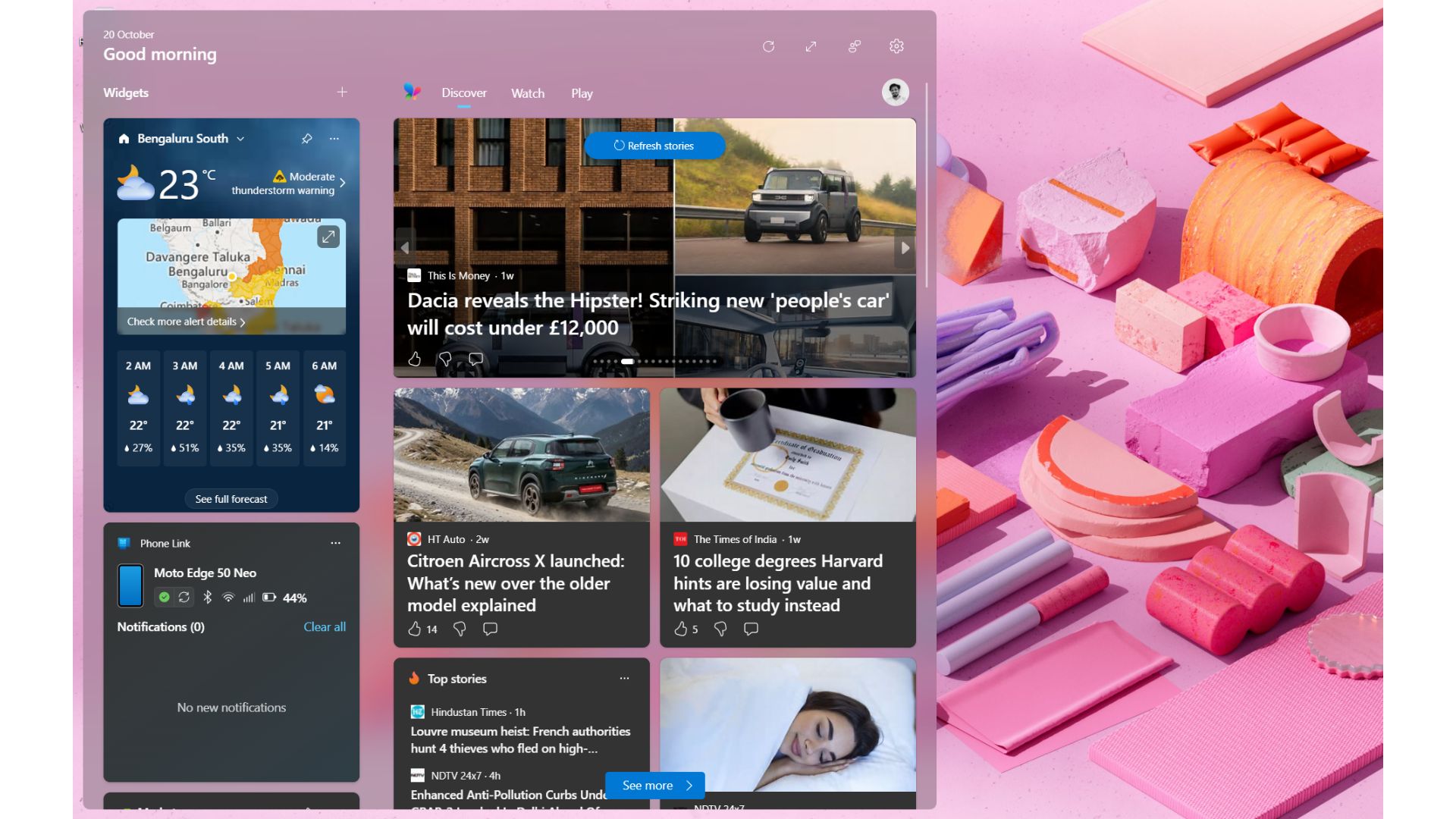
Microsoft acknowledges this is now dialing that back by introducing quieter defaults, better personalization, and more control over how and when widgets appear. The Discover feed, in particular, is getting refined so it feels less like a content dump and more like something you want to glance at.
Feedback Hub is getting a major redesign
If Microsoft is serious about listening, the Feedback Hub has to work better, and it finally looks like they’re fixing that, too.
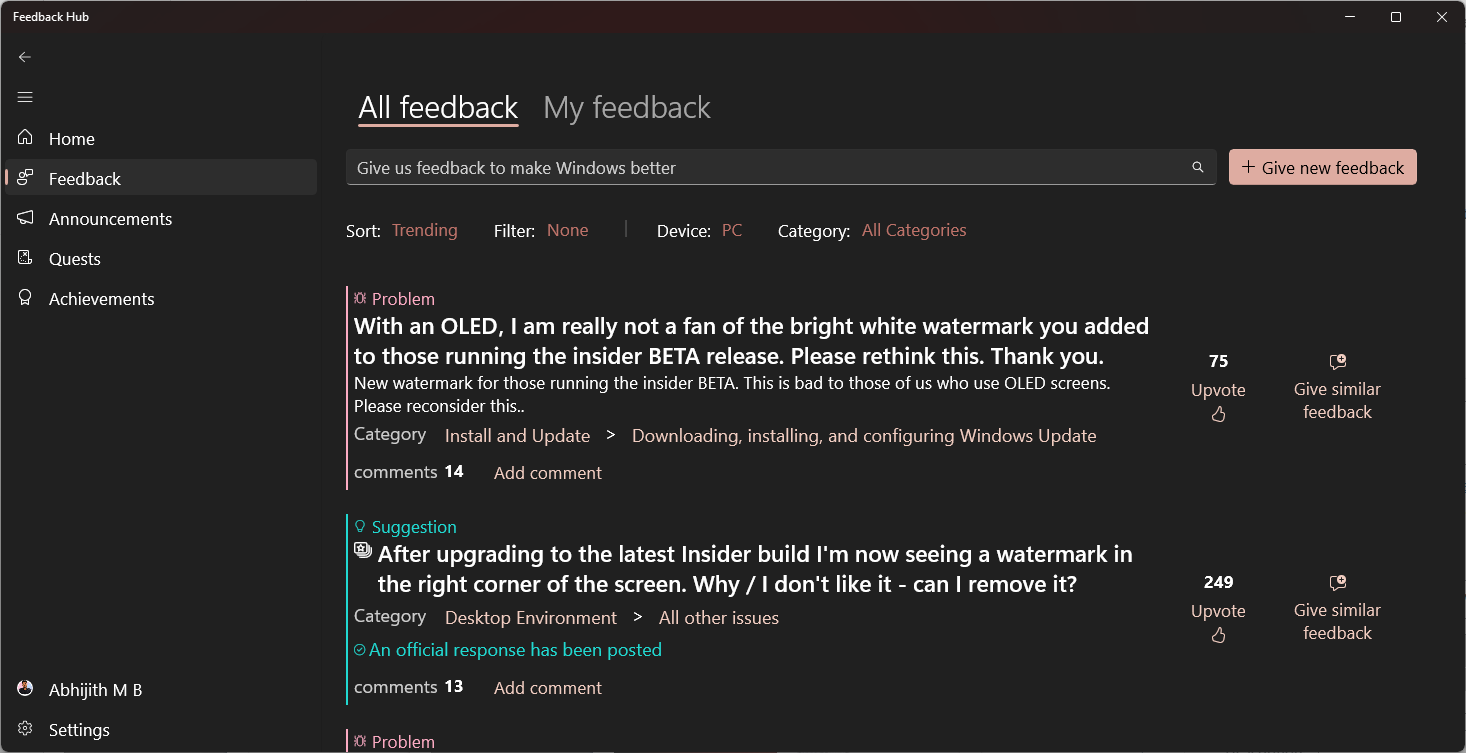
The app is getting its biggest redesign yet, with faster feedback submission, a cleaner interface, and better ways to interact with the community. The goal is to make Feedback Hub easier to use, which is critical if Microsoft wants to rebuild trust with its user base.
All of these are features coming to Windows Insiders in March and April 2026. However, the Windows Insider Program itself is getting an update. The company says that they will make it easier for Insiders to find the channel that works best for them with easier access to new features, better quality builds, and the best part is to be able to see how Insider feedback shapes Windows. The company is also promising more opportunities to engage with the Windows development team.
Yes, I know, this list itself is solid and may sound too good to be true, but this is all happening at the moment and will reach your PCs sooner than later. However, the show doesn’t stop here, and Microsoft is planning something much bigger behind the scenes, focusing on performance, reliability, and how Windows feels to use every single day.
Windows 11 2026 roadmap includes performance improvements, better reliability and user experience overhaul
If the April update fixes what you can see, the rest of Microsoft’s 2026 roadmap is about fixing what you feel when you use Windows.
The biggest complaints around Windows 11 have always been performance, consistency, and reliability, and Microsoft is finally addressing them at a deeper level with improvements set to come across:
- How fast Windows boots up and responds
- OS stability under real workloads
- Consistent and intentional user experience.
Windows 11 performance improvements will reduce memory usage
When the MacBook Neo launched, social media was quick to note how Windows PCs can’t handle 8 GB RAM, which is a false statement to begin with. However, Windows 11 does use a considerable amount of RAM when idle, and any memory usage improvement at a time when RAM prices are skyrocketing is worth it.
High memory usage of background processes and modern apps built on WebView2 has long plagued Windows 11. Even basic apps can eat hundreds of megabytes of RAM.
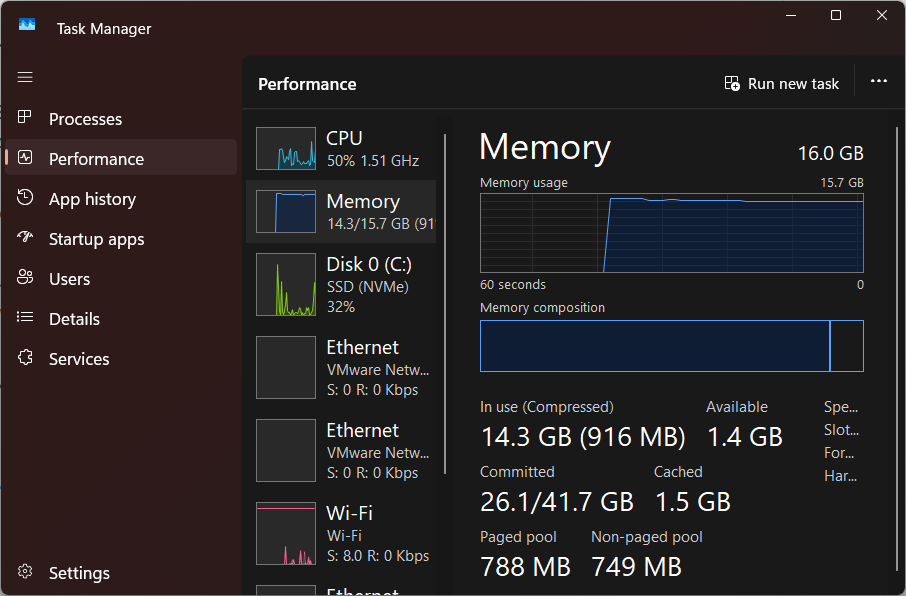
Microsoft is now working to lower baseline memory usage, which frees up RAM capacity, helping you to run more apps, improve responsiveness, and make multitasking smoother across the OS. The company says that Windows will “stay fast as you move between apps and workloads.”
Microsoft is moving more Windows UI to WinUI3
One of my biggest gripes with a bunch of first-party apps and UI elements in Windows 11 has been the use of WebView2 instead of the native WinUI3 framework. Right now, Windows 11 is a mix of legacy UI frameworks and modern components. That’s why you still see inconsistent design, different context menus, and lag when interacting with certain parts of the OS.
Microsoft is now reducing interaction latency by moving more core Windows experiences to WinUI 3 and improving the shared UI infrastructure that powers the OS.
This will lead to smoother animations, faster UI response, and a more consistent experience across apps like Start and other system components.
File Explorer deeper fixes including search and file operations
Anyone who has tried searching for files in Windows 11 knows how unreliable it can feel compared to earlier versions. The same goes for large file transfers that randomly slow down or fail.
Microsoft is working on faster search, more reliable file transfers, and smoother navigation overall. This directly targets long-standing complaints about slow indexing, inaccurate search results, and inconsistent copy speeds.
Windows reliability improvements across drivers apps and hardware
Stability across the OS seems to be a major focus area for 2026.
Microsoft is working on reducing crashes, improving driver compatibility, and making hardware interactions more reliable. This includes better Bluetooth stability, more consistent USB behavior, and fewer issues with cameras and audio devices.
Windows has always had to deal with a massive hardware ecosystem, which makes stability harder than on platforms like macOS. But that doesn’t excuse the random disconnects, driver issues, and glitches users still experience today.
Windows Update overhaul reduces restarts and improves control
Beyond the immediate changes coming in April, Microsoft is also rethinking how Windows Update works long-term.
The company is moving toward fewer restarts, clearer update progress, and better recovery systems if something goes wrong. There are also discussions around a more predictable update cadence, potentially reducing the number of unexpected interruptions.
For years, Windows updates were unpredictable and intrusive, especially during emergency patches. This overhaul is about making them feel controlled and transparent instead.
Windows Hello improvements for faster and more reliable sign-in
Authentication is getting an upgrade too.
Microsoft is improving Windows Hello with faster face recognition, fewer fingerprint errors, and better support for devices like handheld PCs. The goal is to make sign-in instant and reliable, instead of something that occasionally fails and forces you back to a PIN.
Start menu and taskbar improvements for better personalization
The Start menu is also getting attention, especially around personalization.
Users have long complained about the “Recommended” section feeling like ads or irrelevant suggestions. Microsoft is now working on better recommendations, along with options to disable or control what appears there.
There’s also a push toward giving users more control over layout and behavior, which has been limited in Windows 11 compared to Windows 10.
Reduced distractions and cleaner Windows experience
Another major theme in this roadmap is reducing noise across the OS.
Microsoft is simplifying the setup experience with fewer steps and fewer reboots, reducing notifications, and making Widgets less intrusive by default.
The idea is to make Windows feel quieter and more focused, instead of constantly interrupting the user.
Windows Search improvements will give faster and accurate results
Finally, Windows Search is getting much-needed improvements.
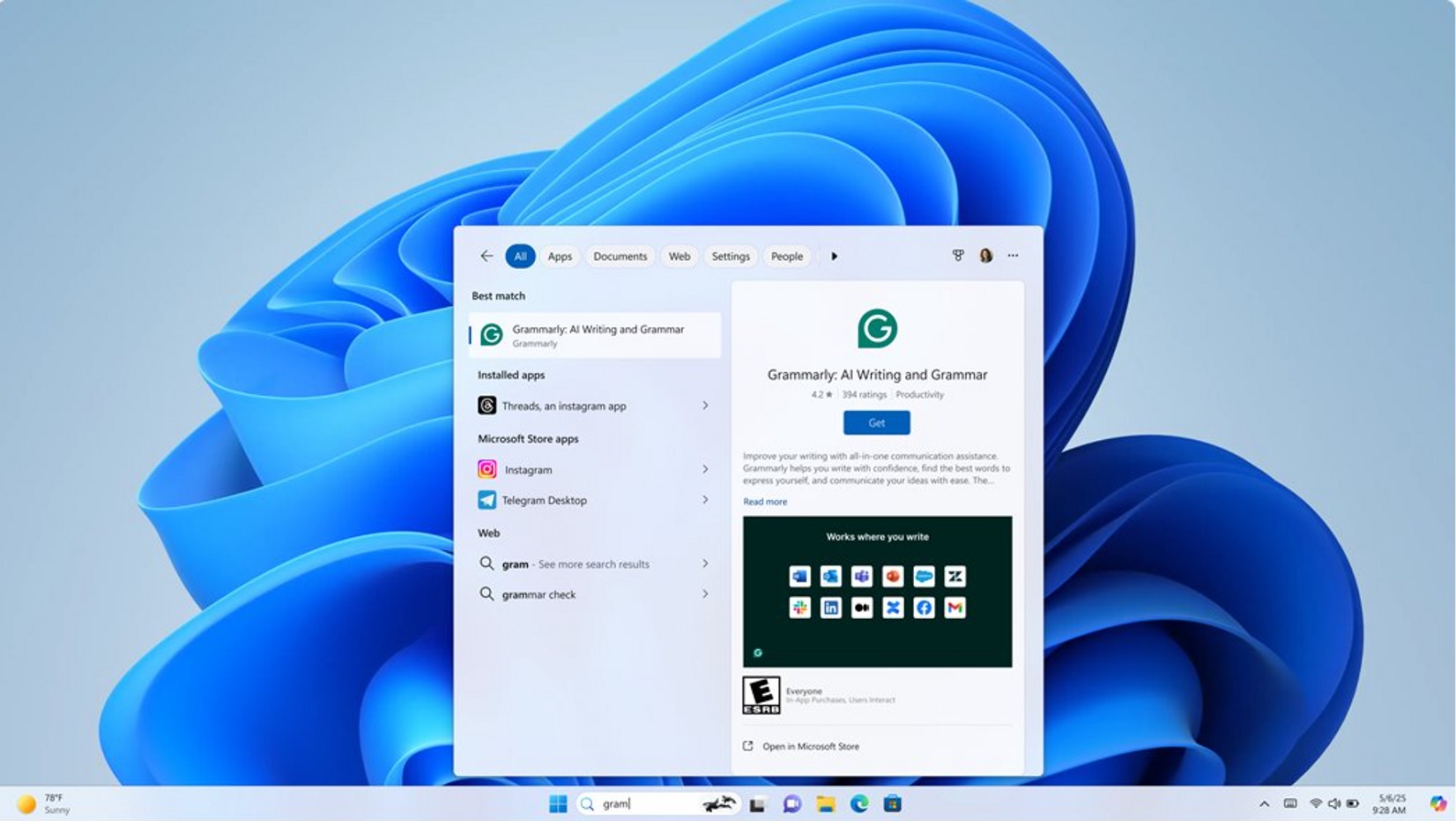
Expect faster results, better accuracy, and a clearer distinction between local files and web results. Right now, search often feels like a mix of Bing suggestions and inconsistent local indexing, which frustrates users trying to quickly find files.
Microsoft is also promising a unified search experience spanning the Taskbar, Start, File Explorer, and Settings.
For all the criticism Windows 11 has received, there is one area where Microsoft still stands apart. No other platform at this scale operates with this level of public feedback, iteration, and transparency. The Windows Insider Program, Feedback Hub, and now this 2026 roadmap show a willingness to listen, respond, and course-correct.
Compare that to macOS. Despite having a much smaller market share, Apple rarely engages with users at this level or acknowledges issues so directly. Features arrive when they arrive, and feedback loops are basically invisible to the public.
What Microsoft is doing here is worth acknowledging. Opening up the roadmap, admitting mistakes, and actively building based on user feedback is not something you see often in this industry.
Of course, all of this only matters if it actually ships. These improvements need to reach Insiders first and then roll out smoothly to everyday users throughout the year. If Microsoft delivers on even most of what it has promised, Windows 11 could finally start feeling like the OS it was supposed to be from the beginning.