

Introduction
This is the fifth article in our series reviewing hardware included in the MSI Project Zero design concept. This evaluation discusses the MAG PANO 100R PZ Gaming Case. In case you haven’t been following along, Project Zero is MSI’s design concept that centers around “Back-Connect” hardware, including motherboards, graphics cards, and, of course, PC Cases.
The objective of MSI Project Zero is to present a crisp, clean, minimalistic look to the PC build and conceal as much of the cabling and wiring as possible. When we received all the hardware for review, MSI was kind enough to send along the MAG PANO 100R PZ Gaming Case to use in mounting their back-connect motherboards. This was especially appreciated as we had nothing on the bench that could support rear connections.
MSI currently offers six PC cases that support Project Zero. Each case of the six will support conventional motherboards as well. Five of the six cases are built for ATX-sized boards. The MAG PANO M100 will only support MATX boards. Of course, functionality and styling will differ within these six cases, but the overall goal of form and function remains consistent. As you scroll down the Project Zero web page, you will also come across a list of compatible Back-Connect PC cases from no fewer than 11 other manufacturers.
Currently, the MAG PANO 100R PZ is available at Newegg, B&H, and the MSI store with prices ranging from $129 to $159. As always, things are fluid, especially at the holidays. The case is warrantied for 2 years.



Packaging and Contents
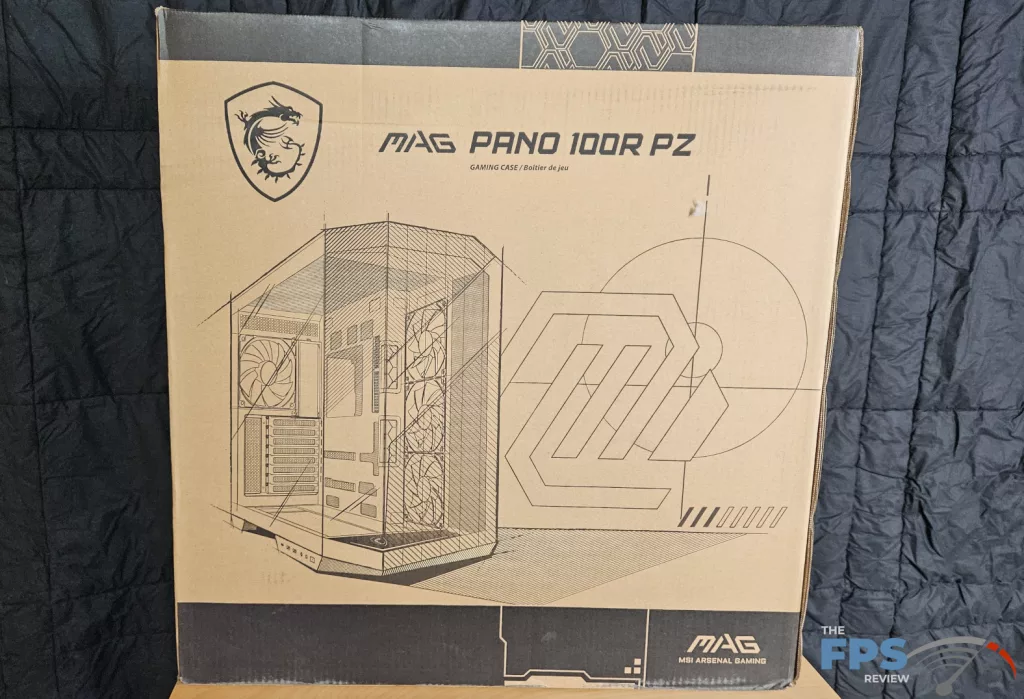
We received the case directly from MSI. This is a retail package. The outer carton displays the case, and the side of the box lists the specifications. The carton was in great shape considering the overall size and weight. In the box, the case is protected by two huge foam inserts. The case was wrapped in a plastic bag.
MSI MAG PANO 100R PZ Gaming Case Highlights and Features
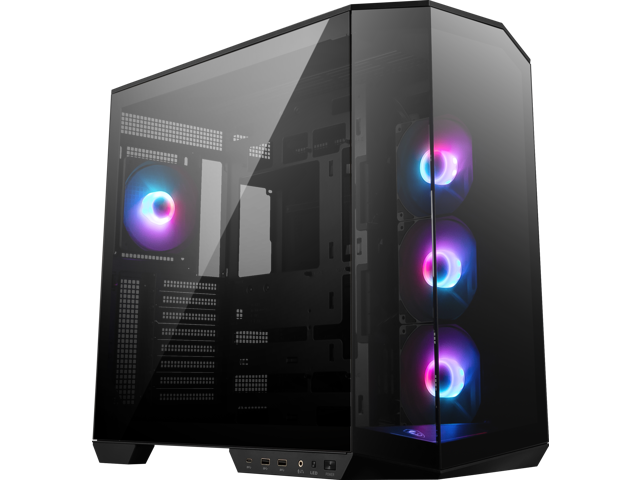
The MSI MAG PANO 100R PZ is a somewhat squatty mid-tower PC case. The design aspects that immediately jump out are the inside space, multiple fan racks, motherboard tray design, and glass front and side panels, which allow a full 270-degree panoramic view of the PC build.
The interior of the case focuses on ventilation. MSI pre-assembles three 120mm MAG F120 ARGB fans on the right side fan rack. The space behind the rack would accommodate a push-pull fan-radiator combination. A fourth 120mm fan is placed in the rear exhaust.
All four fans are connected for you to a controller at the top of the case. RGB is controlled either by the switch on the I/O panel or the MSI Center software. Fans are controlled by the MSI Center Hardware Monitor or BIOS. The top and floor of the case are designed to place fans or radiators as well, up to 360 size. The motherboard tray is large enough for a full ATX board with easy access to all the connectors, plus a huge center space behind the CPU heatsink.
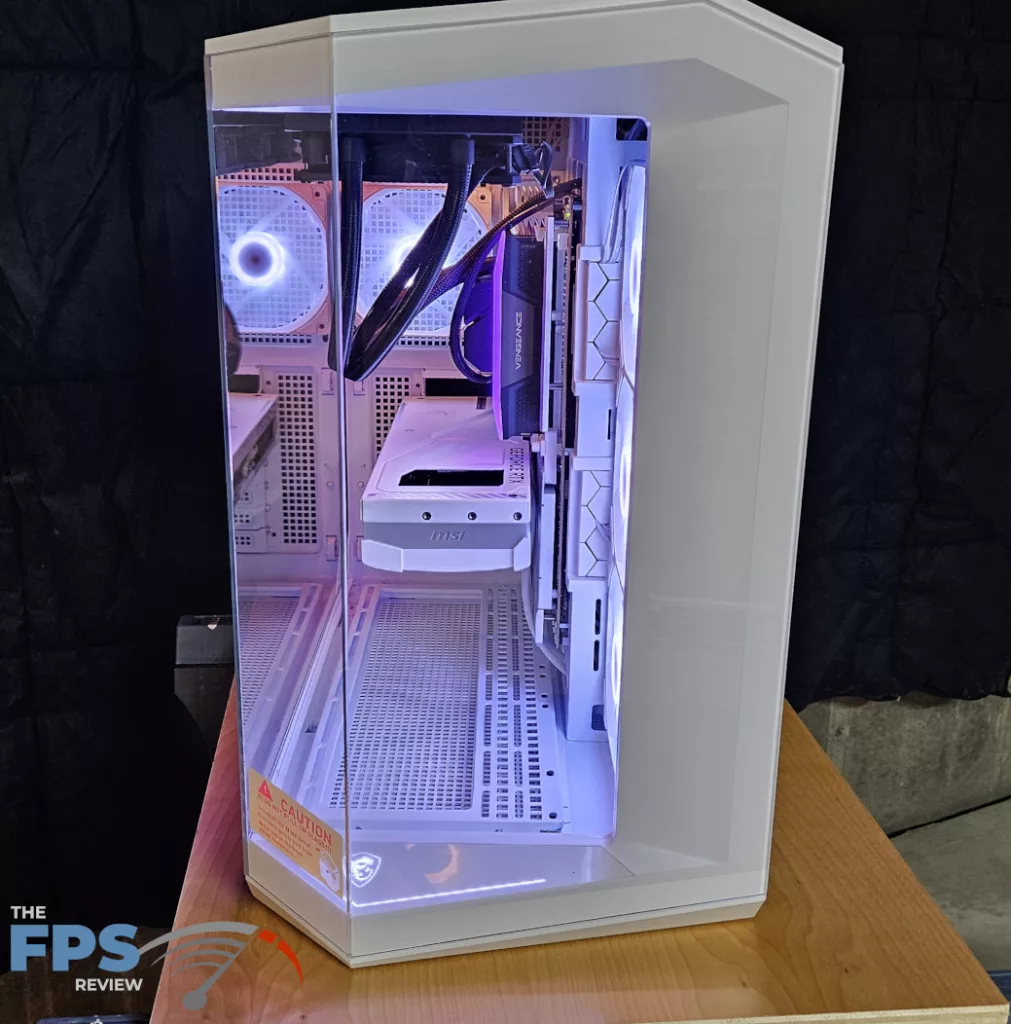
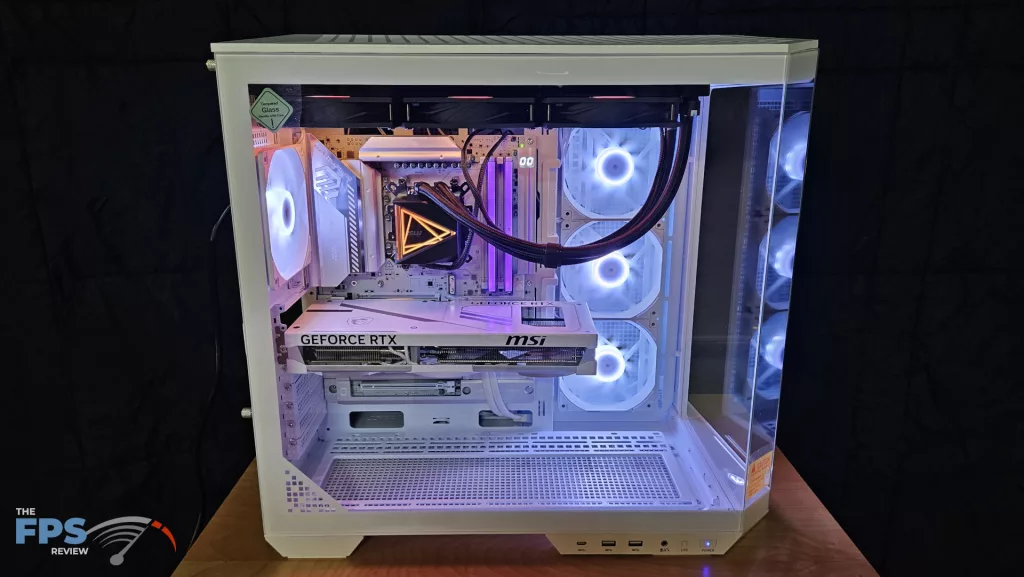
There is a separate PSU compartment behind the motherboard tray. The PSU is suspended on a small tray and fastened to the rear of the case. The compartment measures 11 inches x 3 ½ inches (280 x 87mm), which allows ample room for cable management. Every cable can reach its connector without issue. The Silverstone DA 850Watt PSU (6 x 5 ½ x 3 3/8 inches—150x140x85mm) had room to spare. We could place a custom loop pump (Swiftech MCP 655 or 350) at the bottom without issue. There are two doors that conceal the PSU compartment, which also double as SSD mounts if needed.
The exterior is quite striking. The front and left side panels are 4mm-thick tempered glass, allowing one to see the entire inside of the PC from nearly any angle. The glass almost appears seamless. The right side panel is a powder-coated metal mesh. The right side panel, top, and bottom of the case have removable screen air filters.
The I/O panel is incorporated into the bottom-left of the case. It houses 20Gb USB-C, two USB-A 5Gb, audio/microphone, LED control switch, and power switch. All the cables run neatly beneath the case in the stand section and enter the PSU compartment well within reach of their connections.