
Let’s be honest, no-one is going into a shop and picking up a Switch 2 because of Drag x Drive, are they? Nor are they seeking out the new(ish) console for a mouse-controlled version of Metroid Prime 4 (even if it is sort-of good). The mouse capabilities of the Switch 2 feel under-utilised so far – in fact, the only time I can really remember vibing with them is in a newly bolted-on mini-game in Bravely Default Flying Fairy HD Remaster. Not exactly the DS’ stylus or the Wii’s Wiimote, is it?
Still, not every new idea from Nintendo can be as transformational as its past ones. The mouse utility in the Switch 2 feels more like a bonus for developers to use if they want, rather than a gimmick that will define the whole generation. Fine. You can have some fun with the mouse-enabled JoyCon in the Switch 2 Welcome Tour, isn’t that enough!? Well, no. Not really.
Luckily then, third-party tour de force and Pokémon spin-off supreme Pokopia is here. Already proving to be something of a system-seller for Nintendo, the game just appears to be bolstering the platform-holder on all fronts at the moment. My latest revelation? The mouse controls are good, actually. In fact, when it comes to Pokopia, I’d say they’re essential.
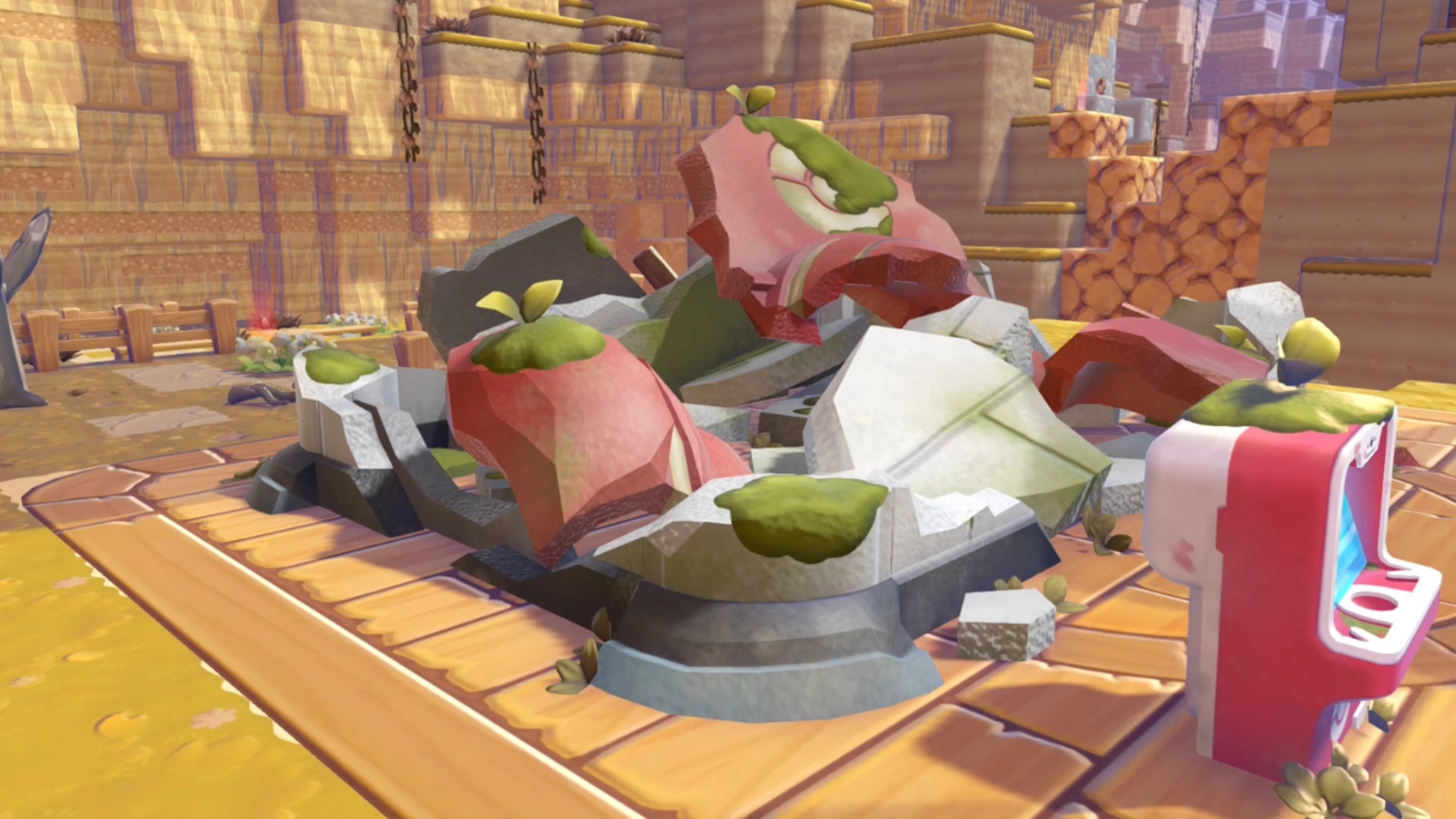
For those that haven’t played the game yet, it’s very similar to Dragon Quest Builders 2: you’re mostly tasked with restoring derelict and overgrown areas, essentially acting as a handyman-cum-janitor-cum-archaeologist in a post-cataclysm version of Kanto barren of all human life. This means there’s lots of building, harvesting, destroying, placing, and fiddling about with random miscellany. Not ideal for dual-analogue stick control, most of the time.
More than 20 hours in, and almost by accident as I rested my JoyCon on my desk to reply to an email (don’t tell my boss), I saw the little yellow cursor appear on-screen as the sensor hit the walnut finish of my desktop. ‘Alright then,’ I thought, ‘let’s give this a go’. Oh my God. As soon as I dragged the little cursor over some beachy sand that had gathered around a little seaside walkway I wanted to clear, it was like the scales fell from my eyes. No more pointing in a vague direction and hoping I’d hit the right blocks. No more burrowing through two or three extra tiles when I’m just trying to harvest one glowing spot. No more accidentally picking up some roof tiles when I’m trying to reposition a light.
Here the game revealed itself to me, in its true beauty, in basically an instant. And – get this – it even seems like the game rewards you for hopping into mouse-control mode, too. You can reach about four blocks away when you want to Rock Smash or place items. When you’re awkwardly aiming the camera with the analogue stick, the best you can manage is usually about two, three if you’re very lucky. Suddenly, mining ore, blasting through fallen debris, and getting your Farfetchd’s house just so takes less time and less angst.
When it comes to building, I’ve found it way easier to use the mouse to place blocks when I’m making, say, a window out of house bricks or something similar. No more looking up, placing a block, moving a square, placing a block, and so on. If you’re making the big bridges in Bleak Beach, or clearing out the ship (you know the one…), use the mouse – you won’t regret it.
How many more little surprises await me in Pokopia? It feels like every time I pick it up, there’s another magic little ‘a-ha!’ moment, or an instance of something that makes me grin like a kid all over again. It feels like the most Nintendo game I’ve played in generations, and it’s not even, really, from Nintendo. A few days ago, I couldn’t really have cared less about the Switch 2’s mouse capability. Now I can’t live without it. Thanks, Pokopia.