
I’ve been nothing short of impressed with Razer’s offerings over the past 12 months. As someone who’s desk has always consisted of a mix of gear, Razer has found a place in the midst of it. The DeathAdder V4 Pro might be the best gaming mouse I have, and with the new Viper bringing a lot of the same upgrades in a new form, this mouse is going to have bite. Paired with the latest Gigantus V2 Pro mouse mat, it’s time to make a call: Should you drop the coin to cop these recently updated accessories?
Inside the box will be a very familiar set of items for anyone who’s bought a Razer mouse before. There’s the Razer Viper V4 Pro gaming mouse, the Razer HyperSpeed 8K Wireless Gen-2 dongle, some grip tape, and a USB-C cable for charging or wired use. Opening the Razer Gigantus V2 Pro mouse mat, you’ll find just that… the mat. We’ll get into it more via it’s own separate impressions, but pairing these two accessories together can make your Viper V4 Pro (or DeathAdder) even stronger.
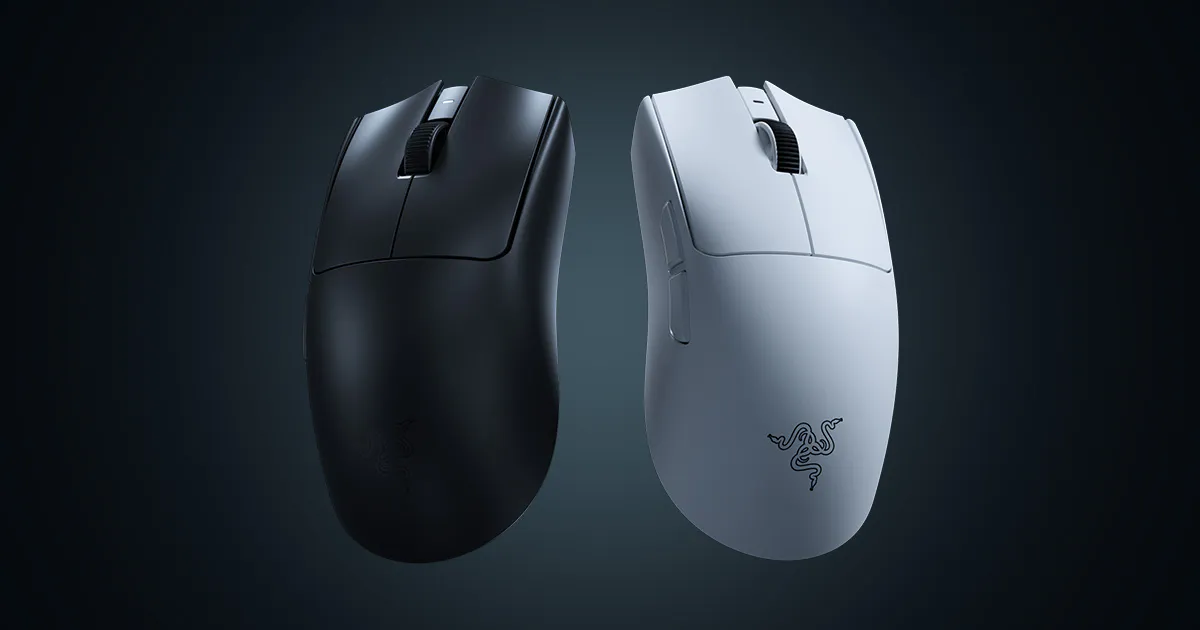
While their are a ton of similarities between the DeathAdder and the Viper, a few key differences separate these gaming mice. As soon as I put my palm to the shell, I noticed a flatness in the Viper compared to the arch of the DeathAdder. I prefer the ergonomic shape of the DeathAdder, but the symmetrical form of the Viper is still quite comfortable, and I’m sure I’d get used to it quickly. Like the DeathAdder, it is unfortunately just a right-handed mouse — perhaps in the future a lefty model might release. A quick note: They’ve also managed to cut weight by five grams, 54g to 49g. Gaming mice are already wildly light, but this is an astronomically small number.
On the Viper V4 Pro you’ll find your usual two mouse buttons, scroll wheel, and two side buttons on the leftwhich you can program to your clicking pleasure. As with the DeathAdder, the right and left mouse buttons are clicky and responsive, though the same hollow sound from the light yet empty body echoes when you do so. These are supported by Gen-4 optical mouse switches, which track your presses with excellent precision and are way better than the mechanical options you’ll find on other mice.
I still don’t like the power/DPI button being less accessible on the bottom of the mouse, but I do like an addition to the functionality. Not only can you adjust DPI, but also you can hold the scroll wheel and press the same button to adjust polling rate on the fly. That’s just an amazing extra that can make for an easy change in the middle of an intense gaming session, even if you don’t have the right software installed or are away from your usual PC.
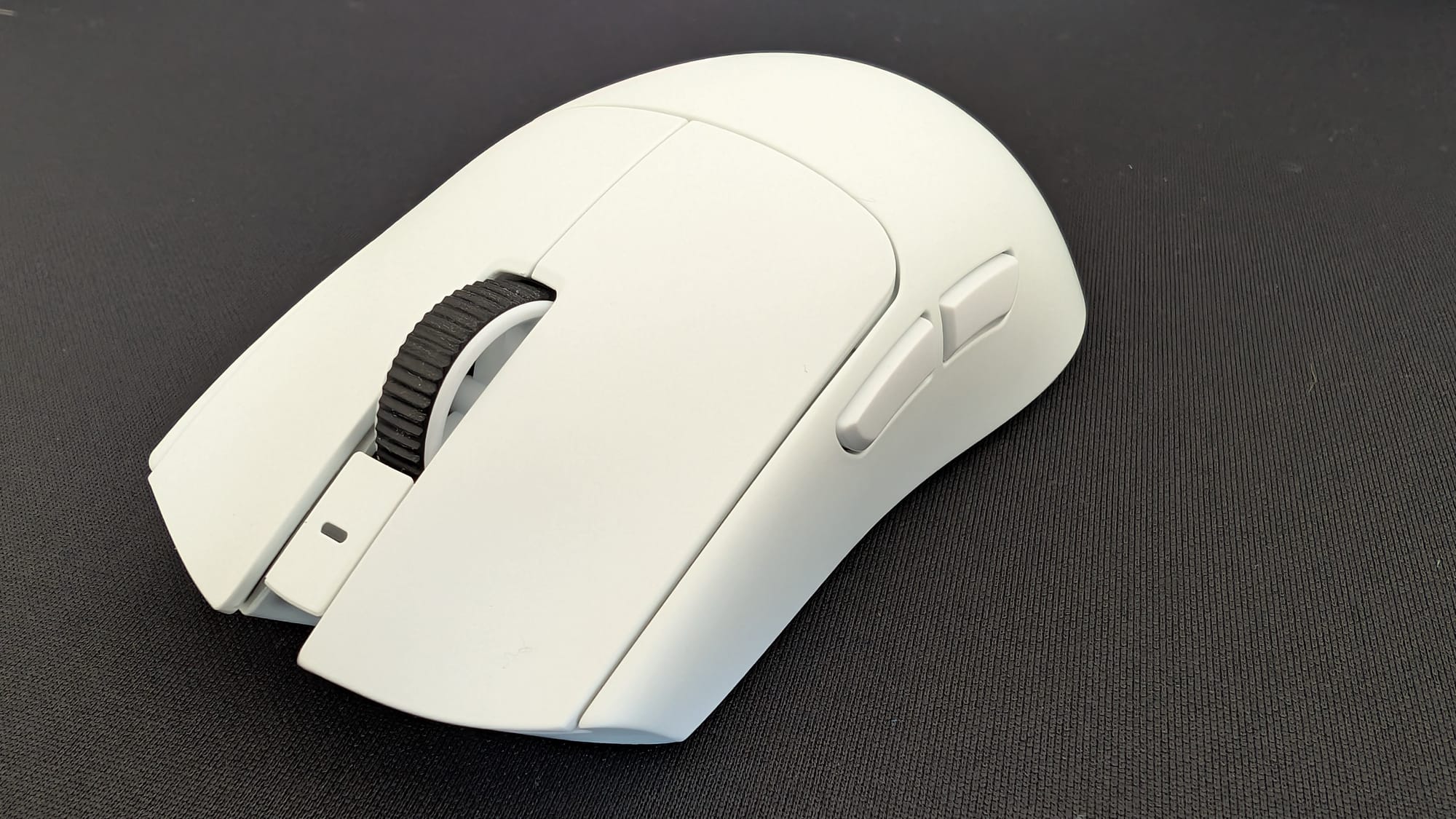
One of my favorite parts of this mouse is the scroll wheel, and if you haven’t used a recent Razer mouse, you might not understand why. The team has utilized an optical sensor for measuring your scrolling, which is incredibly accurate and makes it an integral piece of your interactions while gaming or otherwise. I’ve rarely looked at a mouse and cared about how good the scroll wheel was, but Razer has made it a radiant inclusion.
Speaking of optical sensors and switches, the Viper V4 Pro is equipped with Razer’s all-new Focus Pro 50K Optical Sensor Gen-3. I don’t know why you’d ever need 50K worth of DPI, but it’s always better to have it and not need it. What might be more insane is you can use literally each frame – if you want to use 23,341 DPI, you can. All of this versatility equals out to a smooth experience, with your sensor reading your movements perfectly and working with the 8K polling to glide like butter.
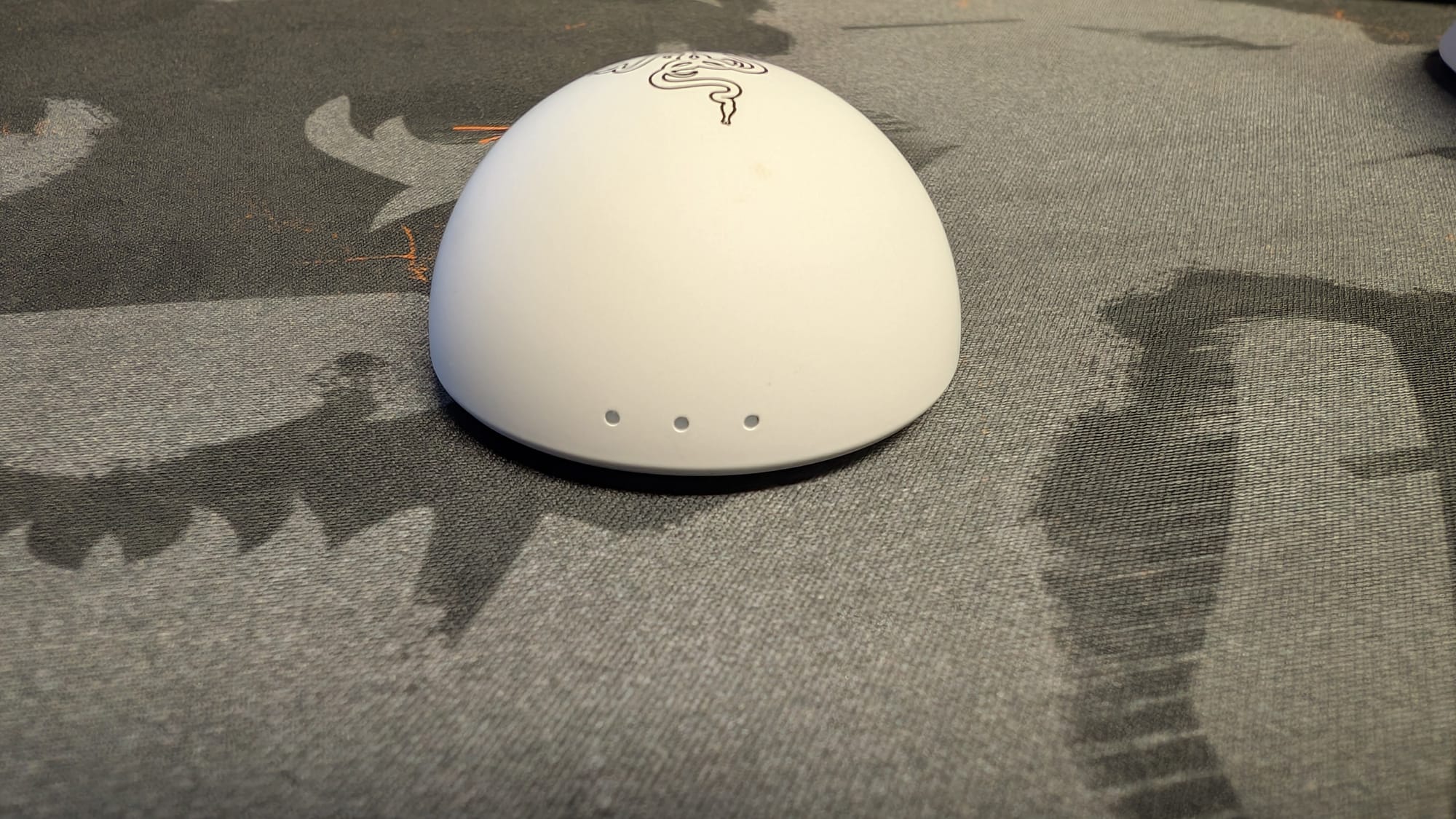
Moving into the 8K polling rate and the dongle, let me tell a story as to how impactful this is. I was playing Counter-Strike 2 for testing, but in my first match, I felt off. Nothing was working, and at the end, I looked up and caught sight of the dongle. Immediately, I noticed the light for the polling showing only 1K polling. That’s good and fine, but as someone who has adjusted to how crisp 8K is, it wouldn’t do. I still lost my next match, but I performed much better and was hitting quick snipes with the AWP easily. Including this dongle makes a huge difference, from it’s design to sit on your desk easily, to the HyperSpeed connectivity, to the LEDs on the front to let you know your assigned intel for your mouse.
As I just brought up playing a game, I can assure you the capabilities of the Viper V4 Pro are outstanding. Putting all of these features together, I was able to dominate in Halo Infinite and outdo myself in Counter-Strike 2… you know, once I fixed my polling. The accuracy of your shots has no equal – I’m constantly mind-blown by the precision Razer offers.
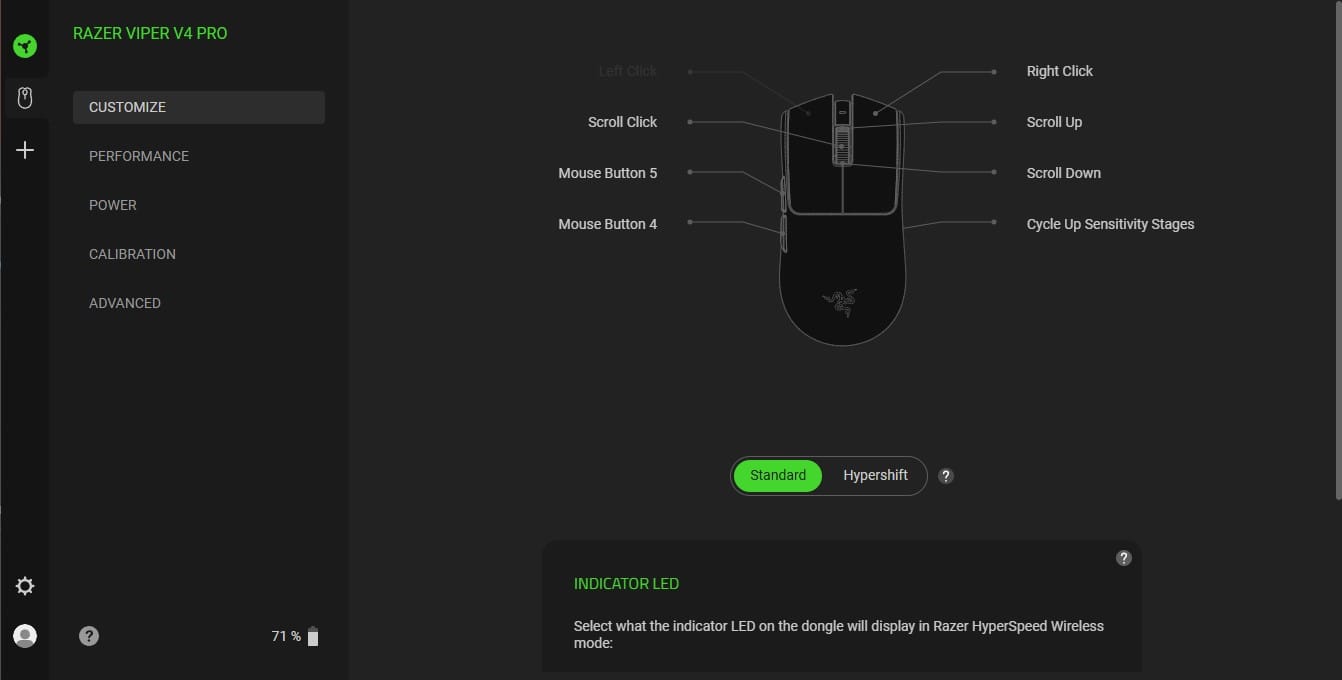
This is all supported by tremendous software in Synapse, which is now available in an even easier manner. Synapse Web is a browser-based solution Razer has recently implemented, and works with the Viper V4 Pro. While it doesn’t have every bell and whistle, it’s so close that you’ll have access to most of your necessary settings wherever you are. For the proper Synapse app, I summarized it pretty well in the DeathAdder V4 Pro review:
“There are plenty of adjustments you can make, with changing your DPI, polling rate, power saving modes, and changing your dongle’s indicator lights being a few of those. There are also more advanced settings that can fine tune your gameplay, like dynamic sensitivity (there are both presets and free-form tuning), calibration, and rotation, which correct small variations in your mouse swipes (straighten out your curve). When you’re playing at the highest level, having the ability to get a boost while aiming is pretty awesome.”
Just like the DeathAdder V4 Pro before, the Viper has gotten a heck of a battery life update. With advancements in HyperSpeed connectivity and polling, the battery somehow can get you up to 180 hours of charge, which is phenomenal. Even if you ran exclusively in 8K polling, you’d still get 45 hours, and with the smart-swap feature where it only activates in a game, the ways Razer saves your battery life are commendable. I rarely worry about battery life with many of my devices, but I never do with a Razer mouse.
Razer Viper V4 Pro: Ultra-Light, Ultra-Fast Wireless Esports Mouse | Razer United States
The Razer Viper V4 Pro delivers consistent, ultra‑light, low‑latency performance with true 8000 Hz wireless polling and pro‑ready precision right out of the box.
Review Guidelines
90
Razer Viper V4 Pro gaming mouse
Excellent
Razer commands your attention with the precision of the Viper V4 Pro. No matter which serpent suits your fancy, this iteration of the Viper bears its fangs and delivers 8K polling, HyperSpeed connectivity, deliciously quick optical everything, and brilliant battery life. It feels like every issue is a nitpick – the real deal is sharp.
Pros
- Light and fast on the draw
- Terrific optical sensors and switches
- Battery life for days
- 8K polling leads to amazing accuracy
Cons
- Still don’t like the DPI/power button on the bottom
This review is based on a retail copy provided by the publisher.