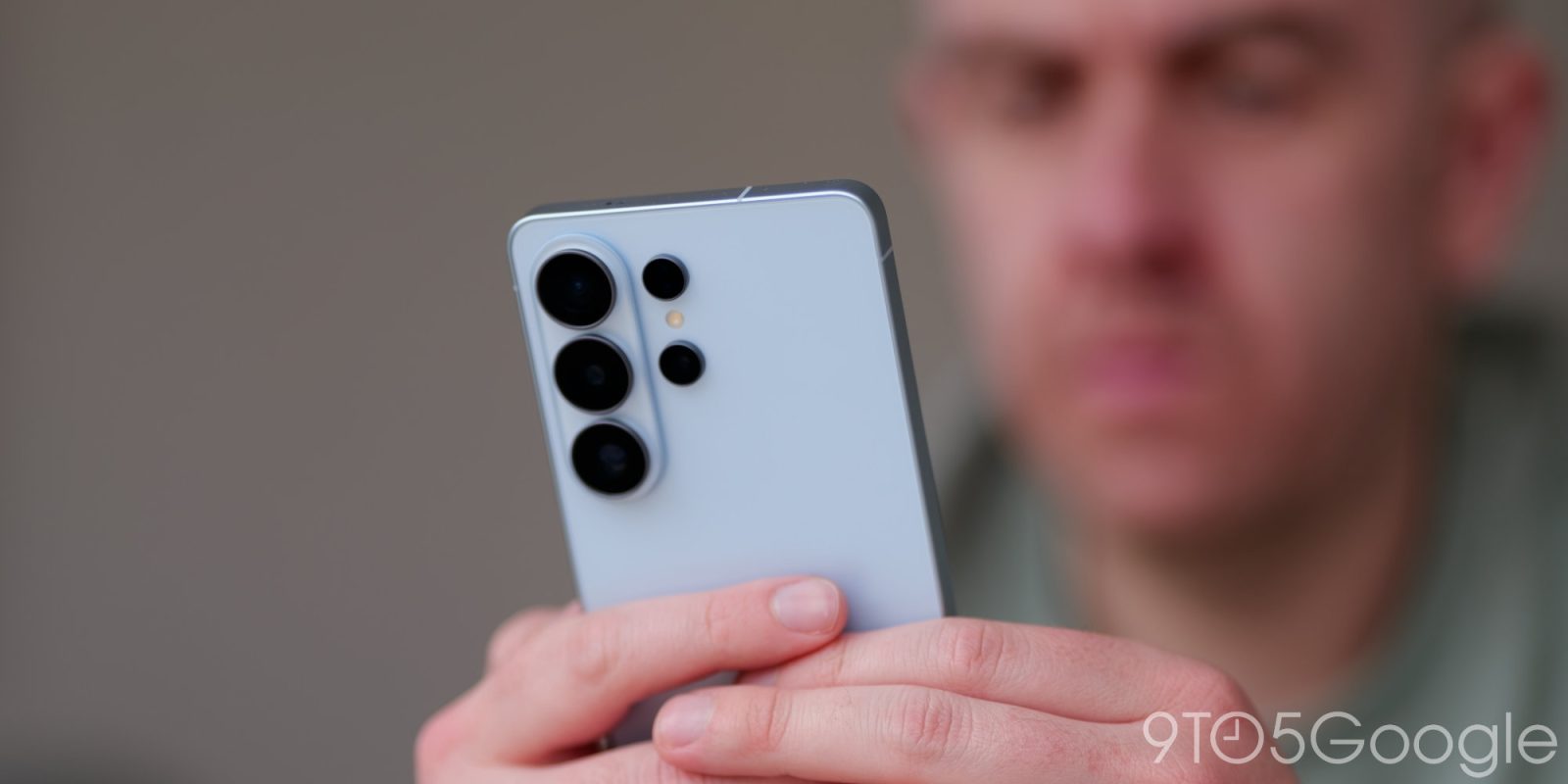
Samsung will officially start rolling out AirDrop support over Quick Share on Galaxy S26 devices throughout this week and, as it turns out, it will be enabled by default.
Update: Samsung has confirmed to 9to5Google that AirDrop is enabled by default, despite Samsung’s video showing the feature being manually turned on. Once the feature arrives on your device, through an OTA upate, Samsung says it’ll be on and ready to go.
The article below has been updated to reflect that the feature can be turned off, but is enabled by default.
On Sunday night, Samsung confirmed plans to start rolling out AirDrop support on Galaxy S26 over Quick Share, a feature that first arrived on Google’s Pixel 10 series as a complete surprise late last year.
It’s great news, in part because it’s the first expansion beyond Pixel devices and a show that, not only can more devices support this, but that Google seems pretty confident Apple isn’t going to kill this functionality somehow.
On Google Pixel devices, AirDrop support over Quick Share is live always. It’s a built-in, constant part of Quick Share. On Samsung Galaxy devices, it is turned on be default, but can be turned off via a toggle found in Settings > Connected Devices > Quick Share > Share with Apple Devices.
The idea of having a toggle in general is probably a good idea, though the fact that all parties need to switch to “Everyone” mode is already a pretty strong form of security against random file shares.
Samsung’s initial video showing the feature showed it as disabled by default, but the company confirmed to us that, actually, it is turned on by default once it goes live on a device.
More on Samsung:
Follow Ben: Twitter/X, Threads, Bluesky, and Instagram


FTC: We use income earning auto affiliate links. More.