
Microsoft is working on a bunch of very useful audio-related features for Windows 11, and you can try them now.
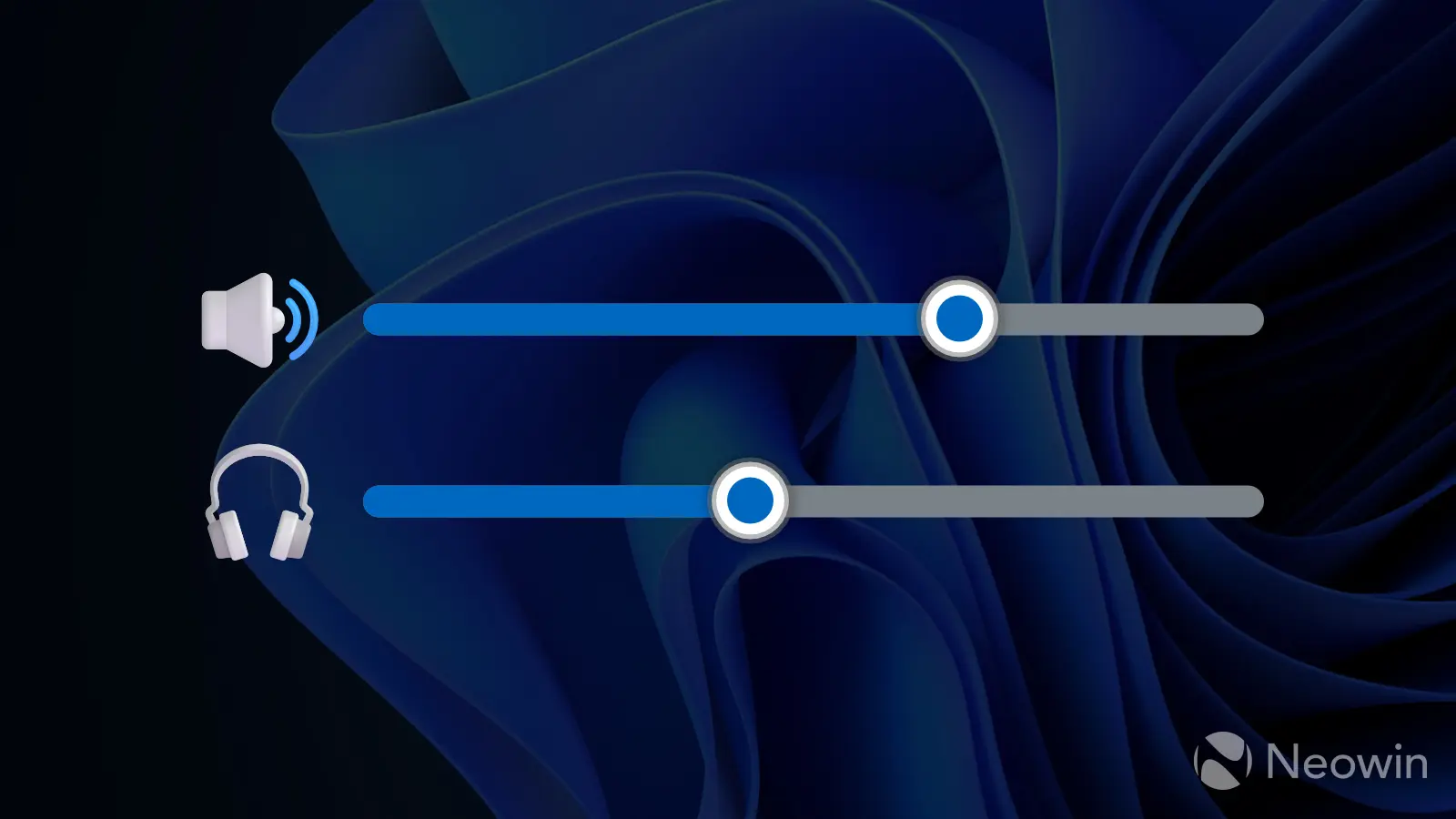
Last year, Microsoft announced important audio improvements for Windows 11. The company started previewing shared audio support for its operating system, allowing you to share audio to a bunch of headphones or earbuds. I frequently use this feature on my iPad, as it is a handy tool for watching movies or listening to music with a friend. It is good to see Microsoft finally bringing shared audio to Windows 11, and the company is working on useful improvements to it.
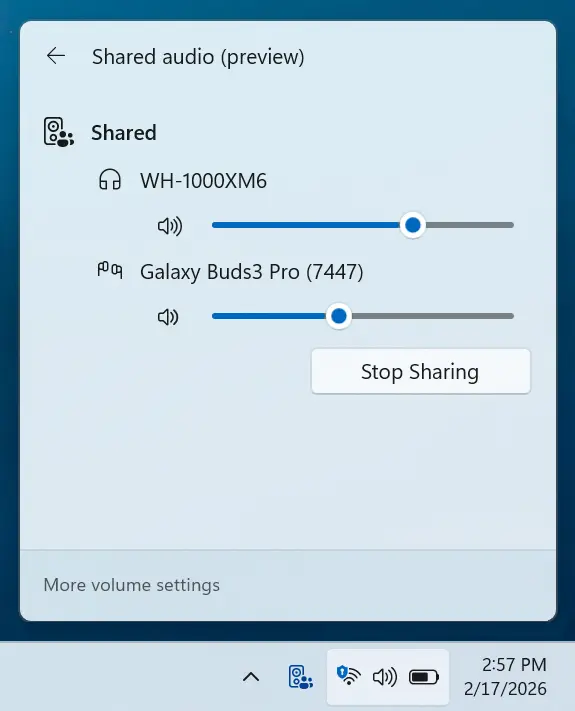
Microsoft now lets you customize volume for each device so that each listener can have their own comfortable volume level without affecting the other party. Previously, Windows 11 would adjust the volume for both devices simultaneously. With the latest update, you can access dedicated volume sliders in the control center by selecting Shared Audio (Preview). However, it is still possible to adjust the volume for both devices with the main volume control in the system tray.
In addition to separate volume sliders, Microsoft is adding a dedicated tray indicator so that you can see when shared audio is enabled. Look out for a speaker icon with two people next to the Wi-Fi indicator, which is also a quick way to access the feature without opening Action Center first.
Finally, Microsoft is adding support for more headsets and earbuds that can work with shared audio in Windows 11. The latest additions include the Samsung Galaxy Buds 4 and Buds 4 Pro, the Sony WF-1000XM6, and the Xbox Wireless Headset. Unfortunately, shared audio remains a Copilot+ PC-exclusive feature, so users with “traditional” processors still cannot use it.
If you have an eligible device and you want to try the latest shared audio improvements, download build 26300.7939 (Dev Channel) or 26220.7934 (Beta). Keep in mind that these features are rolling out gradually, so getting them could take a few days or weeks. In other audio news, Microsoft recently added MIDI 2.0 support to Windows 11, making the operating system more capable for musicians.